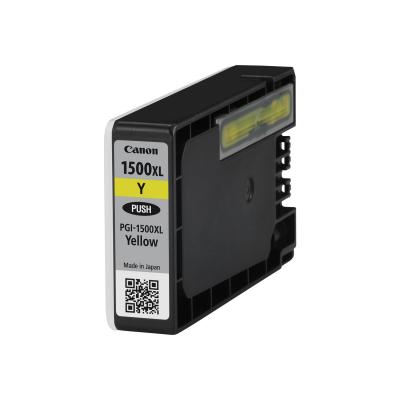
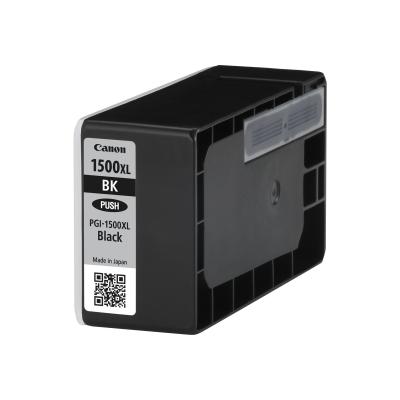
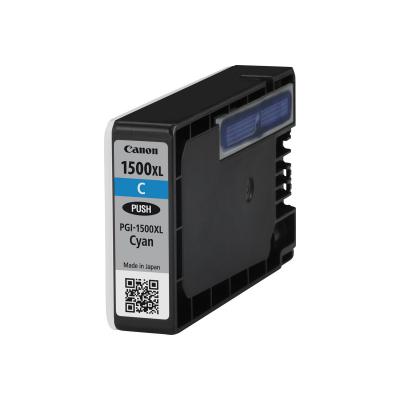
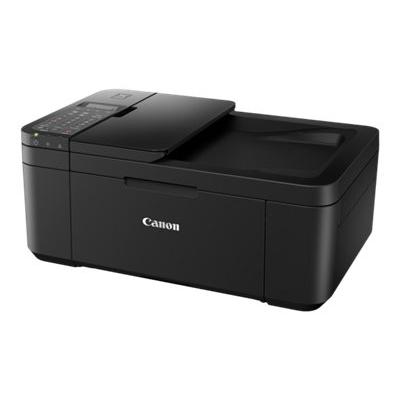
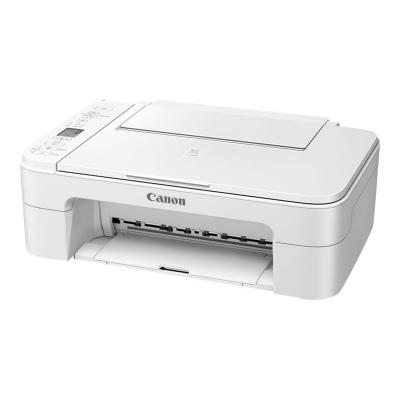
Canon MAXIFY MB2150 (0959C009)

Canon MAXIFY MB2150 (0959C009)

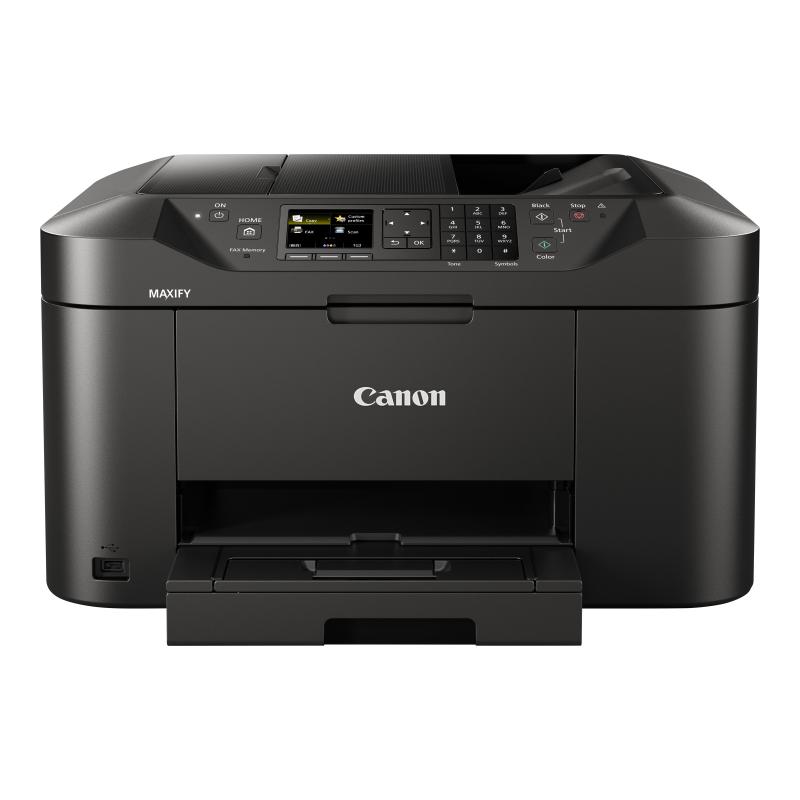
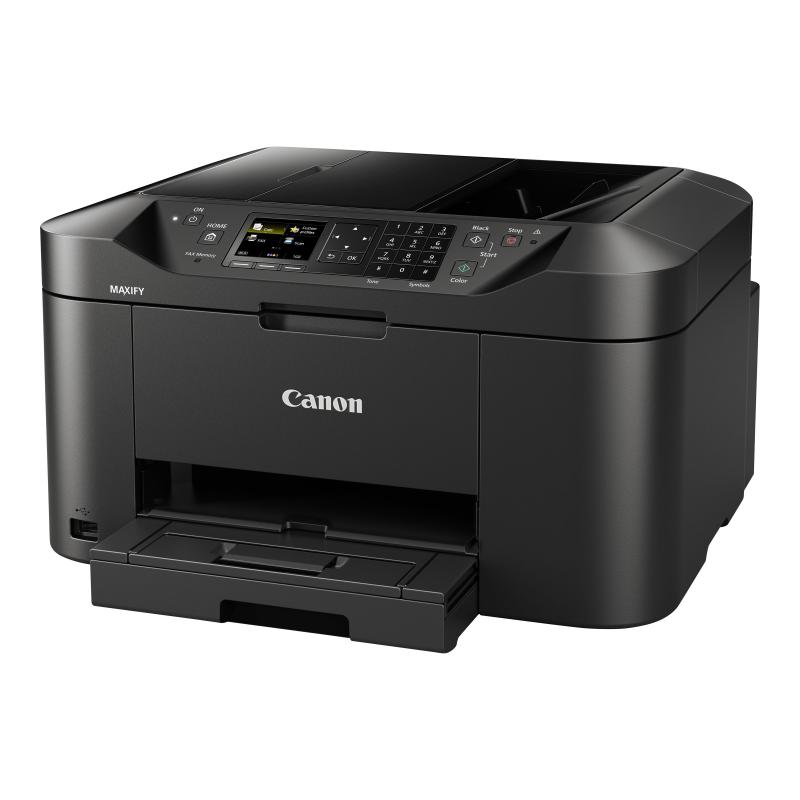
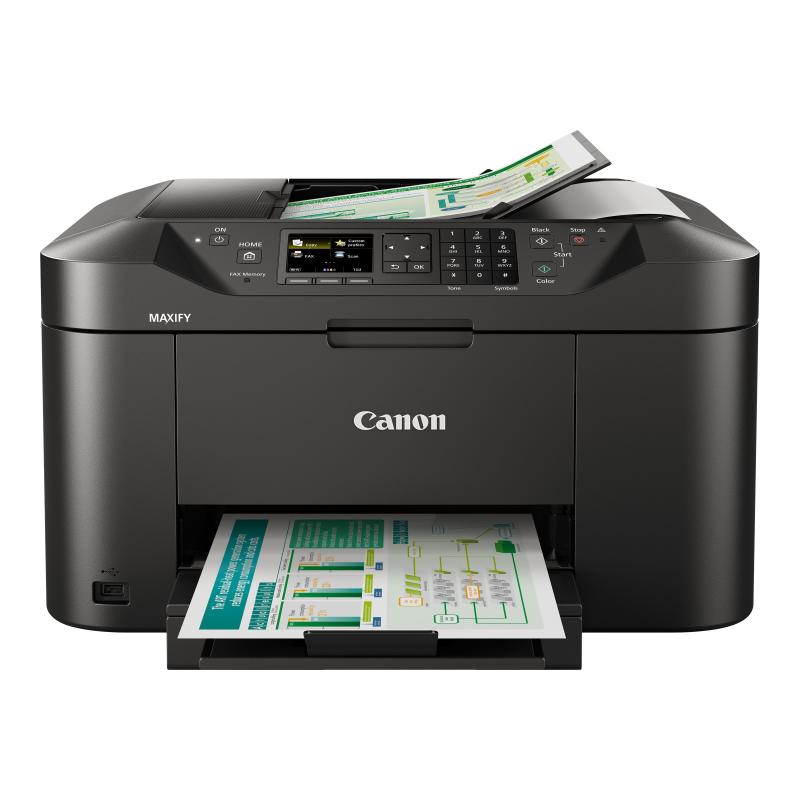
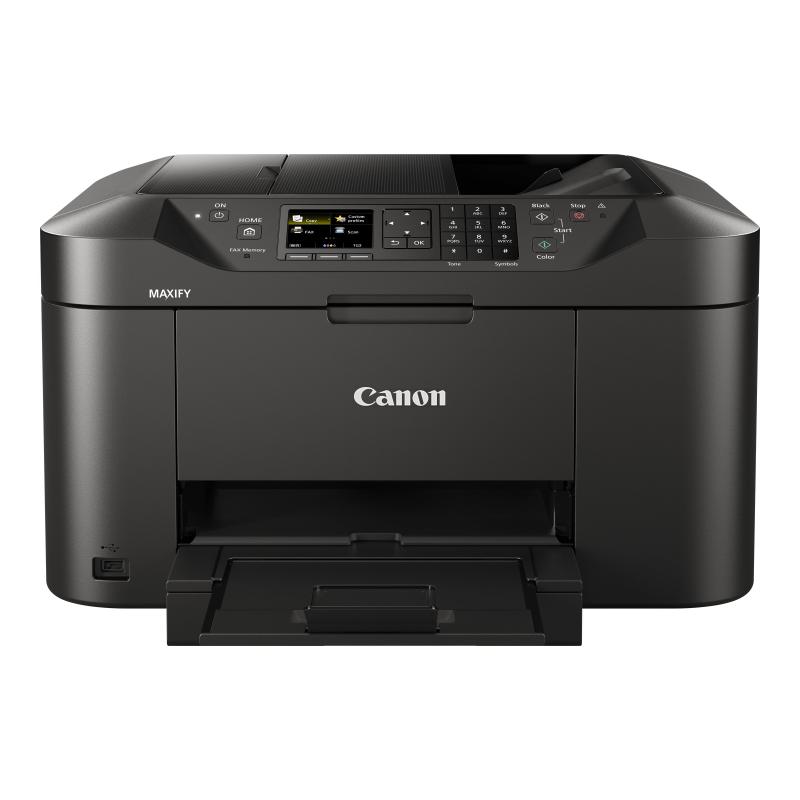
Canon MAXIFY MB2150 - Multifunction printer - colour - ink-jet - A4 (210 x 297 mm), Legal (216 x 356 mm) (original) - A4/Legal (media) - up to 18 ppm (copying) - up to 19 ipm (printing) - 250 sheets - 33.6 Kbps - Wi-Fi(n), USB host, USB 2.0

Qty:

Category (Multifunktionsgeräte)
Printers & Accessories
Multifunction Printers
OEM
0959C009
EAN
4549292051254
SKU
168735 (168735)
Manufacturer
Canon
Master carton
0.0000
Type
Fax
Model
MAXIFY MB2150
Customs tariff number
84433100
UNSPSC
44101508
eClass
19-06-01-03
eClass V7
19-06-01-03
Dimensions (Girth)
540 x 460 x 415 (2290)
Type
Fax
Printing technology
Inkjet
Copy speed
12 ppm - 13 ppm

  • High capacity, high quality
    Versatile printer, scanner, copier and fax designed for home offices that need great mono and color print quality with a low cost per page. With a large feeder and automatic document feeder, the Canon MAXIFY MB2150 Series produces outstanding prints with vivid colors and crisp text using its marker- and friction-resistant DRHD inks. The Canon MAXIFY MB2150 Series prints A4 at a fast 19 ipm mono and 13 ipm color, while its first page out time (FPOT) is just 6 seconds.
  • Productive and easy to use
    Double-sided printing and support for a variety of paper sizes and types - from A4 plain paper to labels, envelopes, photo paper and even two-sided ID card copying - makes light work of common office print jobs. Built for productivity, the printer is quick and simple to use: whether printing, copying, scanning or faxing, they're all within easy each with the Canon MAXIFY MB2150 Series' TFT color screen.
  • Monitoring and maintenance capabilities
    IP address filtering provides access rights to only a select number of users, while SMTP support allows secure scan-to-email within an office network. System administrators can quickly and easily configure the printer and restrict certain operations, such as scan-to-USB.
  • Simple network integration
    System administrators will appreciate the Canon MAXIFY MB2150 Series' Simple Network Management Protocol (SNMP) compatibility, a device management standard that makes it easy to integrate the printer into existing office networks. SNMP enables a range of maintenance monitoring functions, including ink levels, error status, and page counts.

Address
Name
Canon
Email
info@canon.de
Website
https://www.canon.de/
Telephone
+49 (0)2151 / 345 - 0
Street
Europark Fichtenhain A10
Postcode
47807
City
Krefeld
Country
DE