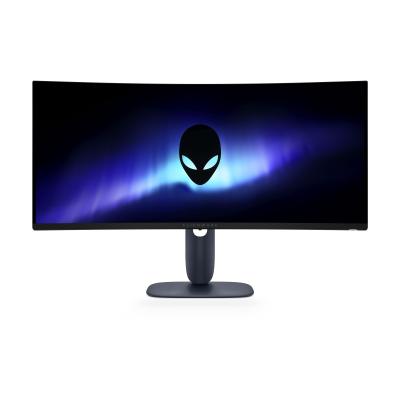
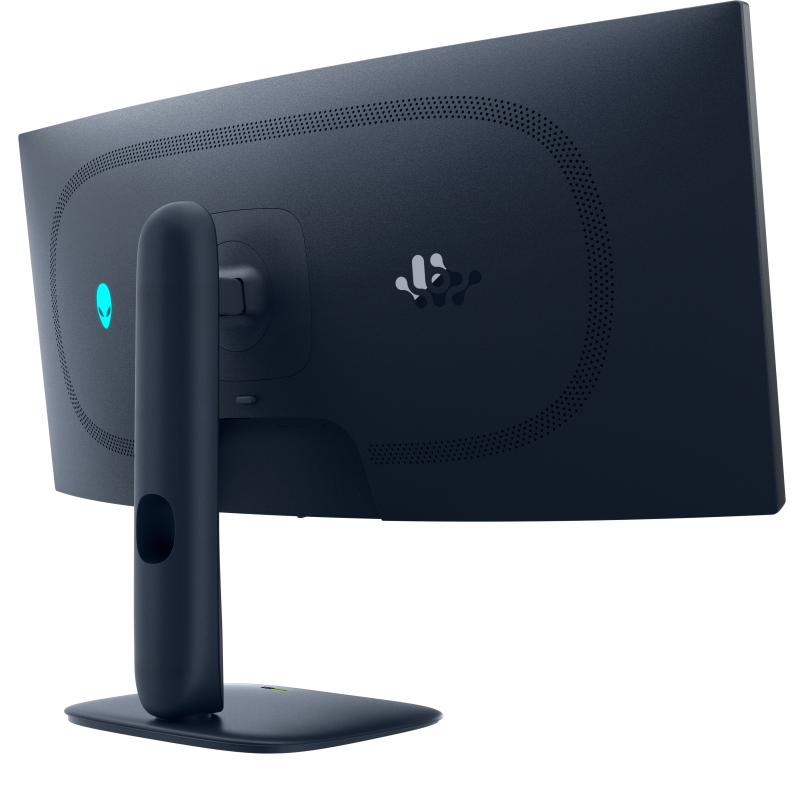
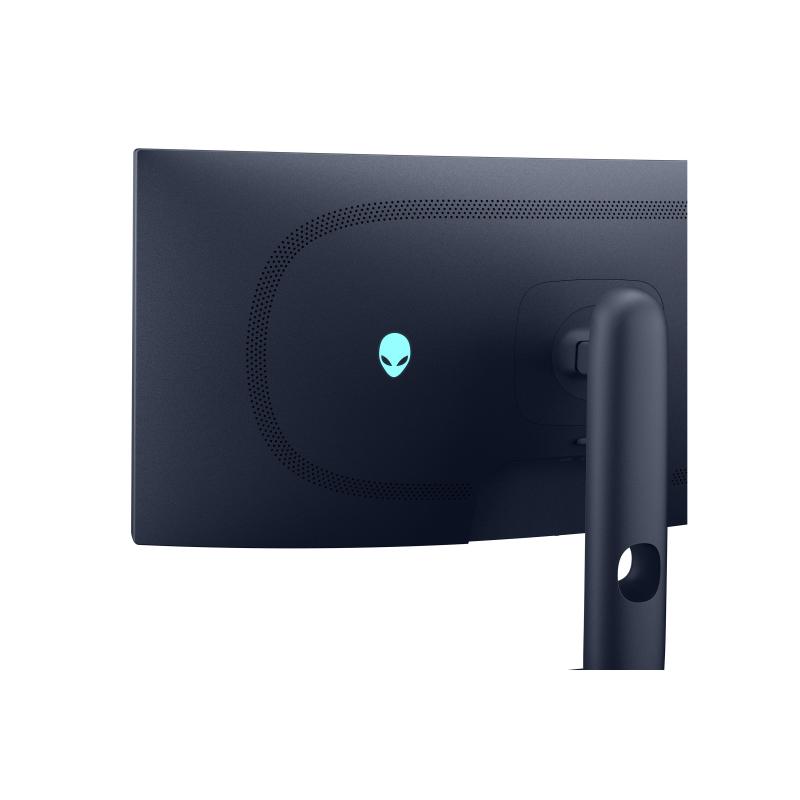
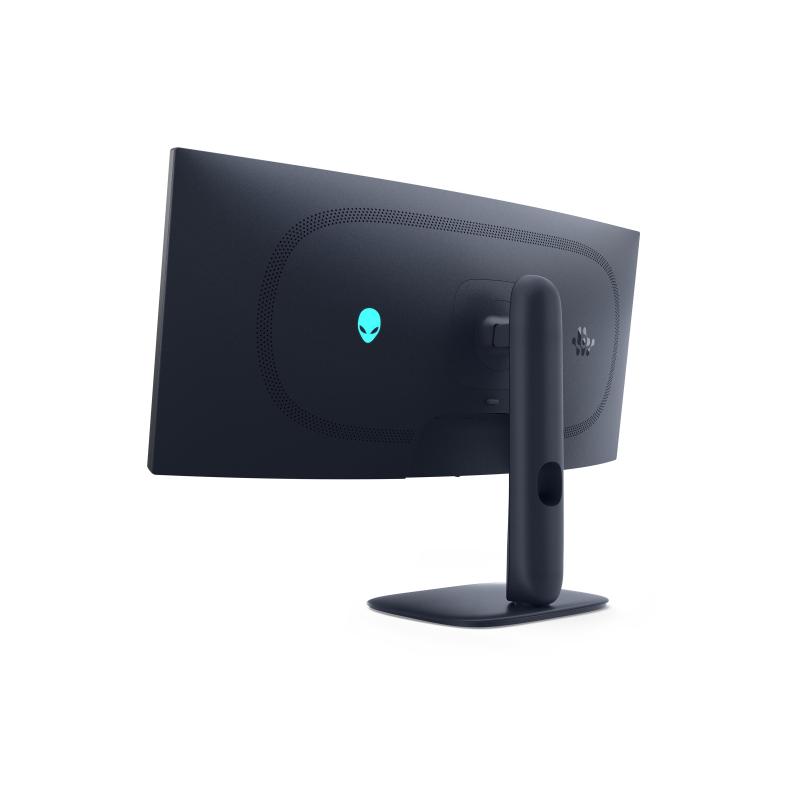
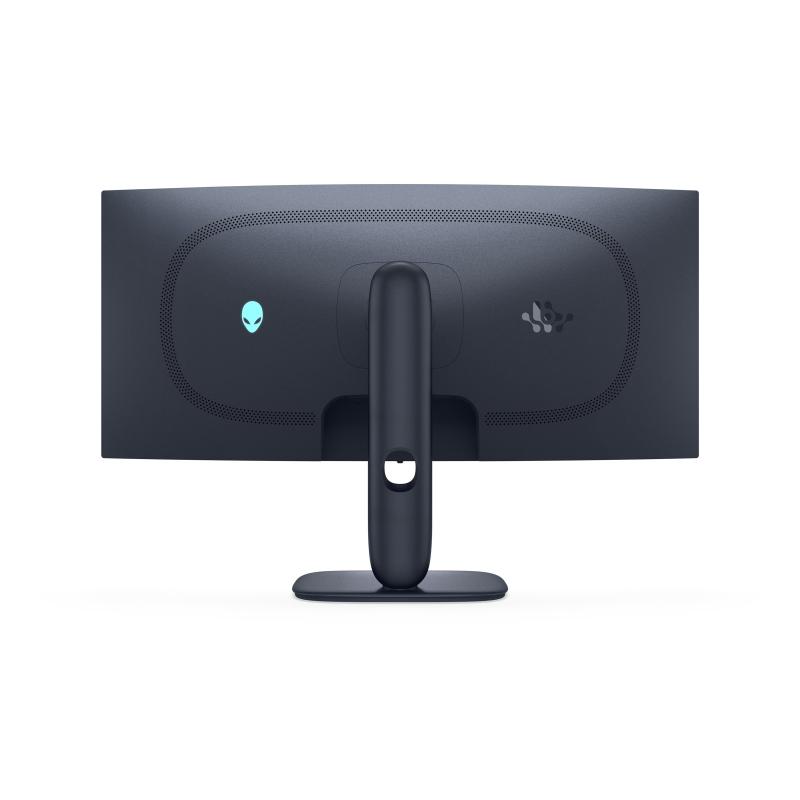
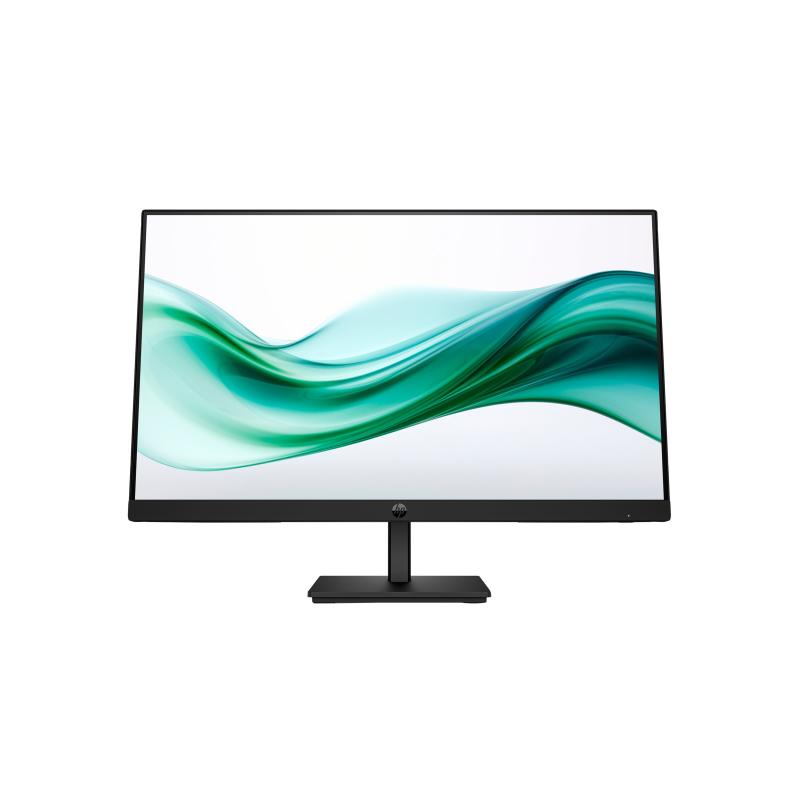
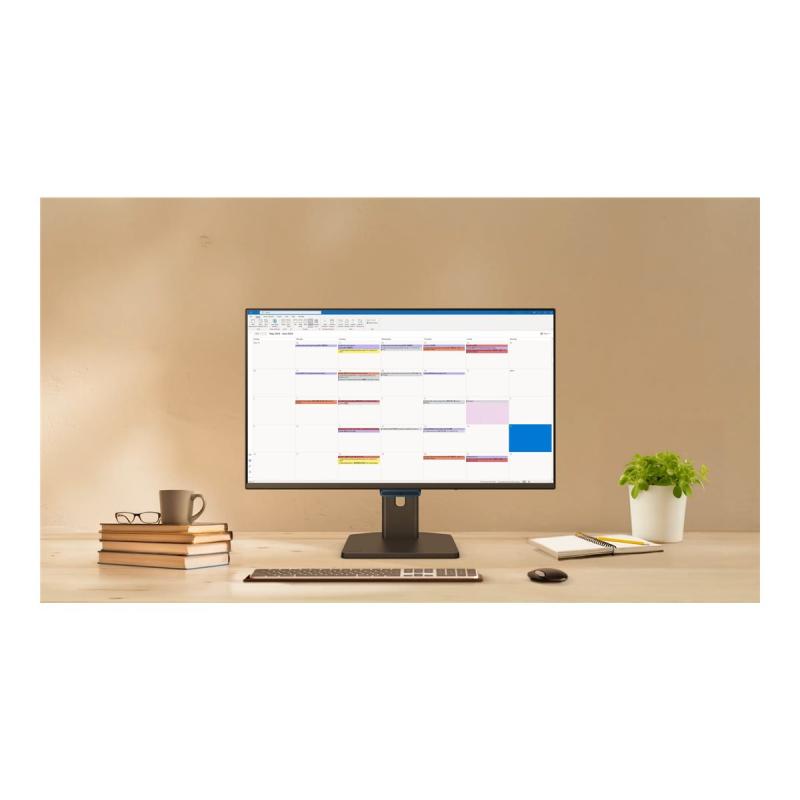
Meet unmatched immersion with an ultrawide 34" QD-OLED, delivering greater speed and a striking new design.
- Vivid imaging
The 34-inch diagonal screen features a native resolution of 3440 x 1440, ensuring detailed and vibrant visuals that enhance gaming and viewing experiences. Quantum dot OLED technology provides rich colors and deep contrasts, transforming every frame into a visual spectacle. - Smooth gameplay
With a vertical refresh rate of up to 240 Hz and a response time of 0.03 ms, this monitor minimizes motion blur and latency. Gamers can enjoy a fluid and responsive experience, making it ideal for fast-paced gaming sessions. - Adaptive-sync technology
The monitor is compatible with NVIDIA G-SYNC and AMD FreeSync Premium Pro, allowing for tear-free and smooth gameplay. This technology synchronizes the display's refresh rate with the graphics card frame rate, reducing stuttering and enhancing performance. - Ergonomic adjustments
The Alienware monitor offers height adjustment, tilt, and swivel options, ensuring that users can customize their viewing position for comfort during long gaming or work sessions. This adaptability promotes healthier posture and reduces strain. - Eye care features
Incorporating Low Blue Light technology and Dell ComfortView Plus, this monitor effectively reduces harmful blue light exposure. This feature is designed to enhance comfort during extended usage, making it suitable for both gaming and productivity.
Address
Email
DE.CustomerSupport@dell.com
Website
https://www.dell.com/
Telephone
004969 - 9792 7350
Street
Main Airport Center
Street addition
Unterschweinstiege 10
 English
 Deutsch