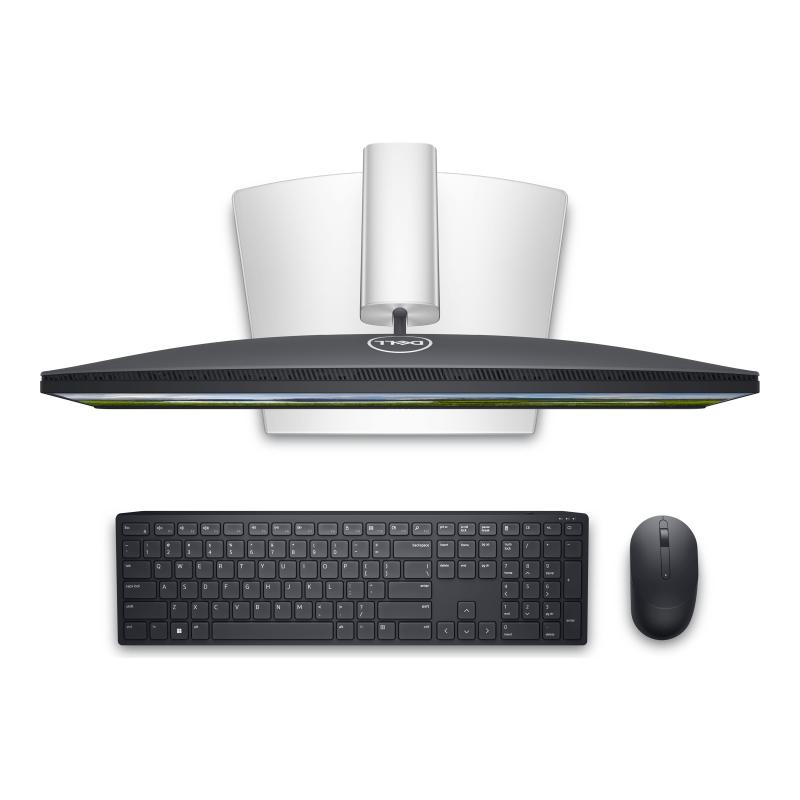
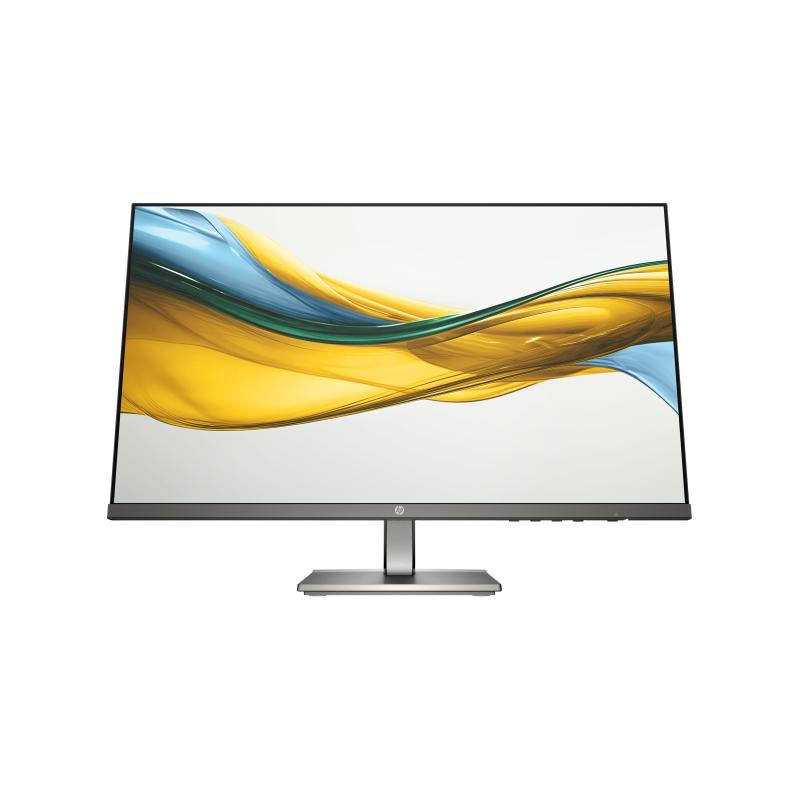
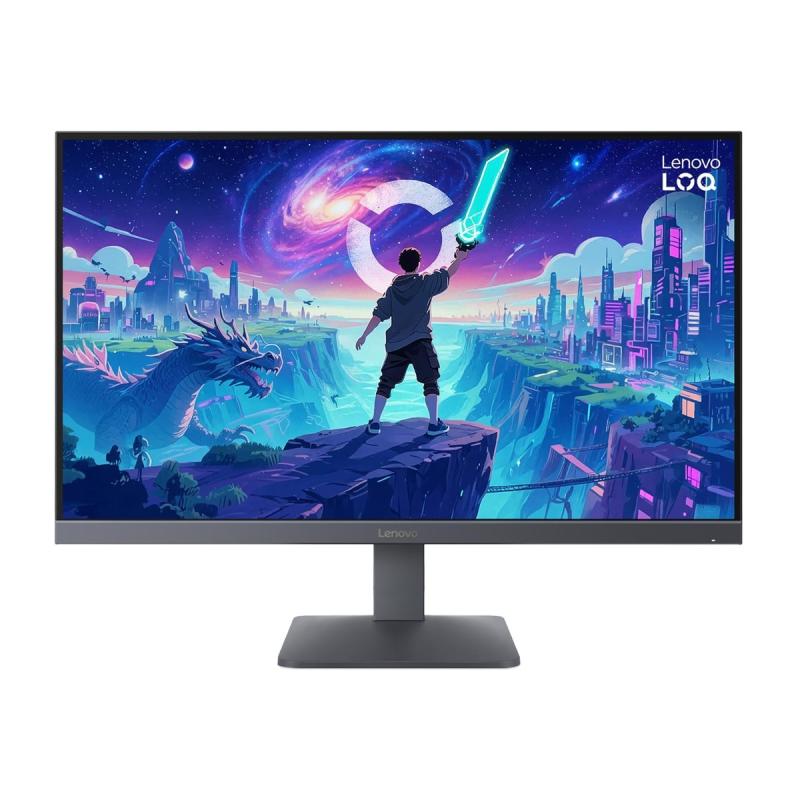
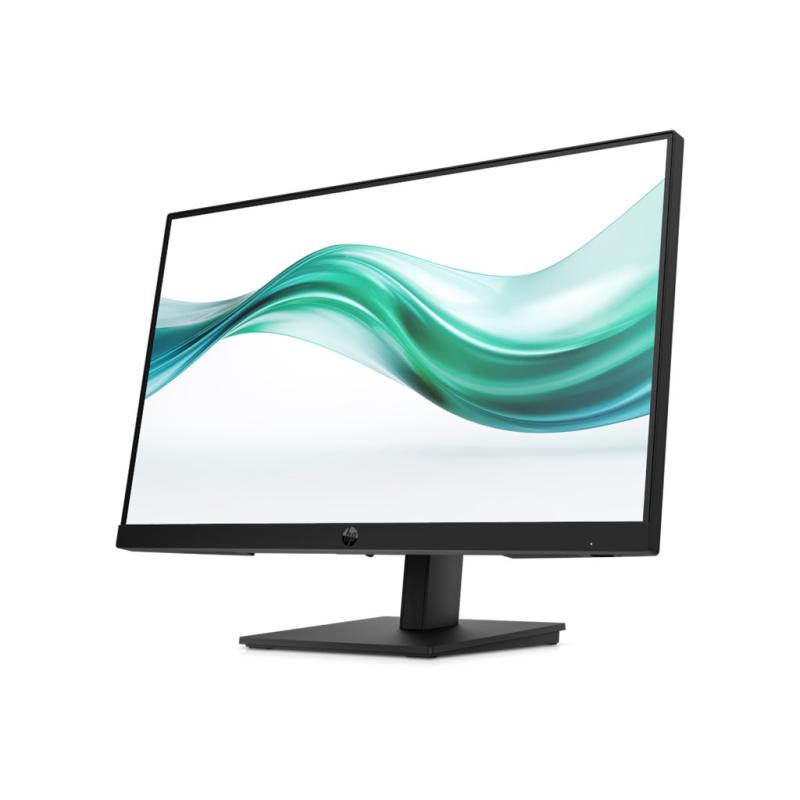
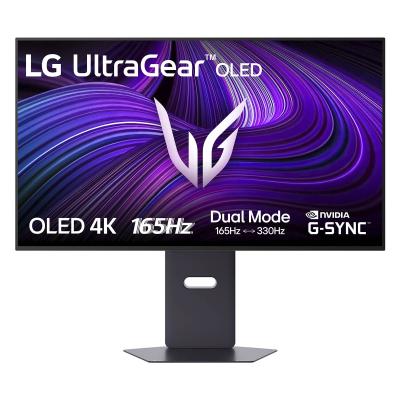
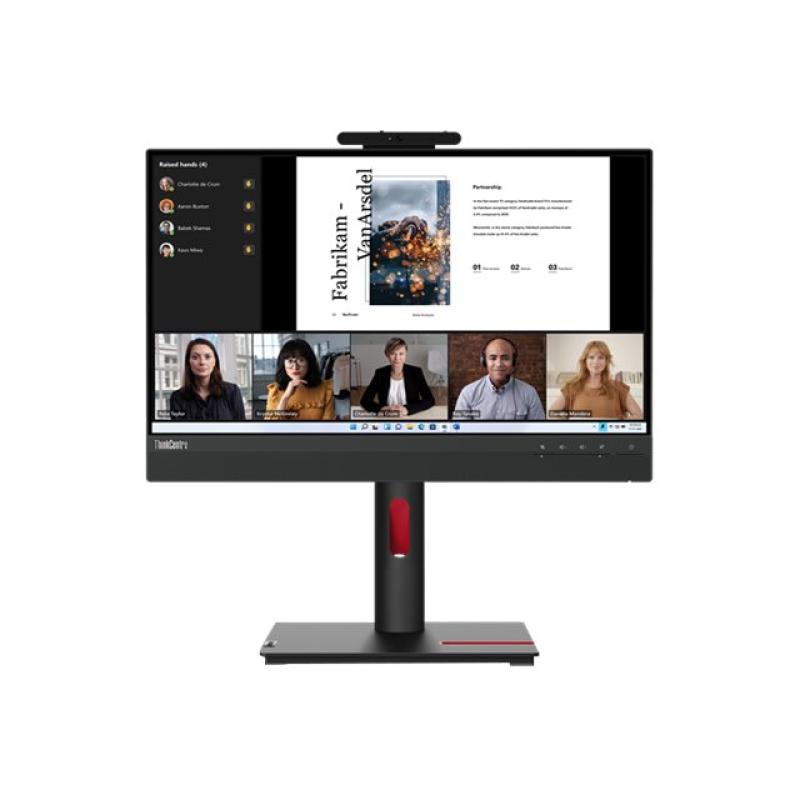
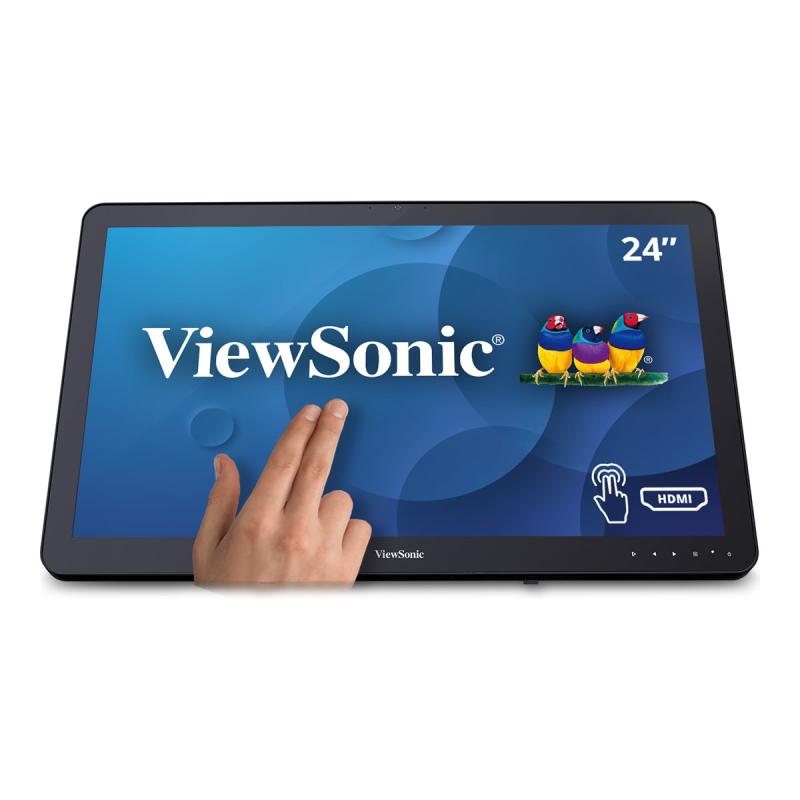
23.8-inch monitor puts productivity in reach with its touch screen, superior connectivity and articulating stand.
- Comfort without sacrificing color
Optimize eye comfort with ComfortView Plus, an always-on, built-in screen that reduces potentially harmful blue light emissions while delivering excellent color accuracy. - Color consistency comes standard
See consistent, vibrant colors across a wide viewing angle enabled by In-Plane Switching (IPS) technology. - Sleek, stylish and organized
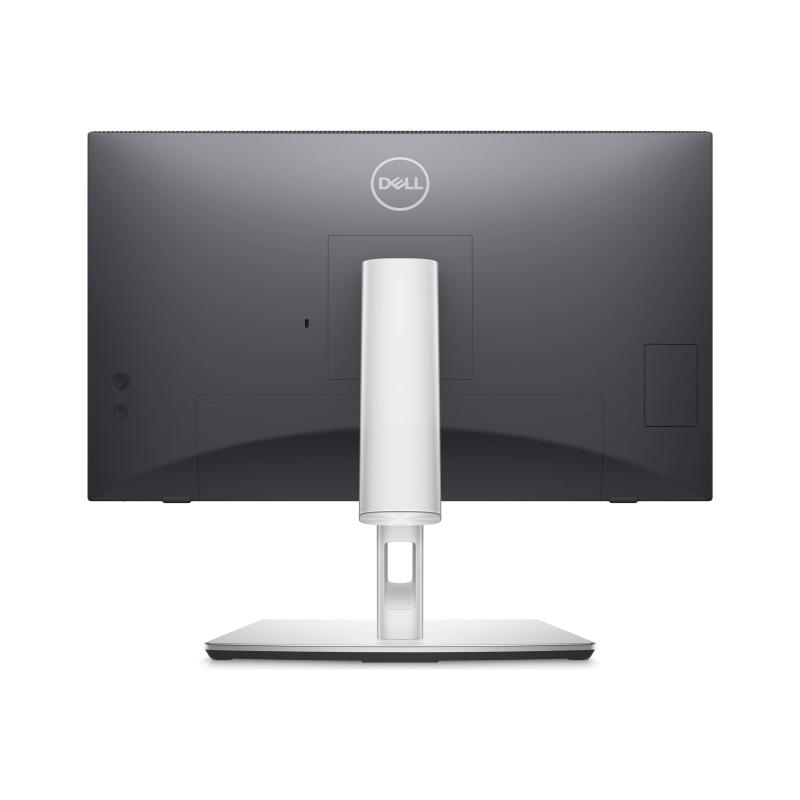
Hide cords in the monitor riser to keep things organized. This sleek monitor has a three-sided ultrathin bezel, small base and an improved, easy-to-use cable management system. - Comfort is key
Tilt, swivel, pivot and adjust the height of your monitor for extra comfort during work. - Extensive connectivity
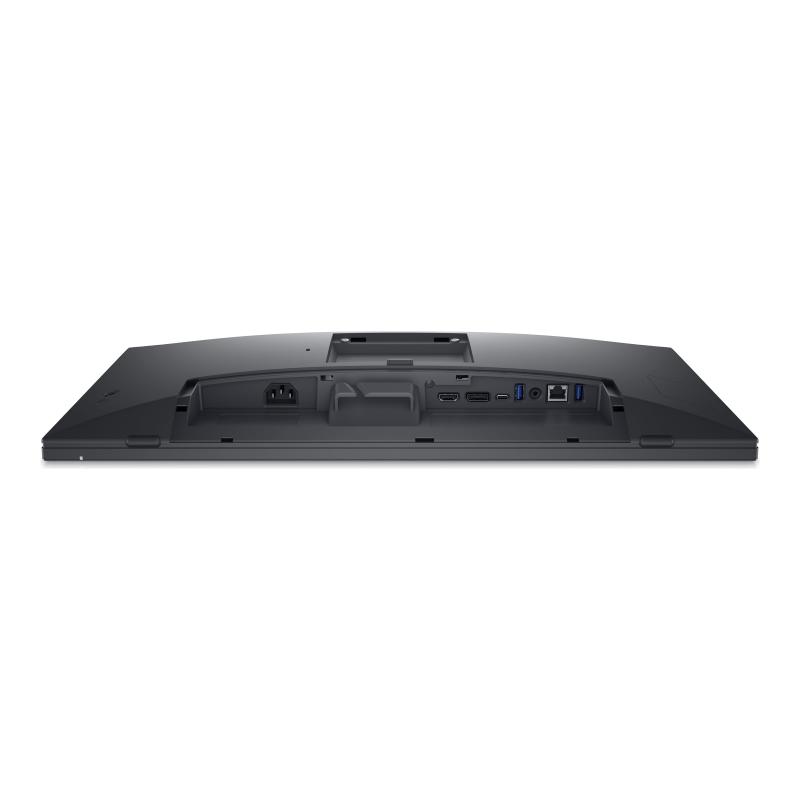
Easily connect to a variety of devices with extensive connectivity ports. - Quick-access ports
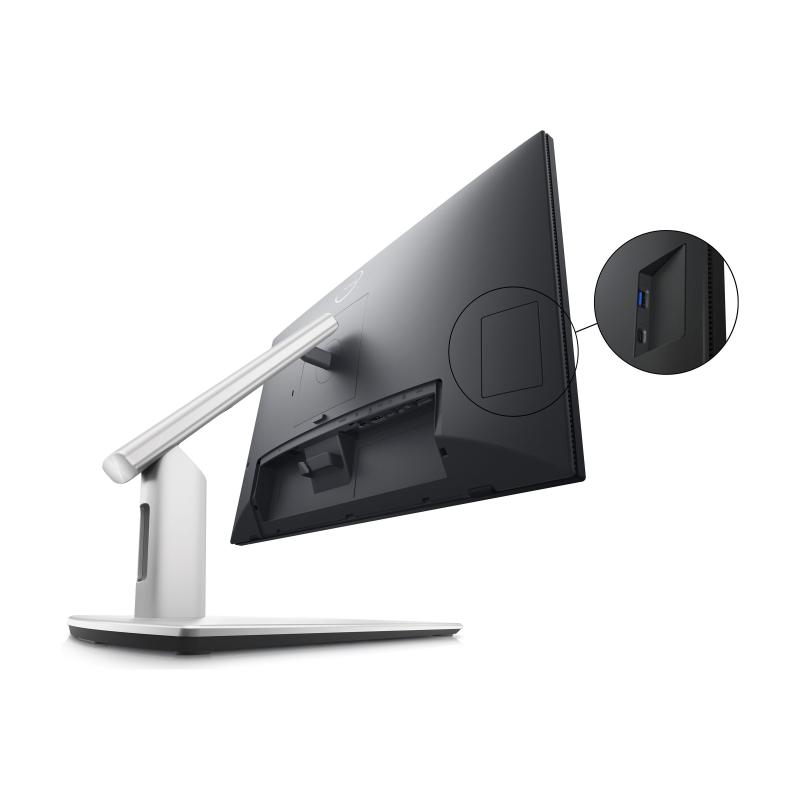
Easily share and deliver content via quick-access ports conveniently placed at the front of the display. - Easy navigation
Navigate the menu and adjust screen settings with the easy-to-use joystick control. - Seamless transitions
The auto-restore feature remembers where you left off, so applications will go back to where you left them, even after you've unplugged. - The key to convenience
Shortcut keys can save you even more time, letting you easily configure your display management settings so you can get to work faster. - More ways to manage
Asset management reports allow IT managers to quickly capture and track monitor information as well as configure multiple monitors at once through a single setup.
Address
Email
DE.CustomerSupport@dell.com
Website
https://www.dell.com/
Telephone
004969 - 9792 7350
Street
Main Airport Center
Street addition
Unterschweinstiege 10
 English
 Deutsch