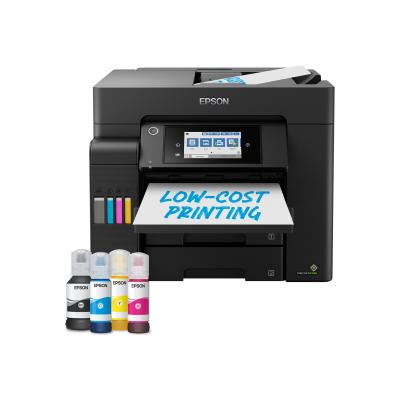
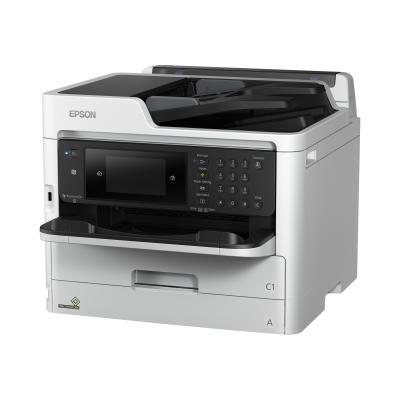
Epson WorkForce WF-2880DWF WF2880DWF Multifunktionsdrucker (C11CG28406)

Epson WorkForce WF-2880DWF WF2880DWF Multifunktionsdrucker (C11CG28406)

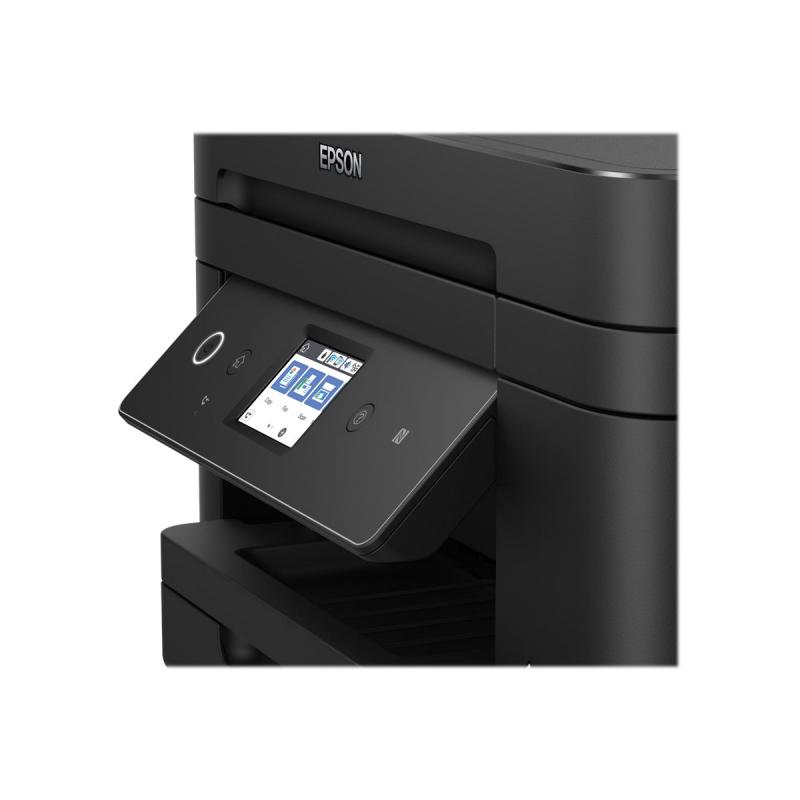
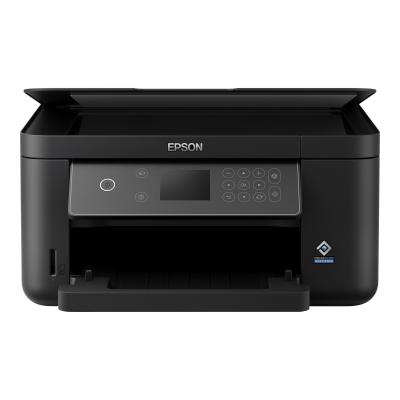
Epson WorkForce WF-2880DWF - Multifunction printer - colour - ink-jet - A4/Legal (media) - up to 14 ppm (printing) - 150 sheets - LAN, Wi-Fi, NFC

Qty:

Category (Multifunktionsgeräte)
Printers & Accessories
Multifunction Printers
OEM
C11CG28406
EAN
8715946697789
SKU
131384 (131384)
Manufacturer
Epson
Master carton
0.0000
Type
Multifunction Printer
Line
Epson WorkForce
UNSPSC
44101503
eClass
19-02-02-08
eClass V7
19-14-01-01
Type
Multifunction Printer
Printing technology
Inkjet
Copy speed
32 ppm - 37 ppm

  • Compact and stylish
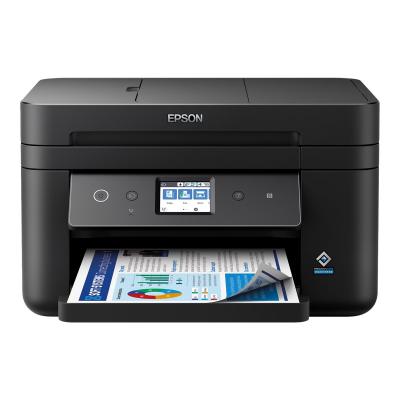
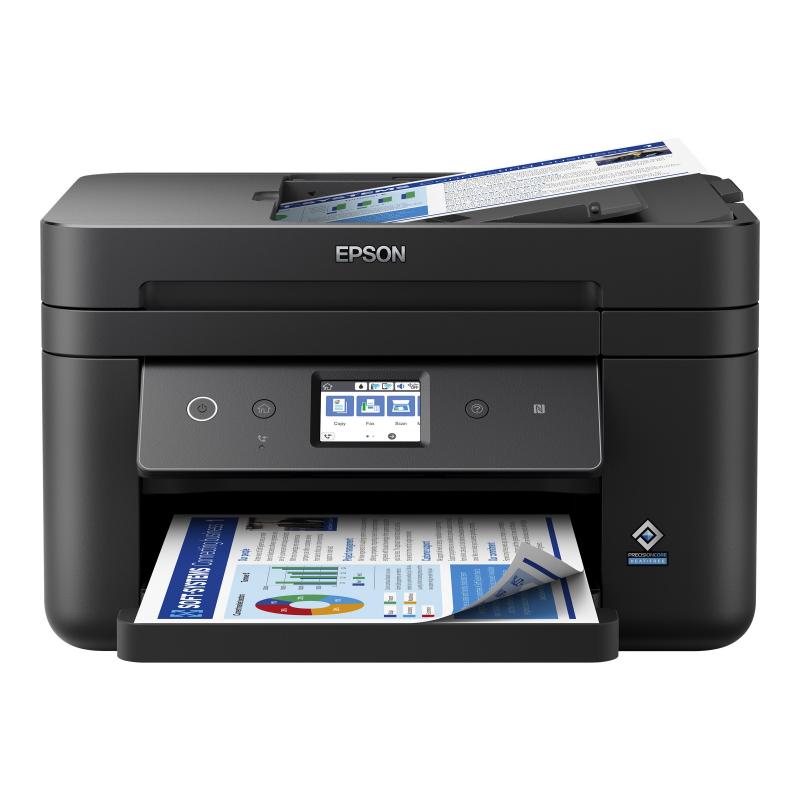
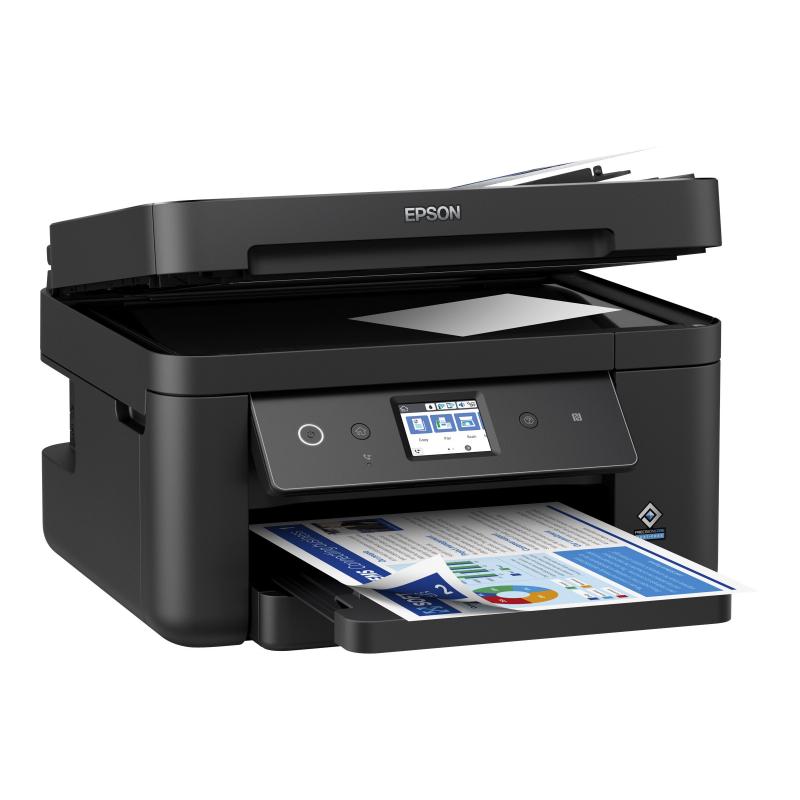
    There's no need to waste space; this multifunction printer features a compact design. With its sleek and refined form, it's easy to integrate into any home or small office setting.
  • Easy to use
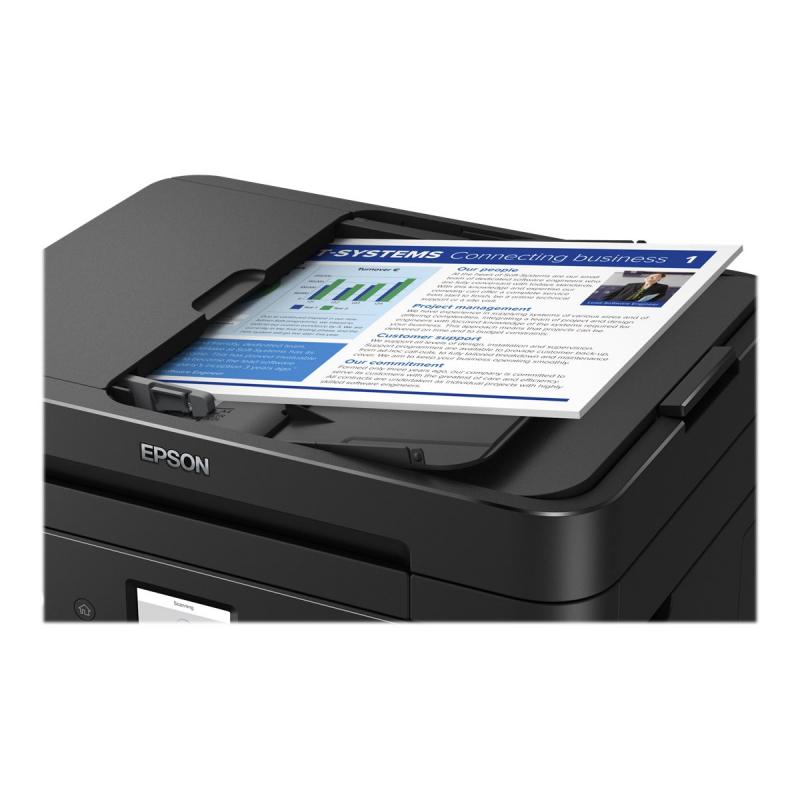
    Speed through tasks with double-sided printing, 150-sheet front-loading paper tray and 30-page ADF for multi-page scanning, copying and faxing. Navigation is easy thanks to the large LCD screen and new interface.
  • Minimise your outgoings
    Epson's four-colour 603 ink set provides reliable, vibrant and clear prints with minimal outlay. With a combination of pigment black and dye colour inks it produces business quality prints in addition to reducing your printing costs with affordable, individual inks in standard and XL cartridges.
  • Flexible wireless solutions
    Print from anywhere with Wi-Fi connectivity or use Wi-Fi Direct to print from compatible wireless devices without a Wi-Fi network 1 . Plus, with Epson's Smart Panel app you can control your printer from your device, printing documents, monitoring and troubleshooting 1 .

Address
Name
Epson
Email
kontakt_de@epson.de
Website
https://www.epson.de/
Telephone
+49 (0) 211 54229-0
Fax
+49 (0) 211 54229-001
Street
Schiessstraße 49
Postcode
40549
City
Düsseldorf
Country
DE