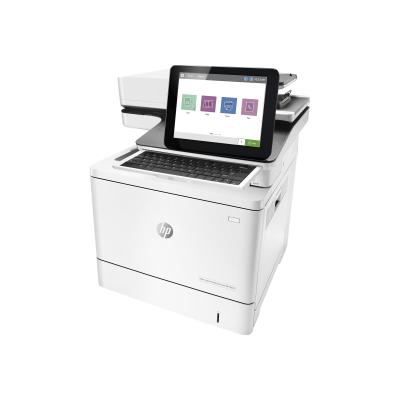
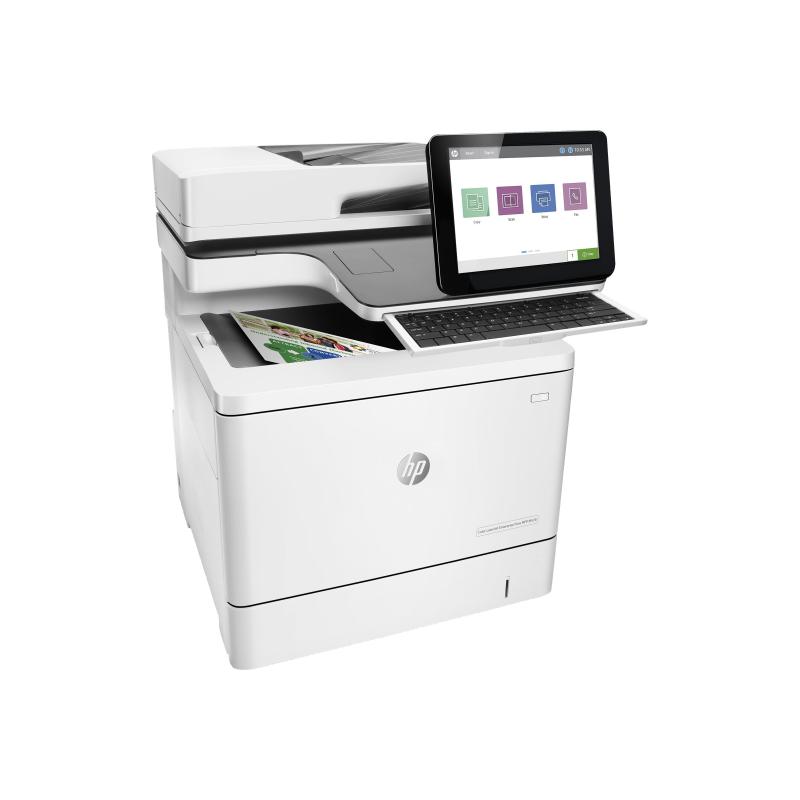
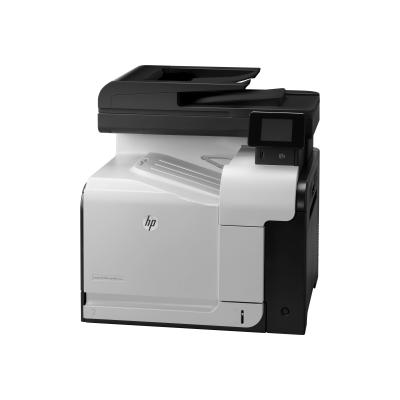
Ideal for 5-15 people printing up to 10,000 pages per month who want premium colour at fast speeds plus quick scanning and copying into workflows.
Dynamic security enabled printer Certain HP printers are intended to work only with cartridges that have a new or reused HP chip or electronic circuitry. These printers use dynamic security measures to block cartridges using a non-HP chip or electronic circuitry. Periodic firmware updates will maintain the effectiveness of these measures and block cartridges that previously worked. Reused HP chips and electronic circuitry enable the use of reused, remanufactured, and refilled cartridges.
- Opt for tighter security
Help protect the device with numerous embedded security features. Protect information in transit over the network and stored on the device - keys, passwords, certificates, and more. Store data on the 500GB HP high-performance secure hard disk. - Take waiting out of your workday
Don't wait for documents. Print up to 38 pages per minute (A4). Accelerate workflows with single-pass, two-sided scanning up to 64/58 images per minute (A4, black/color). Scan files directly to Microsoft Office 365 and SharePoint, plus email, USB, and network folders. - Loaded for productivity
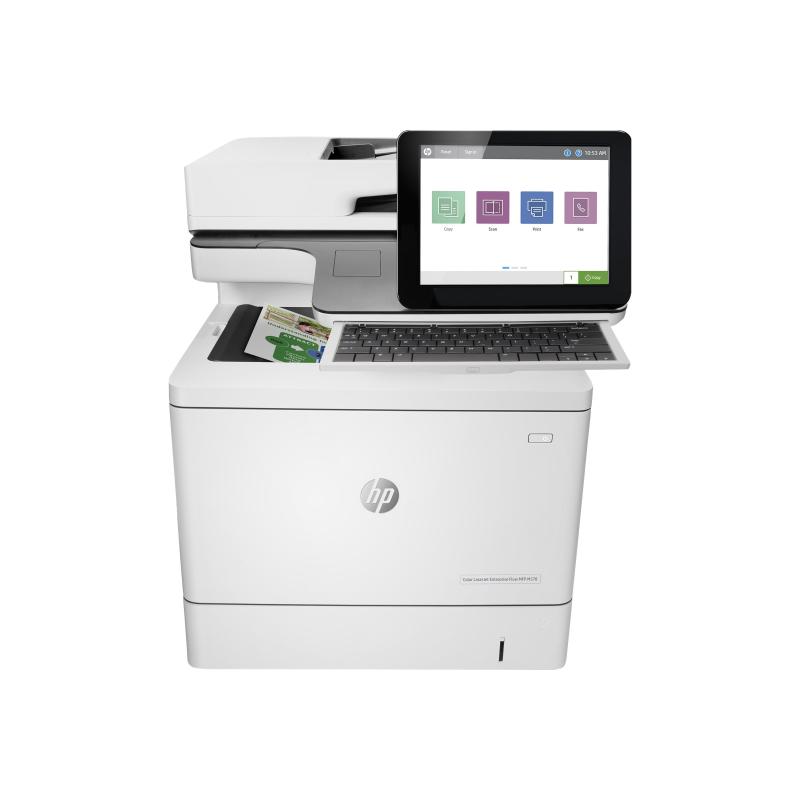
Let high-volume jobs handle themselves. The MFP M578 has a substantial 2,300-sheet maximum capacity, so you can spend less time loading and reloading paper. Make everyday work more efficient. Equip employees to breeze through tasks using the 20.3cm (8-inch) color touchscreen and convenience stapler. - Designed to conserve
Help reduce wasted paper with automatic two-sided printing and a default duplex setting. Help cut costs with HP Auto-On/Auto-Off technology and HP Instant-On technology - intelligence that readies your printer right when you need it and turns it off when you don't. - Fast scanning and input
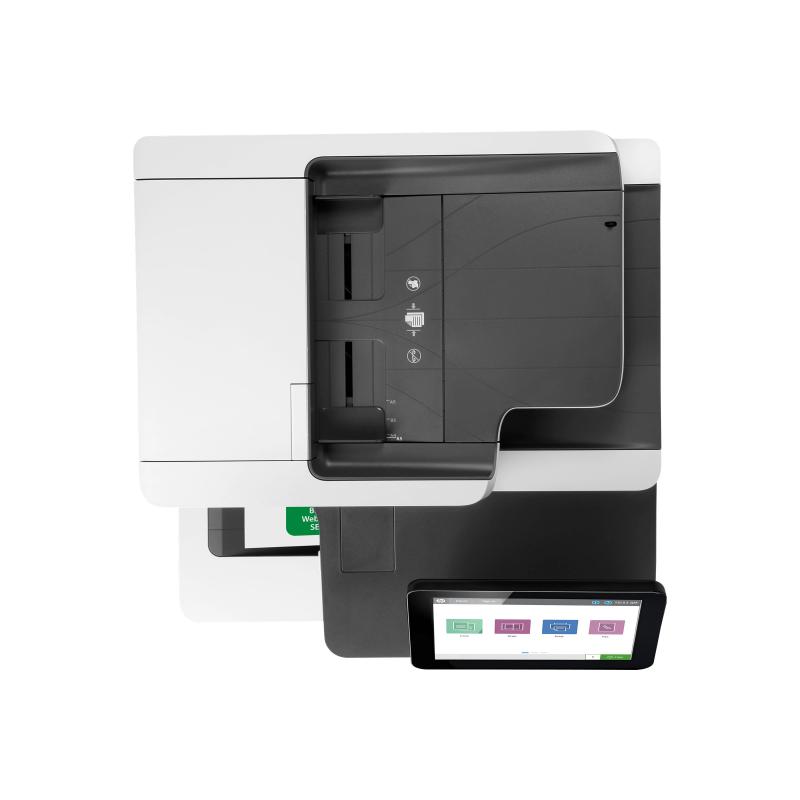
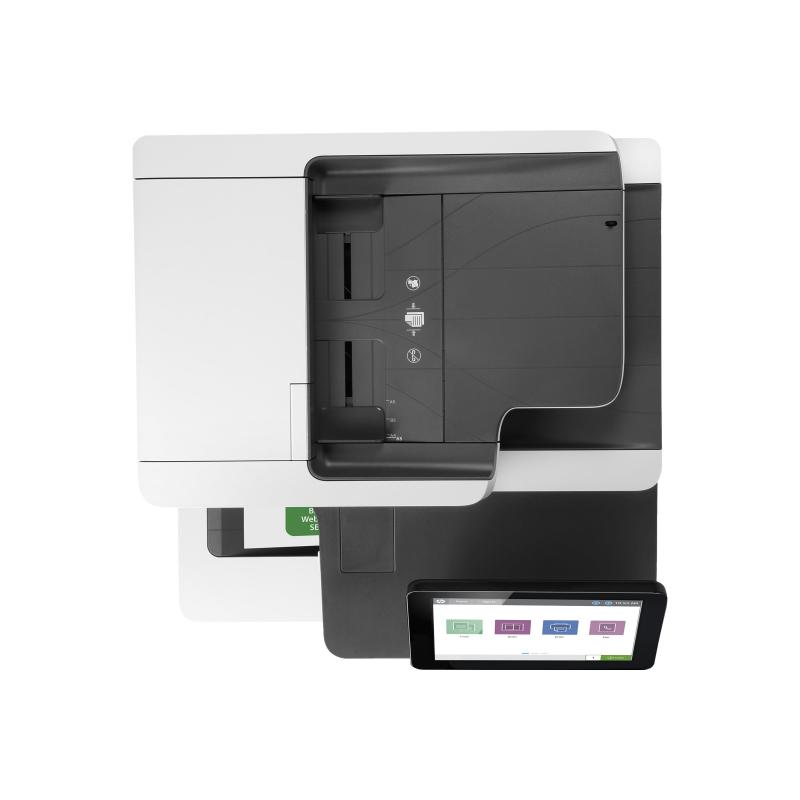
Turn stacks of paper documents into digital files. Load up to 100 sheets into the automatic document feeder (ADF) for fast, unattended scanning - up to 13,900 scanned pages per month. Enter data more quickly and accurately with a pull-out keyboard. Typing information for jobs right at the device is familiar and fast. - Every page, every time
Capture every page easily - with confidence. HP EveryPage gives employees smooth paper-handling capabilities to detect potential errors or missed pages on the spot - for scan jobs of all kinds. Auto-orientation, auto-crop, and auto-tone functions help ensure every scanned document is properly oriented, cropped to size, and grayscale-optimized - so you get the documents you're looking for the first time. - Print from a variety of mobile devices
Print documents, emails, PDFs, and more from smartphones and tablets running iOS, Android, Windows, and Google Chrome operating systems - no setup or apps required.
Address
Email
firmen.kunden@hp.com
Website
https://www.hp.com/
Telephone
07031 - 450 7000
Street
Herrenberger Straße 140
 English
 Deutsch