English
 Deutsch
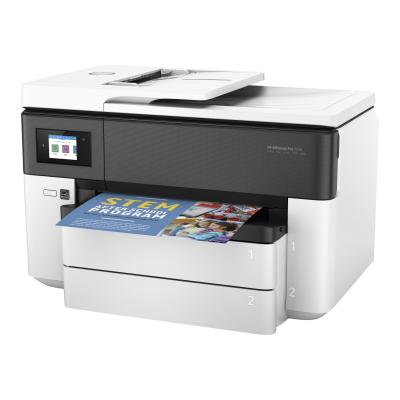
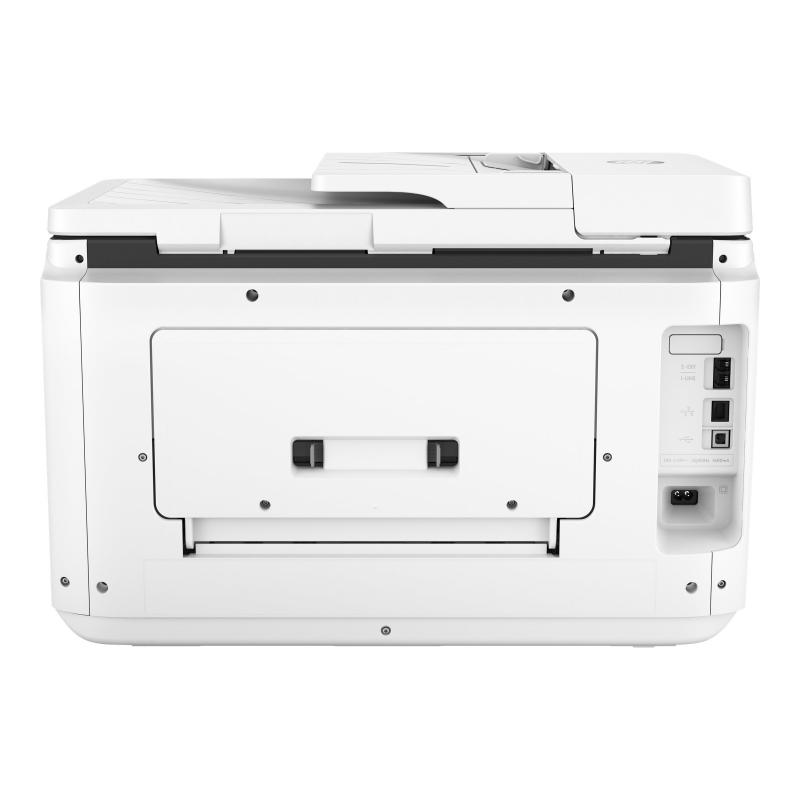
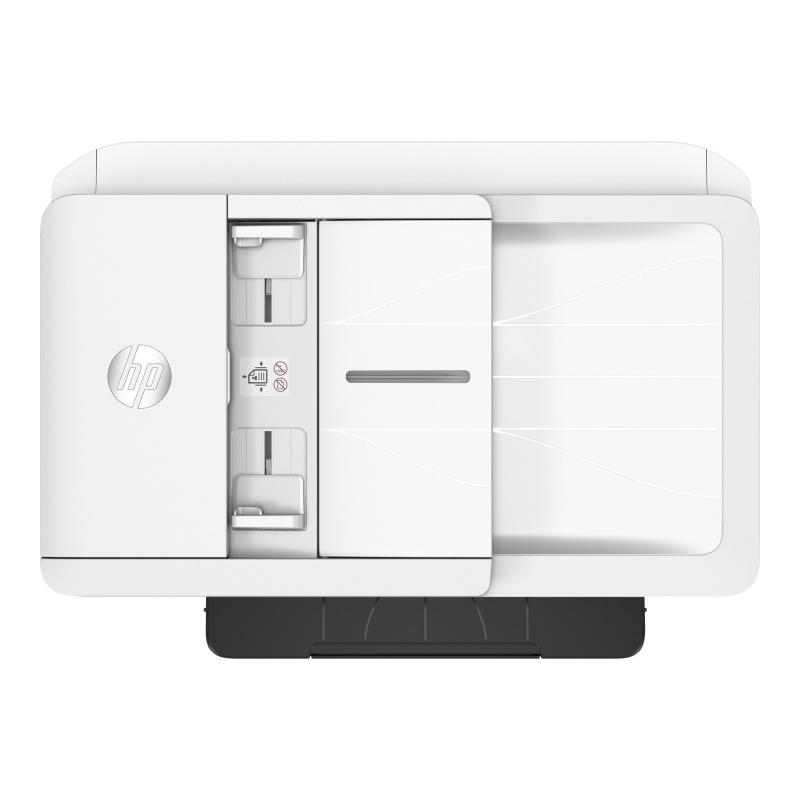
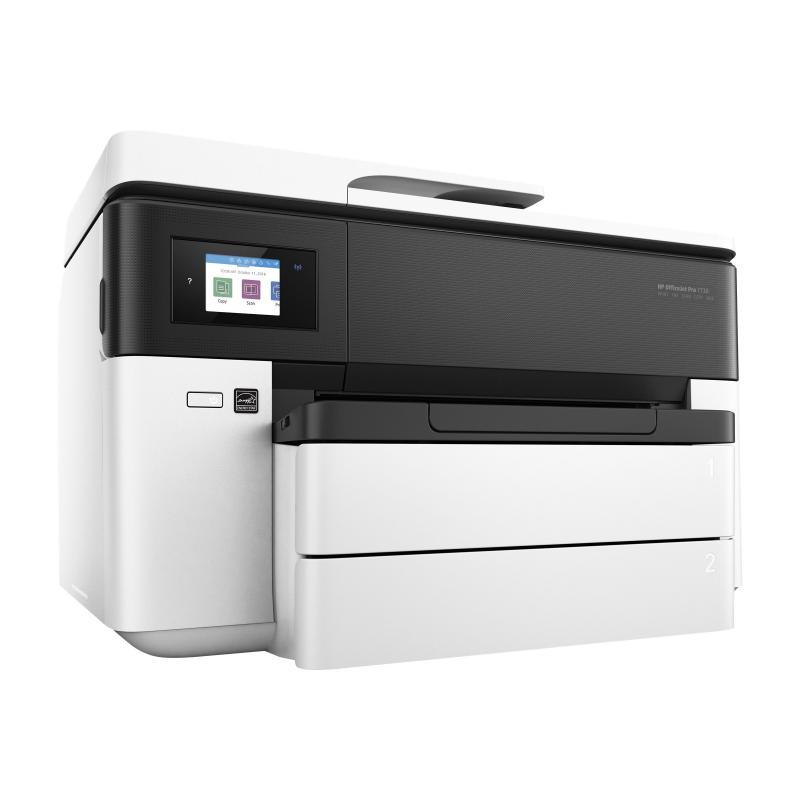
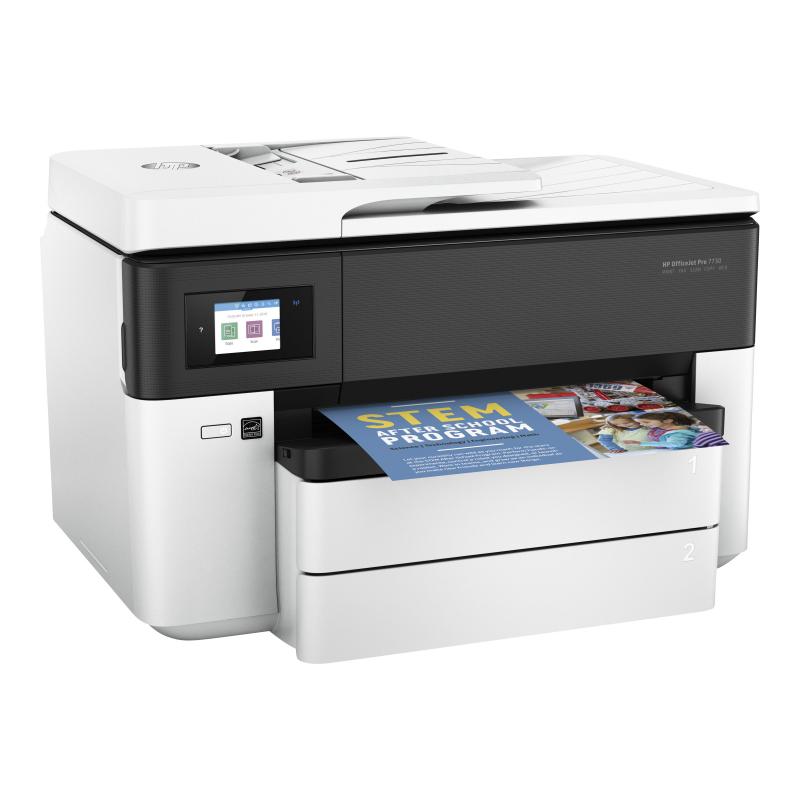
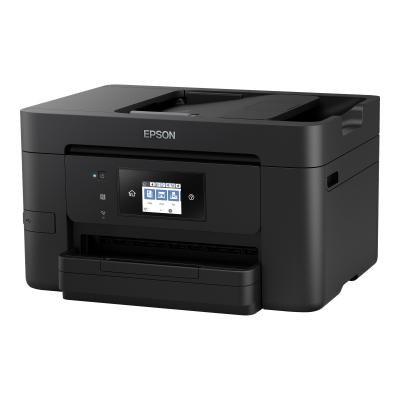
HP Officejet Pro 7730 Wide Format All-in-One - Multifunction printer - colour - ink-jet - 216 x 356 mm (original) - A3 (media) - up to 18 ppm (copying) - up to 18 ppm (printing) - 250 sheets - 33.6 Kbps - USB 2.0, LAN, Wi-Fi(n), USB host
Dynamic security enabled printer Certain HP printers are intended to work only with cartridges that have a new or reused HP chip or electronic circuitry. These printers use dynamic security measures to block cartridges using a non-HP chip or electronic circuitry. Periodic firmware updates will maintain the effectiveness of these measures and block cartridges that previously worked. Reused HP chips and electronic circuitry enable the use of reused, remanufactured, and refilled cartridges.
6.86 cm (2.7-inch) colour touchscreen Manage jobs directly at the MFP, using the HP color touchscreen. Print quality Manage jobs directly at the MFP, using the HP colour touchscreen. Print durability Superb color than can last decades without fading or smearing - even with spills or highlighters. Superb colourfast Borderless photos are printed right to the edge of the paper. You get beautiful photo prints with no trimming! Automatic 2-sided printing Allows you to print on both sides of the page, cutting your paper use by up to 50%. 2 x 250-sheet paper trays Save time by refilling paper less often with an optional paper input tray. Print big. Play big. Print up to 27,9 x 43,18 cm (11 x 17 inches) (A3). Scan and copy up to legal size. Present professionally. And affordably. Print up to 3x as many black-text and 2x as many colour pages, with optional HP high-yield ink cartridges.[2] Easy mobile printing with HP app Easily print from a variety of smartphones and tablets.[4] High-volume printing Take on high-volume jobs with confidence, using two 250-sheet paper trays.



The HP OfficeJet Pro 7730 comes the same family as the iF Design Award 2017 winner HP OfficeJet Pro 7740.[1]
Breeze through tasks with the 35-page automatic document feeder, and get automatic two-sided printing.
Take control of print, scan, copy, and fax jobs, using the colour touchscreen and timesaving shortcuts.
Create vibrant colour graphics and black text, ideal for brochures, presentations, and other office documents.
Produce water-, smear-, and fade-resistant prints that stand up to highlighters.[3]
Create borderless brochures, flyers, photos, and other documents that look great – right in your office.
Connect your smartphone or tablet directly to your printer – and easily print without accessing a network.[5]
Get the power of your printer in the palm of your hand, with the HP Smart app.[6]
Simply tap the print button on your smartphone or tablet to print.[4]