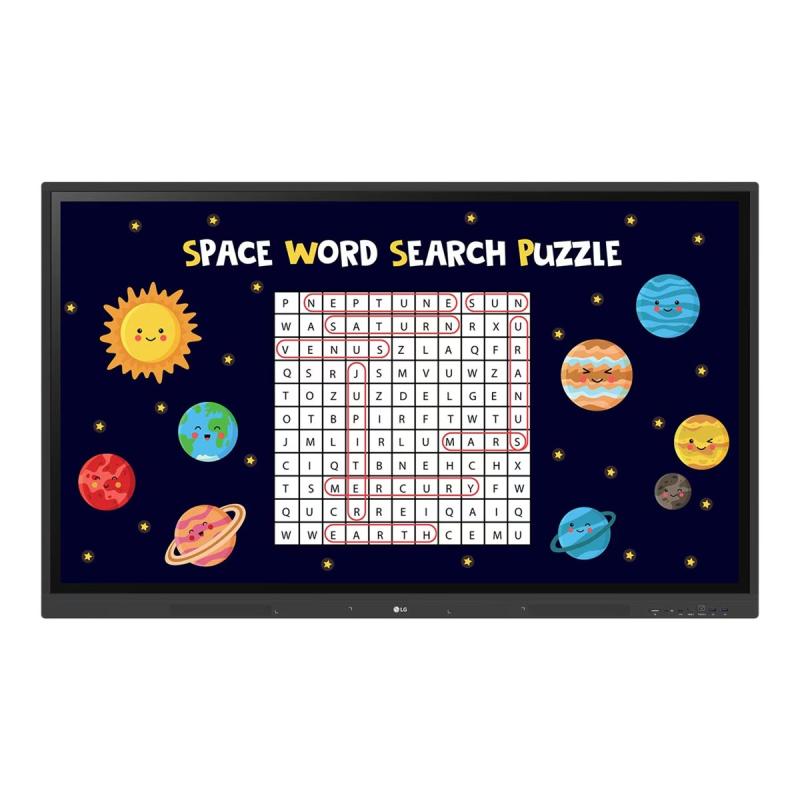
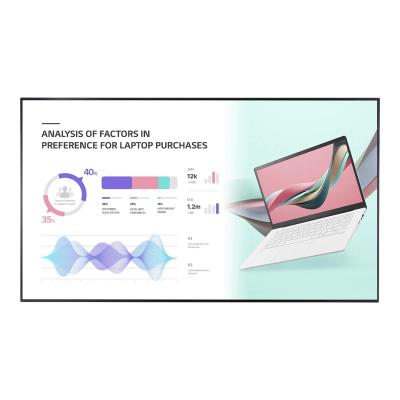
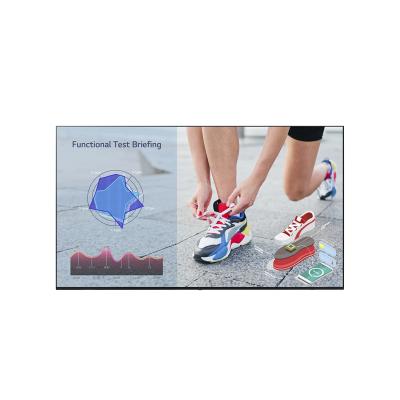
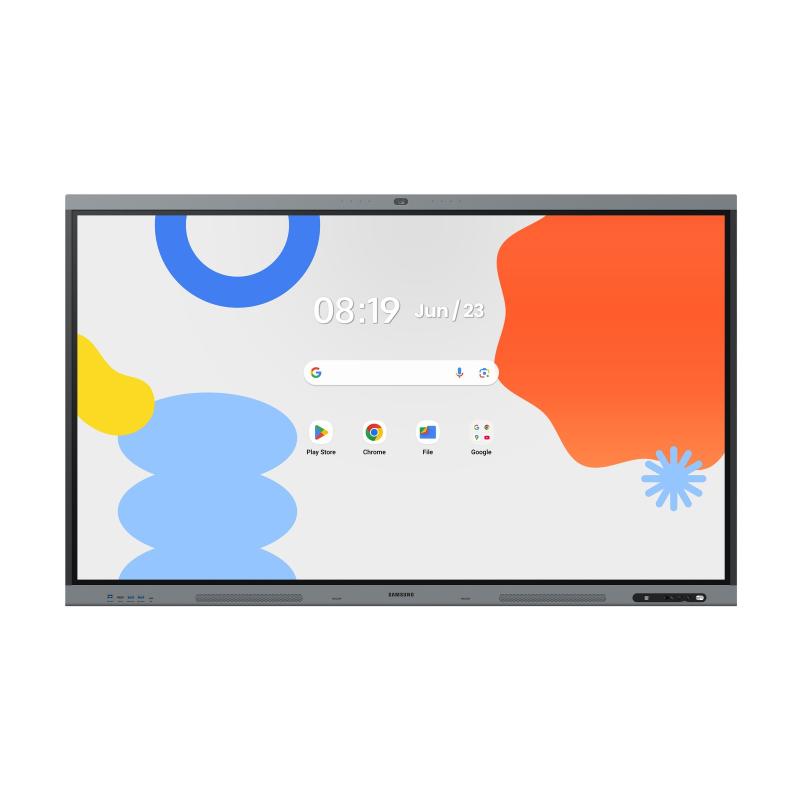
LG Digital Signage interactive CreateBoard 86TR3DK-B 86TR3DKB (86TR3DK-B)

LG Digital Signage interactive CreateBoard 86TR3DK-B 86TR3DKB (86TR3DK-B)

LG CreateBoard 86TR3DK-B - 86" Diagonal Class TR3DK Series LED-backlit LCD display - education / business - with touchscreen (multi touch) - Android - 4K UHD (2160p) 3840 x 2160 - Direct LED - black

Qty:

Category (Digital Signage)
Displays & Projectors
Digitale Signage
OEM
86TR3DK-B
EAN
8806091832986
SKU
152014 (152014)
Manufacturer
LG
Master carton
0.0000
Type
Digital Signage Display
Color
Black
Customs tariff number
85285291
UNSPSC
43211902
eClass
19-02-01-02
eClass V7
19-14-03-02
Type
Digital Signage Display
(Image) diameter inch
86"

  • Various teaching templates
    TR3DK series offers a variety of educational templates and teaching tools such as a ruler, table, and sticky notes, allowing for active engagement by students and enabling intuitive classes. Editing images and videos becomes easy with TR3DK series, and created resources can be easily shared with others through QR codes.
  • Multi-touch
    TR3DK Digital Board can simultaneously detect up to 40 points for multi-touch functionality. This creates a lifelike board touch experience, helping students easily become accustomed and truly engage in classes. This leads to the maximum concentration and organic engagement of students.
  • Easy to save/import/export
    TR3DK series include simple import and export functionality. Resources can be saved and imported directly to and from Google Drive or OneDrive, and files can be imported from a USB drive (Users can browse resources saved on USB storage).
  • Remote-control/scheduling
    Frequently used controls such as the power on/off, scheduling, brightness, and screen lock functions can be applied using a remote control.
  • Bluetooth connectivity
    TR3DK Digital Board supports wireless Bluetooth connections to various devices such as a speaker, mouse, keyboard, etc. This is optimal for building a hybrid environment so that online and offline classes can proceed smoothly.
  • C-type connection
    USB-C connectivity simplifies connections which enables charging and sending data simultaneously over just one single cable.
  • QR login for easy cloud access
    The QR code on the home screen reduces preparation time for class by enabling personal device verification. Users can sign up for a variety of apps on the TR3DK Digital Board including Google Drive and OneDrive with just one QR verification without any additional login process. Once a lesson is finished, users can simply click the Logout button to disconnect, thus the risk of a personal information leak is reduced.
  • Advanced eye-care
    TR3DK Digital Board has introduced a flicker-free function. With the reduced flickering of the monitor's backlight, users can use the device with more comfort even when using it for a long time.
  • Front connectivity design
    TR3DK Digital Board features front display ports and speakers which are ideal for both teachers and students, enabling content to be delivered easier with more immersive sound.
  • Built-in OPS slot
    TR3DK Digital Board supports OPS slots, allowing you to easily and conveniently mount OPS desktop at the back of the TR3DK Digital Board without the hassle of connecting to an external desktop, offering you more expanded functions.
  • Smart viewing
    The Smart Viewing feature of TR3DK Digital Board enables efficient teaching. Two or more materials can be displayed on the same screen simultaneously without having to repeat Alt-tab, making teaching more convenient and efficient. Two materials can be displayed side by side (multi window mode), or one material can be overlaid on the other one (picture-in-picture mode).
  • Power saving
    When a device doesn't receive an external input signal for a specific amount of time set by the user, the device goes into standby mode. Devices can also be automatically turned on or off at specific time or day set by the user, which contributes to save energy.
  • Screen lock
    Teachers can lock the screen using the Screen Lock function, and unlock it by entering a password. Users can set the Screen Lock in the Settings menu to protect the device from unidentified users.
  • Secure mode
    TR3DK Digital Board supports Secure Mode that disables the LG CreateBoard Share function to prevent unauthorized content from being shown on various devices.
  • USB lock mode
    USB lock mode is a security measure that helps prevent data from being copied to unauthorized devices, which is essential when being used in spaces where security is critical.
  • Auto-remove files
    Users can set TR3DK Digital Board to delete files regularly for enhanced security.

Address
Name
LG
Email
info@lge.de
Website
https://www.lg.com/
Telephone
0800 45 444 45
Street
Alfred-Herrhausen-Allee 3-5
Postcode
65760
City
Eschborn
Country
DE