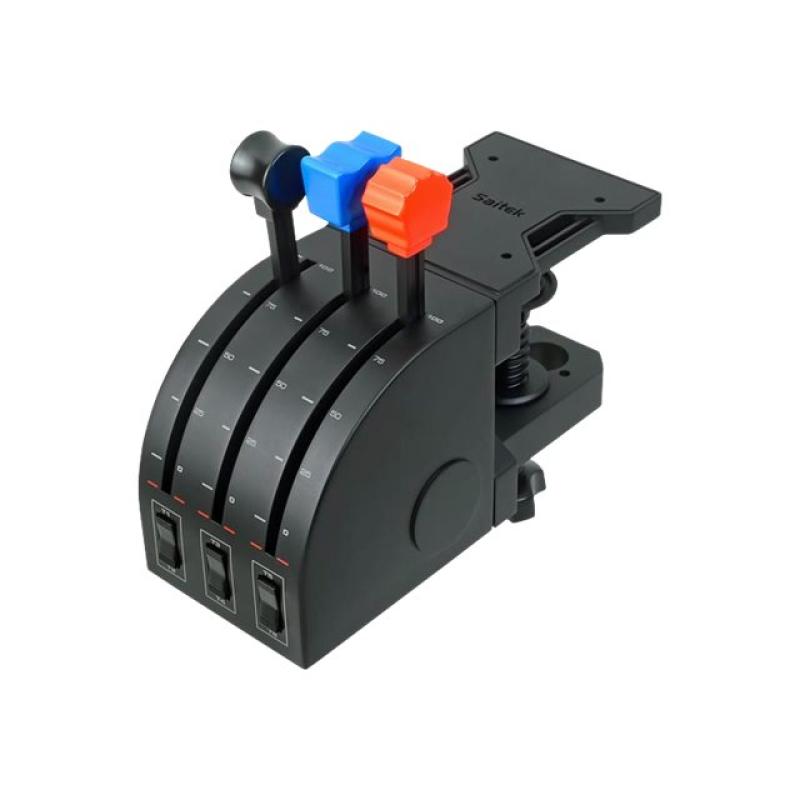
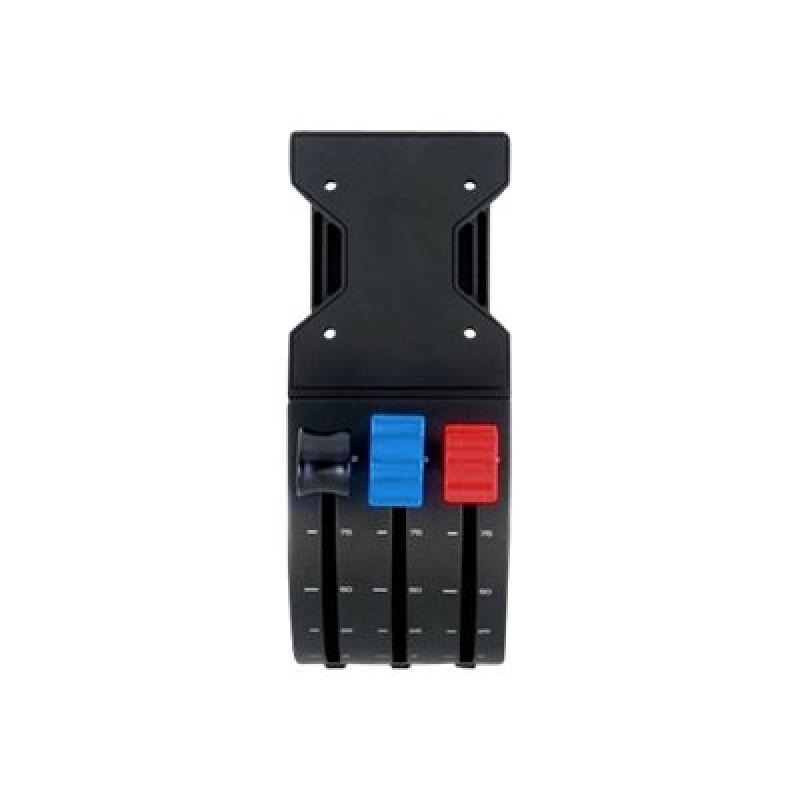
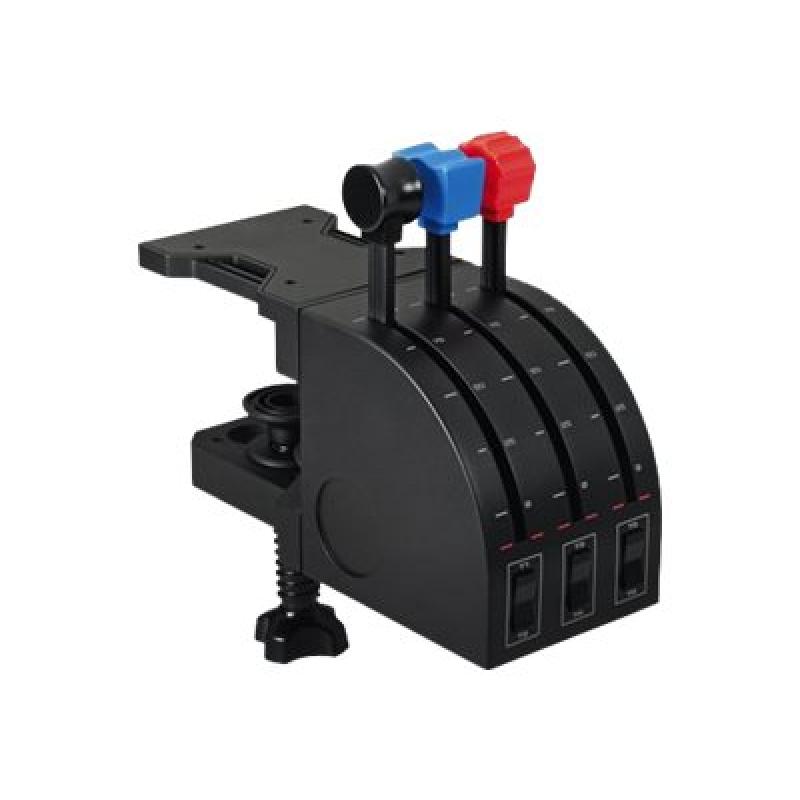
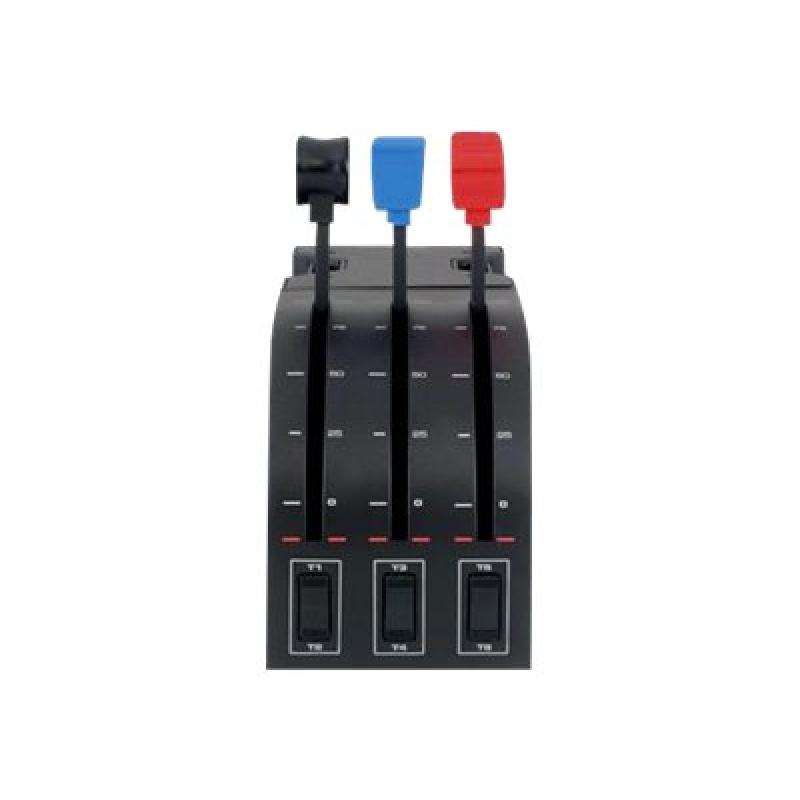
If you like to fly multi-engine aircraft the Pro Flight Throttle Quadrant provides three extra levers to control even more engines, flaps, mixture, spoilers etc.
In addition, three momentary, two-way toggle switches on the Quadrant's base help create a total of nine programmable commands.
A perfect complement to the Throttle Quadrant included in the Saitek Pro Flight Yoke, you can easily add modular controls to your simulator cockpit. Fly with Saitek, the market leader in high-performance flight simulation hardware.
- Ideal for side-by-side configuration
Interchangeable lever heads help you create a custom configuration of throttle, flaps, mixture, and prop pitch. Remove the lever tops and then group the controls just how you want them. - Rugged mounting hardware
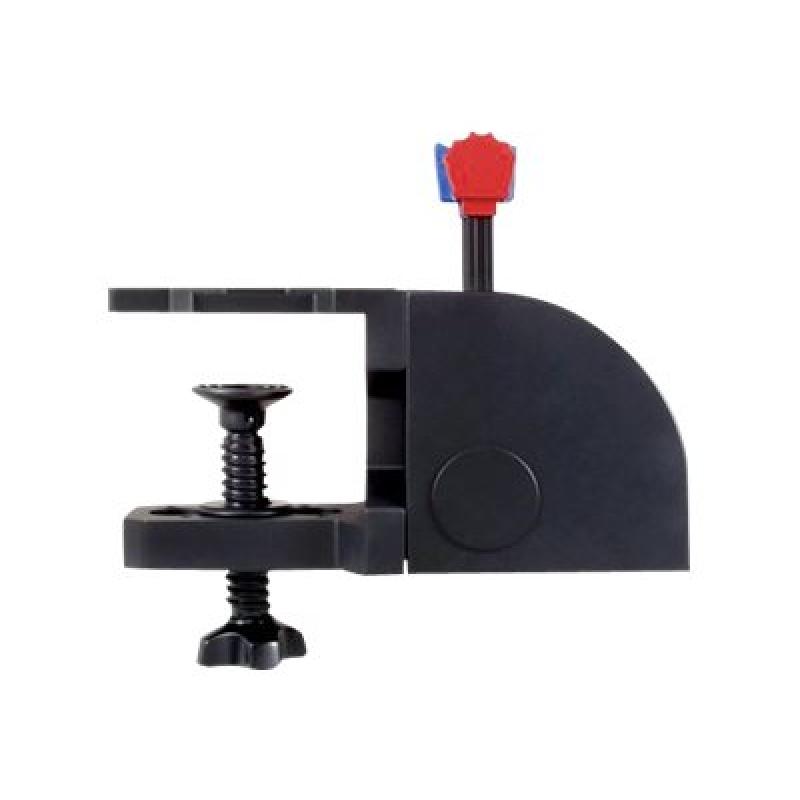
Saitek's Pro Flight Throttle Quadrant is equipped with an adaptable mounting clamp which provides the freedom to configure your kit in any manner you see fit. Whether on top of your desk or clamped to the front, you can securely place the controls exactly where you want them. - Fully customizable for all flying conditions
The Logitech G range of instruments can be situated one on top of another or side-by-side. Want the Radio Panel above the Multi Panel? Done. Want your Switch Panel to the left of your Yoke? Go for it. Easy-to-use mounting brackets provide the means to arrange your flight simulation setup in a configuration only limited by your imagination.
Address
Website
https://www.logitech.com/
Telephone
+41 (0)21 863 55 11
Street
EPFL - Quartier de l'Innovation
Street addition
Daniel Borel Innovation Center
 English
 Deutsch