English
 Deutsch
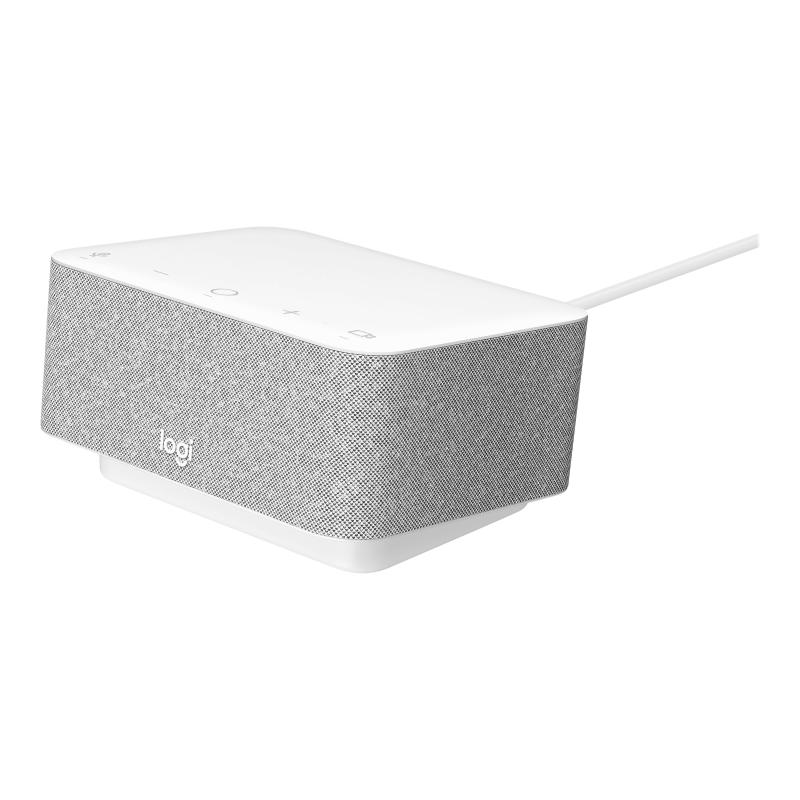
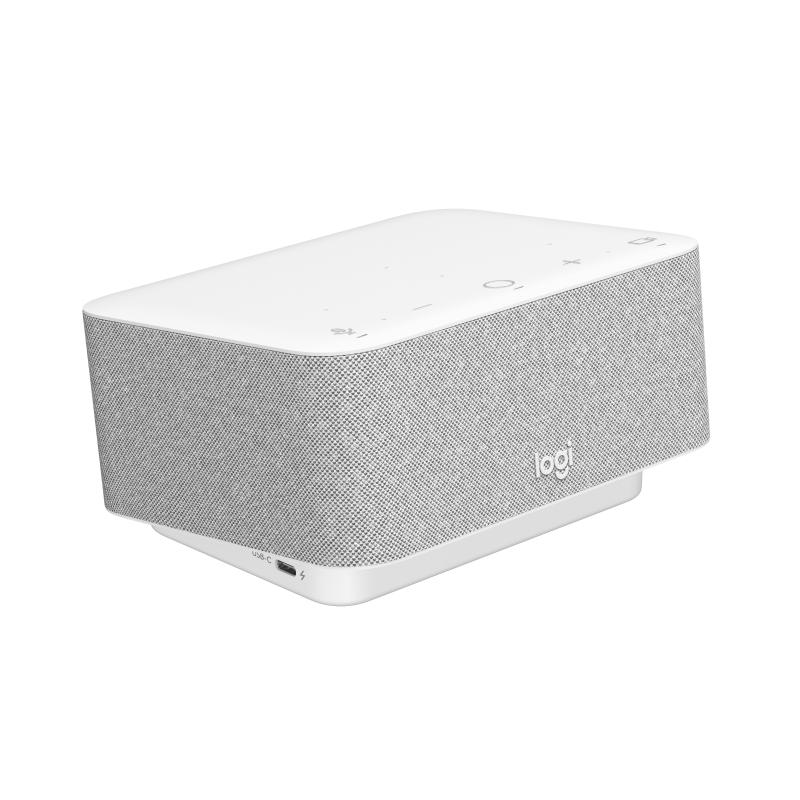
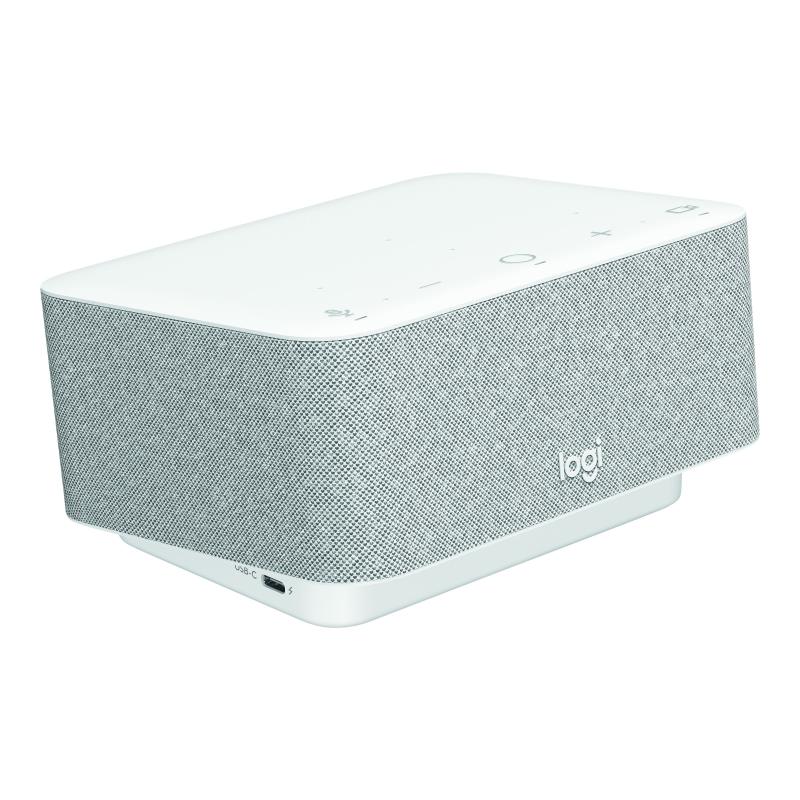
Logitech Logi Dock for UC - Docking station - USB-C - HDMI, DP - Bluetooth - for Room Solution Large
Logi Dock
All-in-one docking station with Teams meeting controls and speakerphone.
The Work-From-Home SuperHero
Working from home shouldn’t be a compromise. Logi Dock is an all-in-one docking station that simplifies home office setup, reduces desktop clutter, and helps remote workers feel more productive. Certified for leading video conferencing platforms and easy to set up, Logi Dock connects everything in one tidy unit that replaces the need for extra peripherals and eliminates a tangle of cables and wires.
UNCLUTTER YOUR DESKTOP
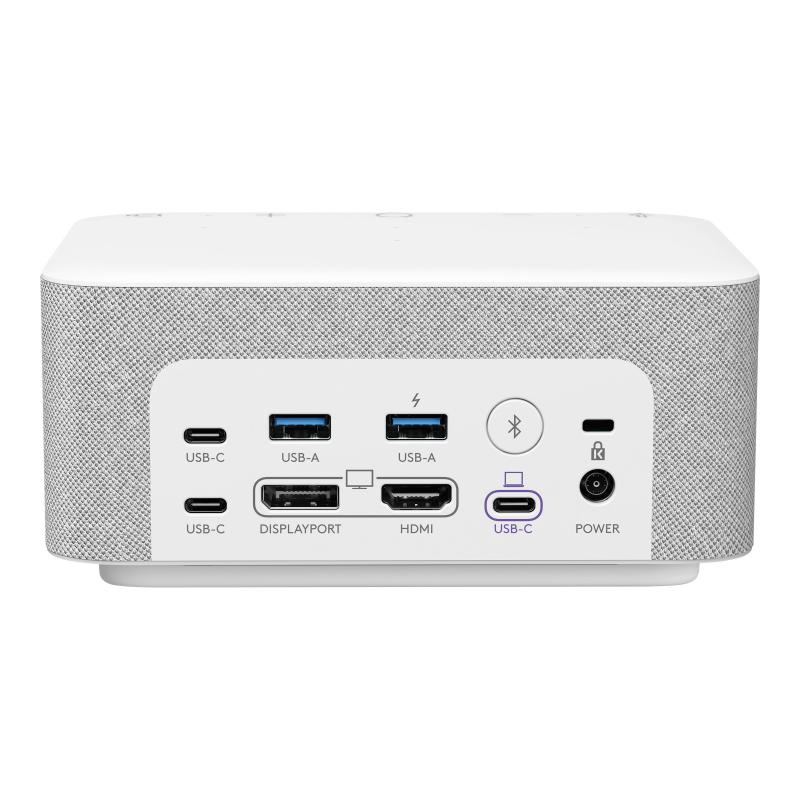
Work freely. Logi Dock connects and charges up to five USB peripherals and two monitors, replaces unneeded chargers and power cords, and makes desktop clutter disappear. Whether you use a Mac, PC, or Chromebook™, Logi Dock streamlines your home office so you can work more productively.
TAKE CONTROL OF YOUR MEETINGS
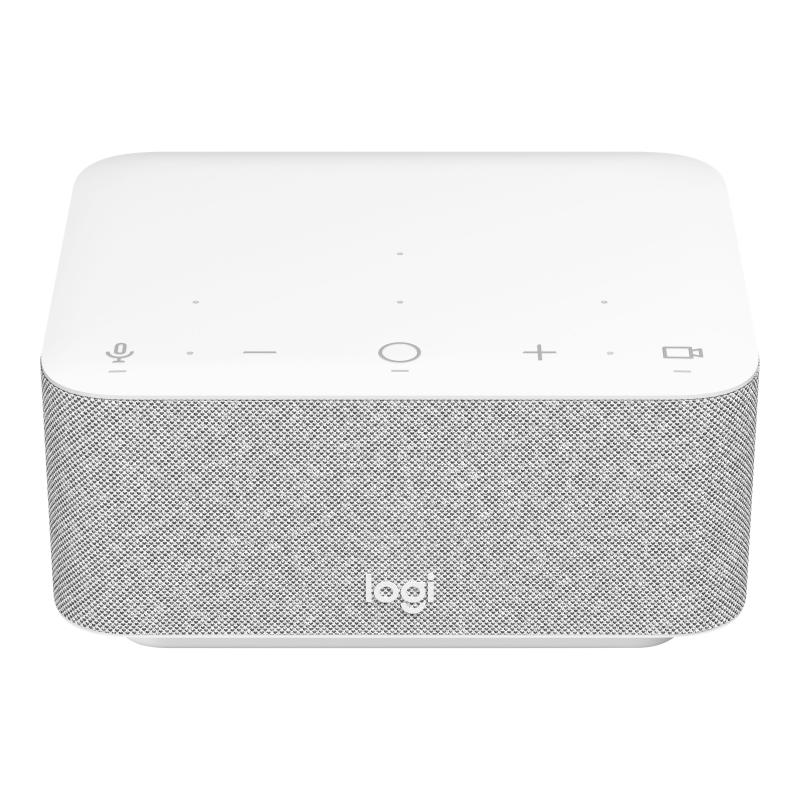
Take advantage of Logi Dock’s calendar integration to instantly join any meeting by simply pressing a button.
Press the mute button to quickly turn your own audio on or off. Use the volume controls to turn the speaker up or down.
Press Logi Dock’s video button to instantly turn your own camera on or off.
HEAR & BE HEARD CLEARLY
The built-in speakerphone includes six beamforming microphones that capture your voice clearly while advanced algorithms suppress unwanted background noise.
When you want to switch the audio from Logi Dock’s speakerphone to your personal audio, simply turn on your Zone Wireless headset or insert your Zone True Wireless earbuds. Logi Dock intelligently makes the switch.
ADD MUSIC TO YOUR WORKDAY
If music is your ideal work companion, indulge your preferences with small but mighty speakers that deliver immersive, stereophonic audio, a powerful bass line you can hear, and volume you can crank way up. Enjoy your favorite tunes distortion-free, carefully balanced, and crystal clear.
CONNECT EVERYTHING
Take control of your desk with one simple solution that connects your devices, powers your laptop up to 100W, and reduces the number of chargers, cables, and adapters. Attach up to five USB peripherals and two monitors using USB-A, USB-C, HDMI, and a display port. Pair to your smartphone or tablet via Bluetooth® to stream audio.
UPGRADE LOGI DOCK WITH TUNE
Logi Tune is the app that takes Logi Dock from great to exceptional. By syncing your calendar with Logi Dock, Tune makes it easy to stay on top of your day, get informed of upcoming appointments, and quickly join your meetings with the press of a button. Tune also lets you optimize Logitech business webcams and Zone headsets, to ensure you look and sound the way you want in video meetings.
READY FOR BUSINESS
Logi Dock is compatible with Microsoft Teams®, Google Meet™, Google Voice™, and Zoom®. It’s also compatible with common calling applications across most platforms and operating systems within your IT ecosystem. And because it’s simple for employees to set up, you can deploy Logi Dock with confidence to your remote and hybrid workforce.
BETTER TOGETHER WITH LOGITECH
Logitech’s collaboration products are designed to play nicely together (with minimal supervision). Create a wireless workspace with Logi Dock by directly pairing Zone wireless products, and connecting a Logitech wireless keyboard and mouse with a Unifying receiver. This frees up USB ports for other devices, like your webcam.
This desk setup also includes MX Keys, MX Master, and Zone True Wireless.
One Dock, Many Places
Logi Dock is elegantly designed for any modern workspace, whether in an open space at home, a private office, or a focus room.