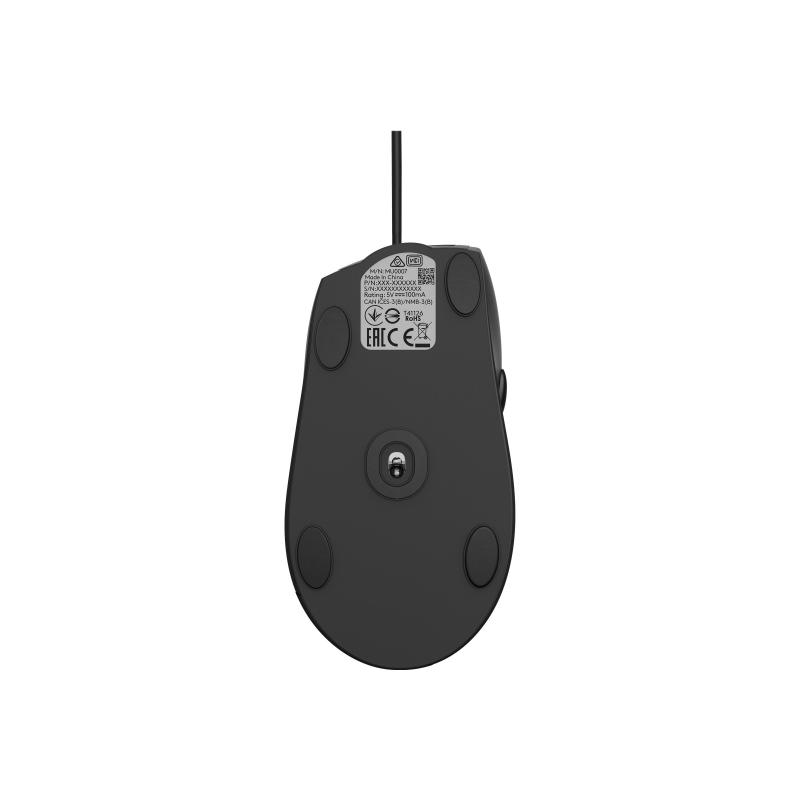
Logitech Mouse M500s Advanced USB (910-005784) (910005784)

Logitech Mouse M500s Advanced USB (910-005784) (910005784)

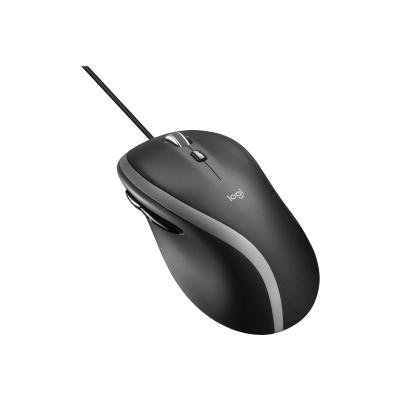
Logitech M500s Advanced Corded Mouse - Mouse - optical - 7 buttons - wired - USB

Qty:

Category (Eingabegeräte)
PC Components
Input Devices
OEM
910-005784
EAN
5099206088702
SKU
logmo000034 (110040)
Manufacturer
Logitech
Master carton
0.0000
Type
Mouse
UNSPSC
43211708
eClass
19-02-04-01
eClass V7
19-13-01-90
Dimensions (Girth)
200 x 125 x 90 (630)
Type
Mouse
Operating systems
Mac OS X (10.x)
Input device features
Mouse wheel
Interfaces
USB 2.0

  • Hyper-fast precision scrolling
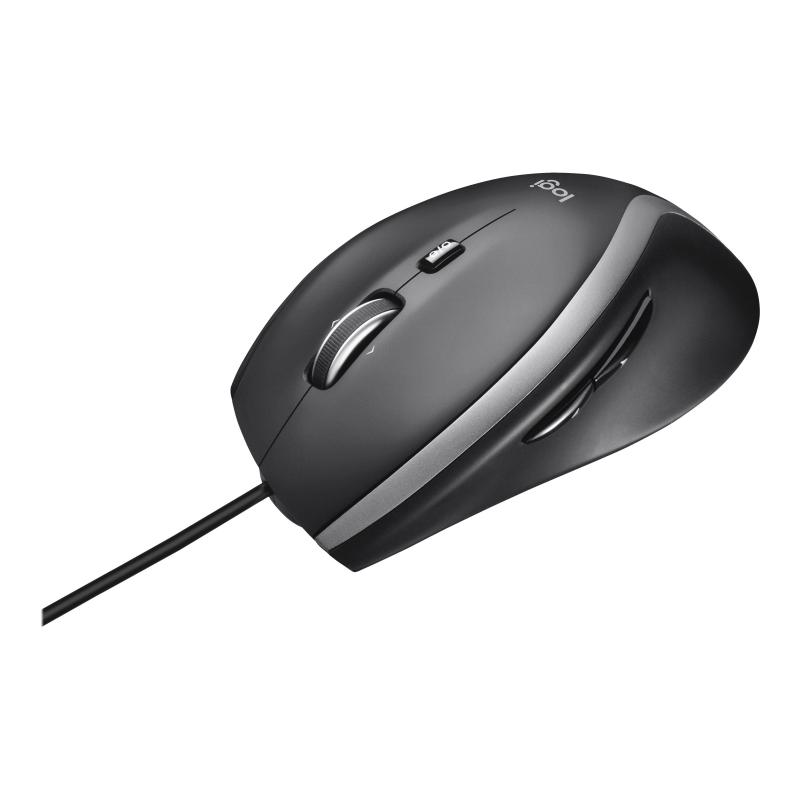
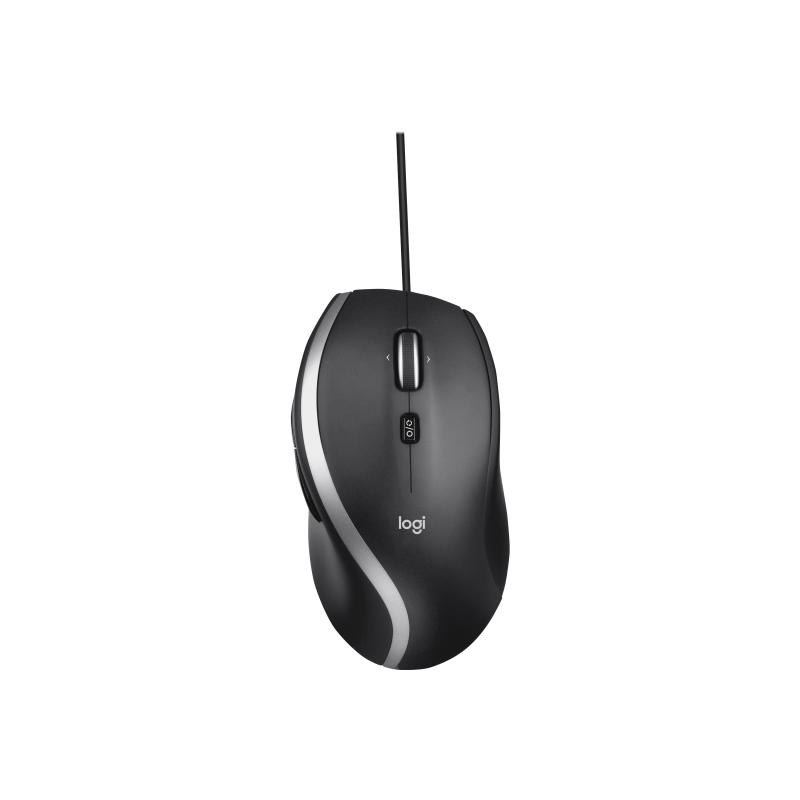
    Now you've got two ways to scroll. Fly through long documents and web pages with hyper-fast scrolling. Or use click-to-click mode to step precisely through spreadsheets, photo albums, or playlists.
  • Full-size and contoured for comfort
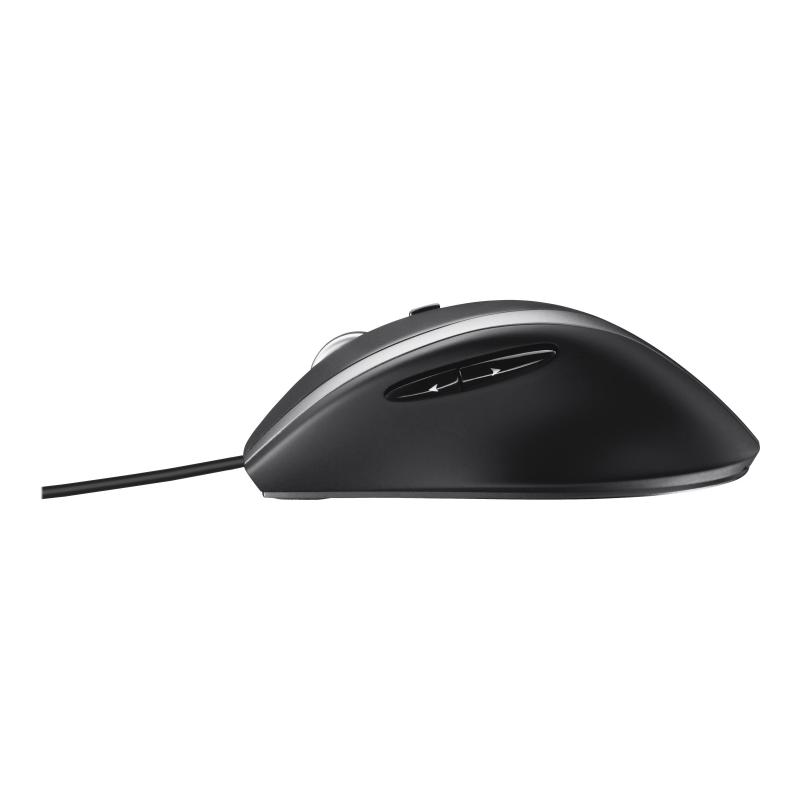
    Get the support you need with a full-sized, perfectly sculpted design. Soft rubber side grips and a contoured design give your hand all-day comfort and control, so you can work, play, and perform at your best.
  • 7 buttons at your command
    Navigate and perform better with seven customizable buttons. Configure them via Logitech software to perform the specific functions you need. Use them to instantly copy and paste, move forward or back - or perform any task that makes your life easier.
  • Fast and precise cursor control
    Now with 400-4000 adjustable DPI for precise and fast cursor control on almost any surface. Find the perfect speed and precision for your screen size, resolution, and the task at hand via Logitech software.
  • Plug-and-Play setup
    Your mouse works right out of the box. Just plug the cord into a USB port and you're good to go.

Address
Name
Logitech
Email
ingo@logitech.com
Website
https://www.logitech.com/
Telephone
+41 (0)21 863 55 11
Fax
+41 (0)21 863 55 12
Street
EPFL - Quartier de l'Innovation
Street addition
Daniel Borel Innovation Center
Postcode
1015
City
Lausanne
Country
CH