English
 Deutsch
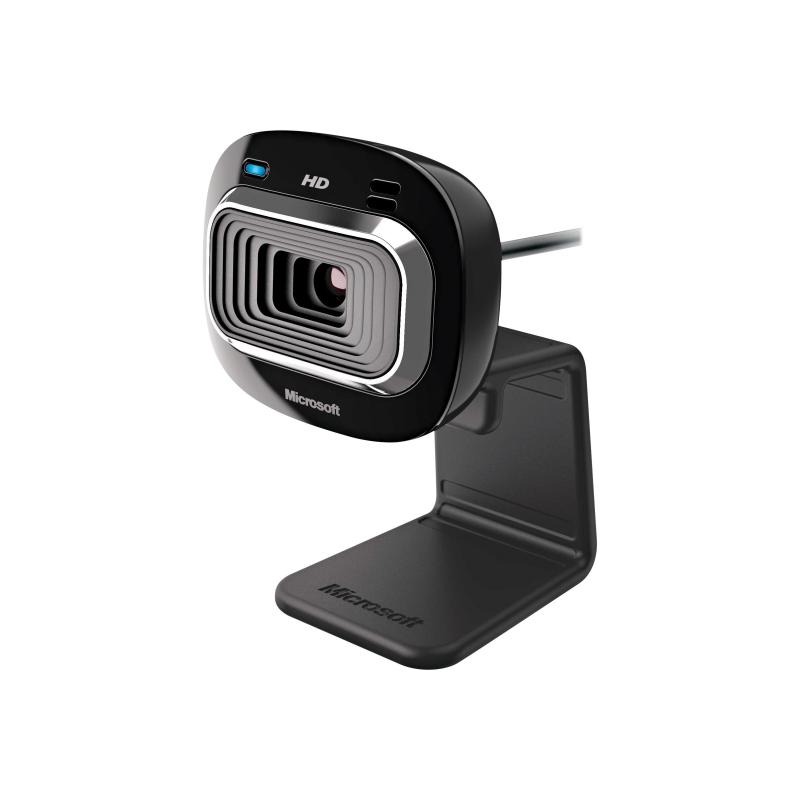
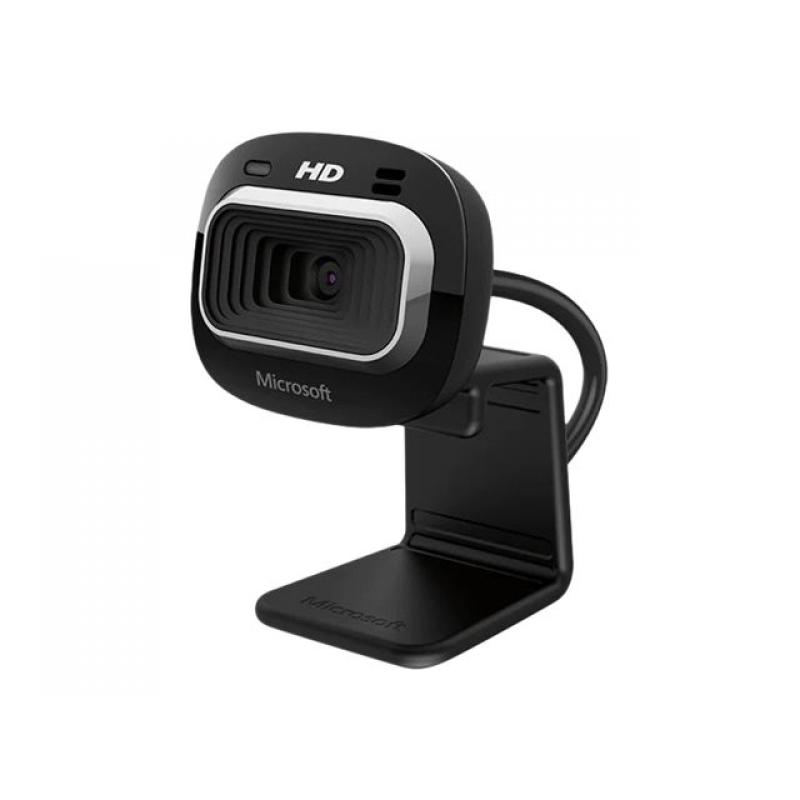
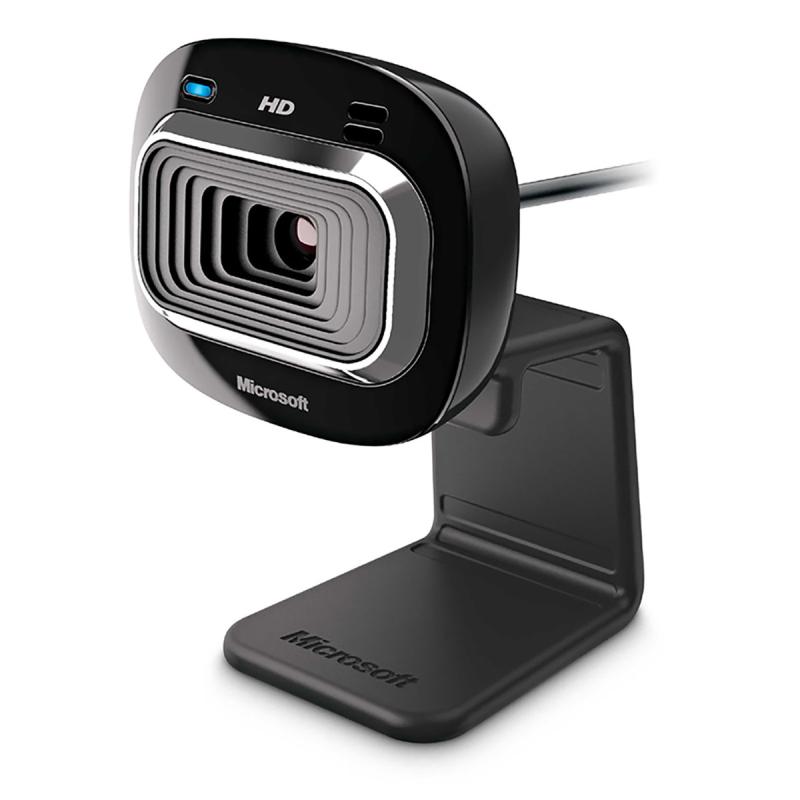
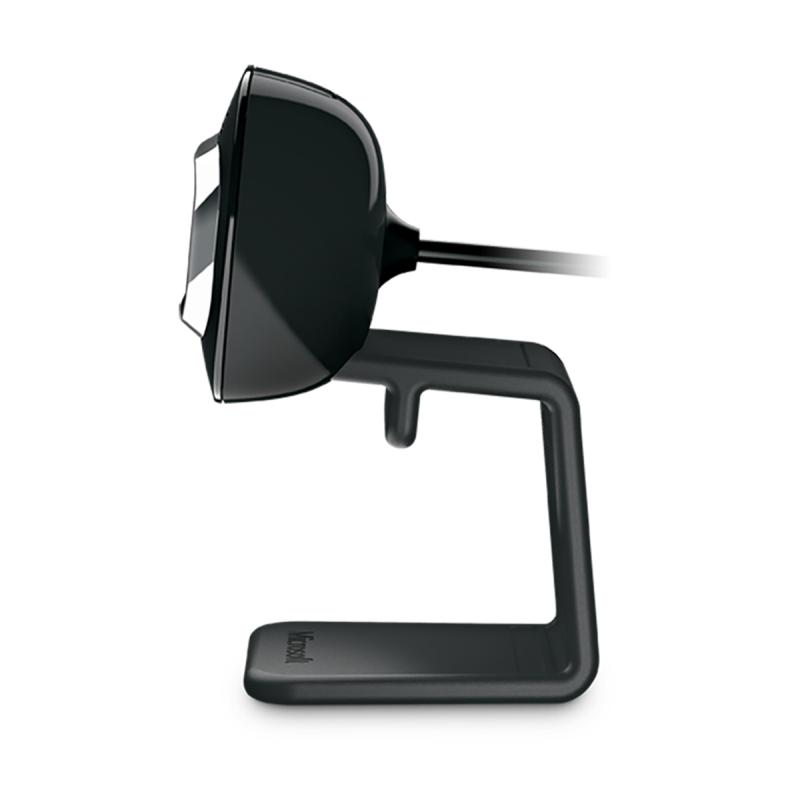
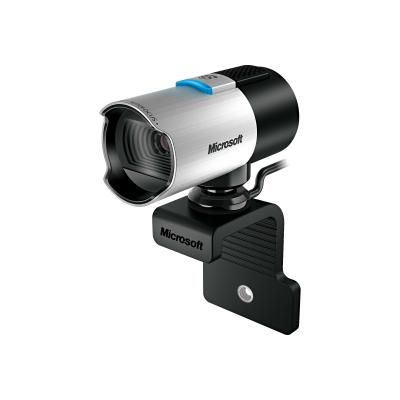
Microsoft LifeCam HD-3000 - Webcam - colour - 1280 x 720 - audio - USB 2.0
Put yourself on the widescreen
This true HD camera gives you bright and colorful video, and makes it easy to post to your favorite social sites.
True 720p HD video
Records true HD-quality video at up to 30 fps.
16:9 widescreen
Offers cinematic video recording.
TrueColor Technology
TrueColour technology automatically delivers bright and colourful video, in virtually all lighting conditions.
Noise Cancelling Microphone
Crystal-clear audio and built-in unidirectional microphone with acoustic noise cancellation.
Universal Attachment Base
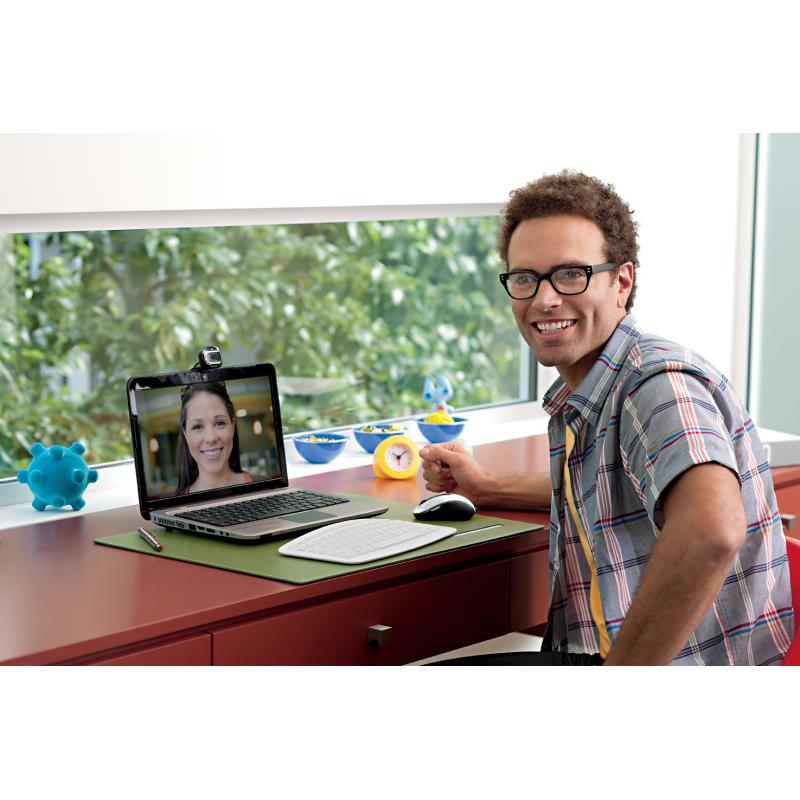
Works on your desktop, laptop, or notebook.
Share Videos
Share videos with Messenger, Facebook, YouTube, and Twitter.
Works with
Windows Live Messenger, Yahoo!, AOL Instant Messenger, and Skype.
Windows Live Movie Maker
Start a movie project with one click, and then upload widescreen video to social networking sites, with Windows Vista or later. (Broadband may be required.)
Windows Live Photo Gallery
Easily upload a photo that you can edit, tag, and share with friends and family.
Windows Live Call Button
The easy way to start a video call with Windows Live Messenger,. (Requires Windows Vista or later, and call resolution depends on messaging client.)