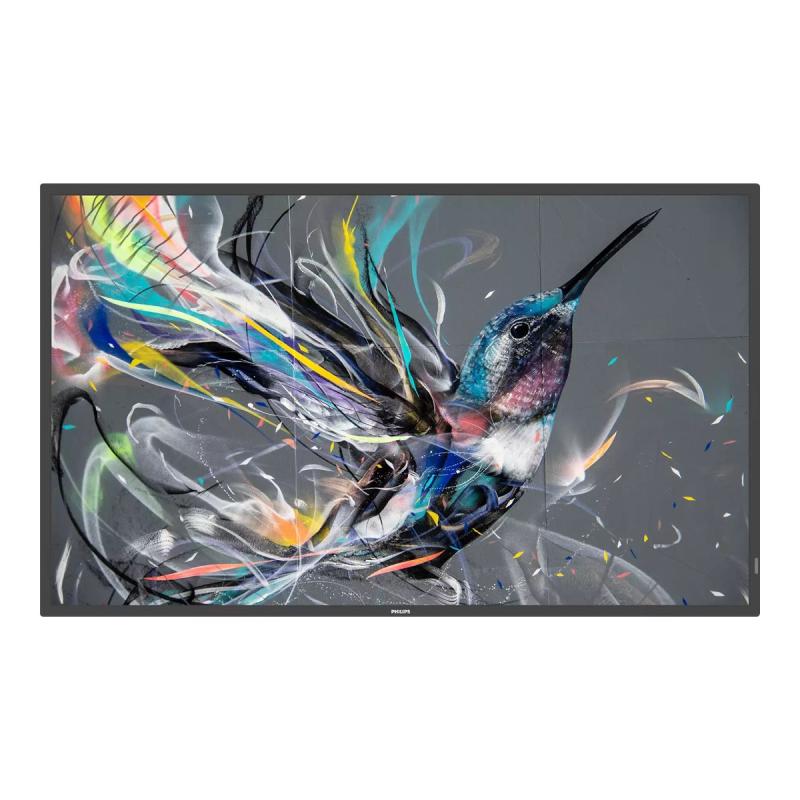
Philips 65BDL3550Q Digital Signage Q-line Qline (65BDL3550Q 00)

Philips 65BDL3550Q Digital Signage Q-line Qline (65BDL3550Q 00)

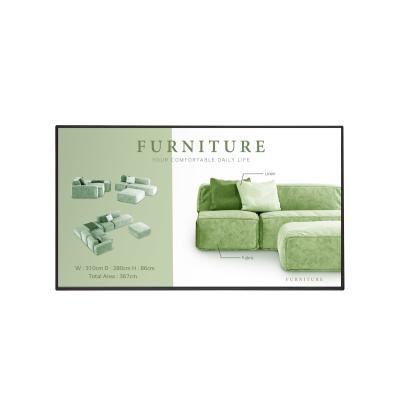
Philips 65BDL3550Q - 65" Diagonal Class (64.5" viewable) - Q-Line LED-backlit LCD display - digital signage - Android - 4K UHD (2160p) 3840 x 2160 - direct-lit LED

Qty:

Category (Digital Signage)
Displays & Projectors
Digitale Signage
OEM
65BDL3550Q/00
EAN
8712581765446
SKU
145754 (145754)
Manufacturer
Philips
Master carton
0.0000
Type
Digital Signage Display
Color
Black
UNSPSC
43211902
eClass
19-02-01-02
eClass V7
19-14-03-02
Dimensions (Girth)
1615 x 990 x 190 (3975)
Type
Digital Signage Display
(Image) diameter inch
65"

Operate, monitor and maintain with CMND and Control
Run your display network over a local (LAN) connection. CMND and Control allows you to perform vital functions like controlling inputs and monitoring display status. Whether you're in charge of one screen or 100.

FailOver ensures that content is always playing
From waiting room to meeting room, never show a blank screen. FailOver lets your Philips Professional Display switch automatically between primary and secondary inputs, ensuring that content keeps playing even if the primary source goes down. Simply set a list of alternative inputs to be sure your business is always on.

OPS slot allows for PC embedding without cabling
Integrate a full-power PC or Android-powered CRD50 module directly into your Philips Professional Display. The OPS slot contains all the connections you need to run your slot-in solution, including a power supply.

CMND and Create. Develop and launch your own content
Take control of your content with CMND and Create. A drag-and-drop interface makes it simple to publish your own content, whether it's a daily specials board or branded corporate information. Preloaded templates and integrated widgets ensure that your stills, text and video will be up and running in no time.

Integrated media player. Easily schedule USB content
Easily schedule content to play from USB. Your Philips Professional Display will wake from standby to play the content you want, and then return to standby once playback has finished.

Android SoC processor. Native and web apps
Control your display via an Internet connection. Android-powered Philips Professional Displays are optimised for native Android apps and you can install web apps directly to the display too. A new Android 8 OS ensures the software is kept secure and stays up to date with the latest specification for longer.

Connect and control your content over the internet
Connect and control your content over the internet with the integrated HTML5 browser. Using the Chromium-based browser, design your content online and connect a single display or your complete network. Show content in both landscape and portrait mode, with full-HD resolution. Streaming content can also be shown in a PIP (picture-in-picture) window. Simply connect the display to the internet using WiFi or with an RJ45 cable, and enjoy your own created playlist

  • CMND & Control
    Run your display network over a local (LAN) connection. CMND & Control allows you to perform vital functions like controlling inputs and monitoring display status. Whether you're in charge of one screen or 100.
  • Integrated media player
    Easily schedule content to play from USB. Your Philips Professional Display will wake from standby to play the content you want, and then return to standby once playback is done.
  • FailOver
    From waiting room to meeting room, never show a blank screen. FailOver lets your Philips Professional Display switch automatically between primary and secondary inputs ensuring content keeps playing even if the primary source goes down. Simply set a list of alternate inputs to be sure your business is always on.
  • CMND & Create
    Take control of your content with CMND & Create. A drag-and-drop interface makes it simple to publish your own content-whether it's a daily specials board or branded corporate information. Preloaded templates and integrated widgets ensure your stills, text, and video will be up and running in no time.
  • Powered by Android 8
    Control your display via an Internet connection. Android-powered Philips Professional Displays are optimized for native Android apps, and you can install web apps directly to the display too. A new Android 8 ensures the software is kept secure and remain to the latest specification for longer.
  • SmartBrowser
    Connect and control your content over the internet with the integrated HTML5 browser. Using the Chromium based browser, design your content online and connect a single display, or your complete network. Show content in both landscape and portrait mode, with fullHD resolution. Streaming content can also be shown in a PIP (picture-in-picture) window. Simply connect the display to the internet using Wi-Fi or with an RJ45 cable, and enjoy your own created playlist.

Address
Name
Philips
Email
Unternehmenskommunikation@philips.com
Website
https://www.philips.de/
Telephone
+49 (0)40 - 28 99 0
Street
Röntgenstr. 22
Postcode
22335
City
Hamburg
Country
DE