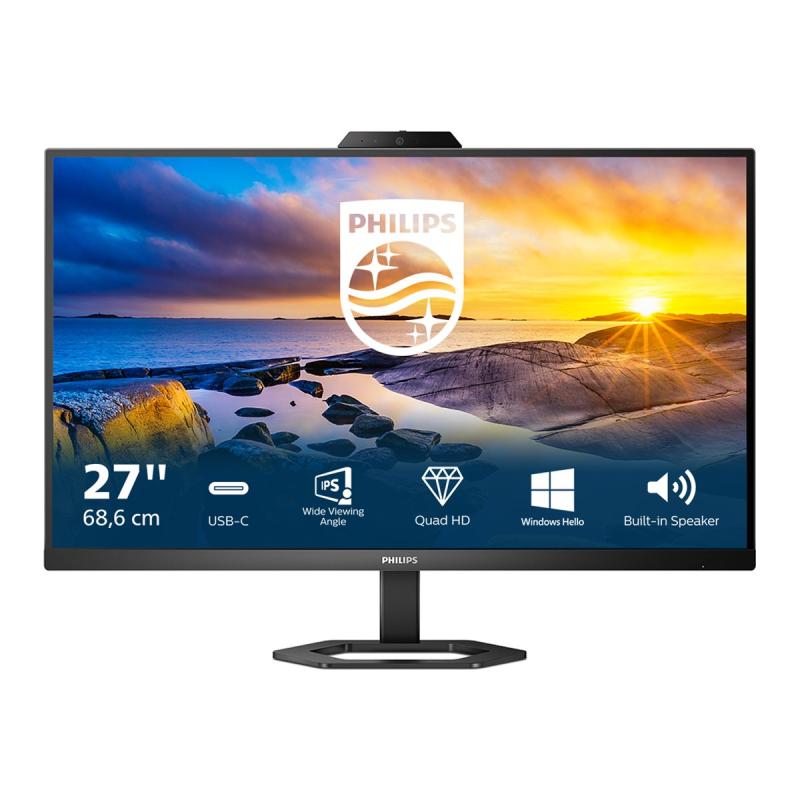
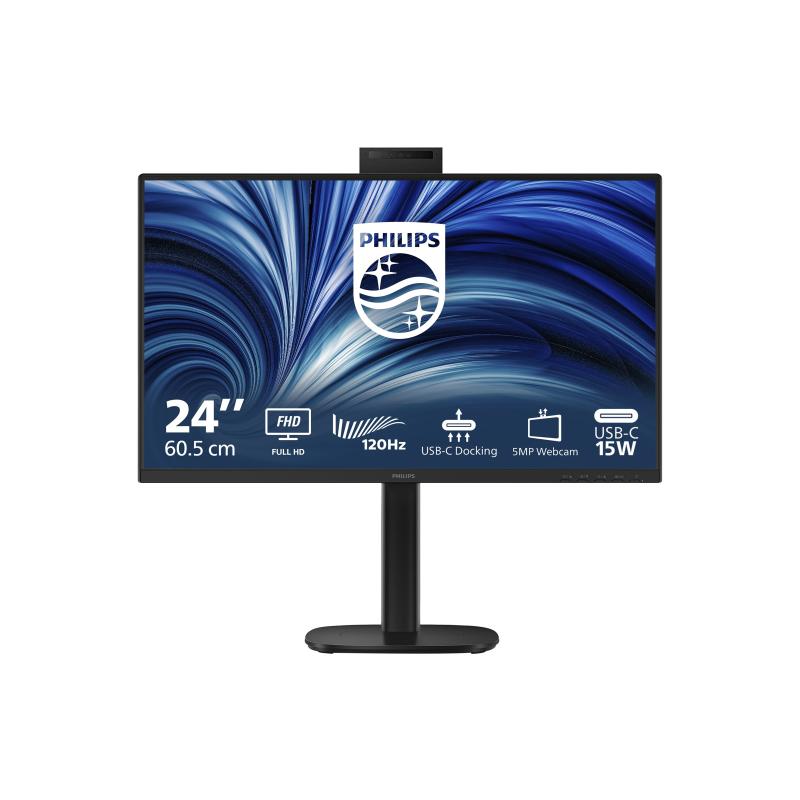
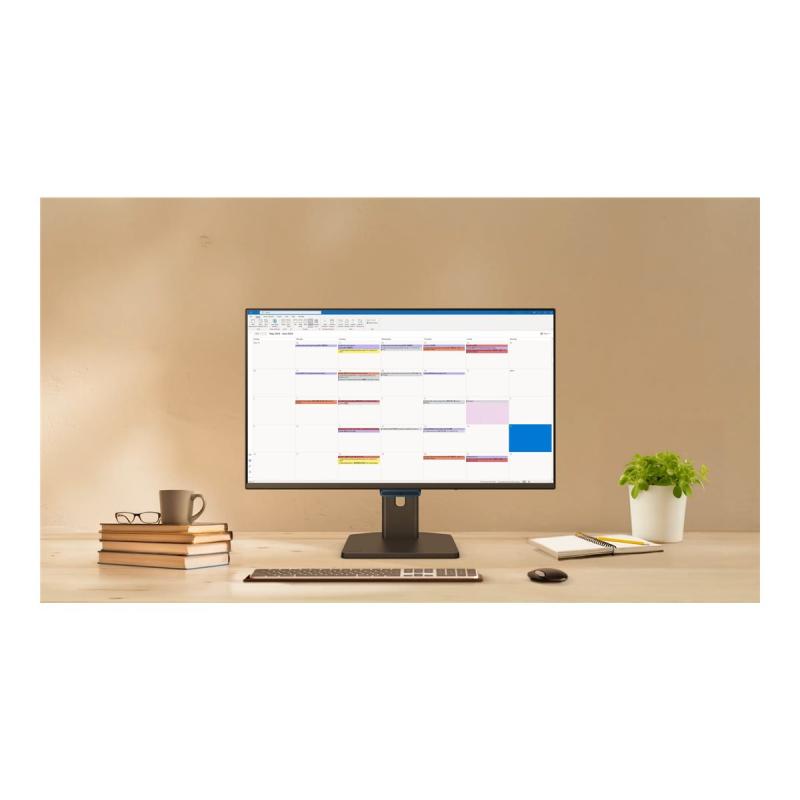
This Philips monitor is designed for the remote work environment. The integrated 5MP webcam delivers sharp images, and noise cancelling mic helps people hear you loud and clear.
- Connect your notebook with one USB-C cable
This Philips display features a USB Type-C connector with power delivery. With intelligent and flexible power management, you can power charge your compatible device directly. Its slim, reversible USB Type-C allows for easy, one-cable connection. You can watch high-resolution video and transfer data at super speed, while powering up and recharging your compatible device at the same time. - IPS LED wide view technology for image and color accuracy
IPS displays use an advanced technology that gives you extra-wide viewing angles of 178/178 degrees, making it possible to view the display from almost any angle. Unlike standard TN panels, IPS displays give you remarkably crisp images with vivid colors, making them ideal not only for photos, movies and web browsing, but also for professional applications that demand color accuracy and consistent brightness at all times. - Crystal-clear images with Quad HD 2560 x 1440 pixels
These Philips screens deliver crystal-clear, Quad HD 2560 x 1440 images. Utilizing high-performance panels with a high-density pixel count, enabled by high bandwidth sources like USB Type-C, DisplayPort and HDMI, these displays will make your images and graphics come alive. Whether you are a demanding professional who requires extremely detailed information for CAD-CAM solutions and uses 3D graphic applications, or a financial wizard working on huge spreadsheets, Philips displays will give you crystal-clear images. - Webcam with noise-canceling microphone for collaboration
This Philips monitor comes with a built-in 5MP webcam, a noise-canceling microphone, and speakers, making it perfect for working from home and collaborating remotely. The physical camera switch offers extra privacy when not in use. The noise-canceling microphone and dual integrated speakers deliver clear communications. - Built-in stereo speakers for multimedia
A pair of high-quality stereo speakers built into a display device. - LowBlue Mode and Flicker-free easy on the eyes viewing
LowBlue Mode and Flicker-free technology have been developed to reduce eye strain and fatigue often caused by long hours in front of a monitor. - Tilt, pivot and adjust the height for an ideal viewing position
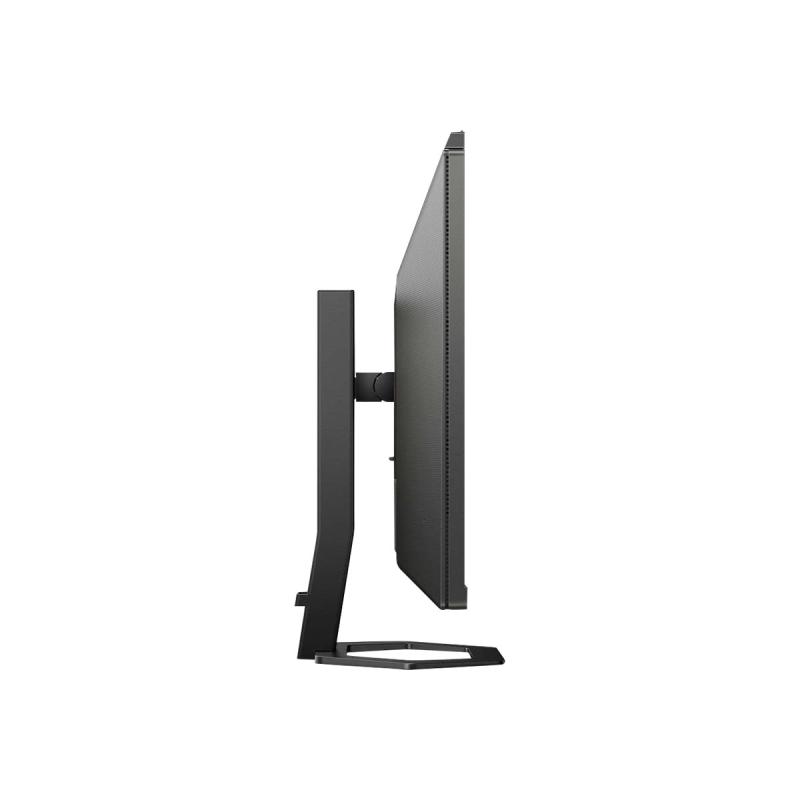
The compact Ergo Base is a people-friendly Philips monitor base that tilts, pivot and height-adjusts so each user can position the monitor for maximum viewing comfort and efficiency. - EasySelect menu toggle key for quick on-screen menu access
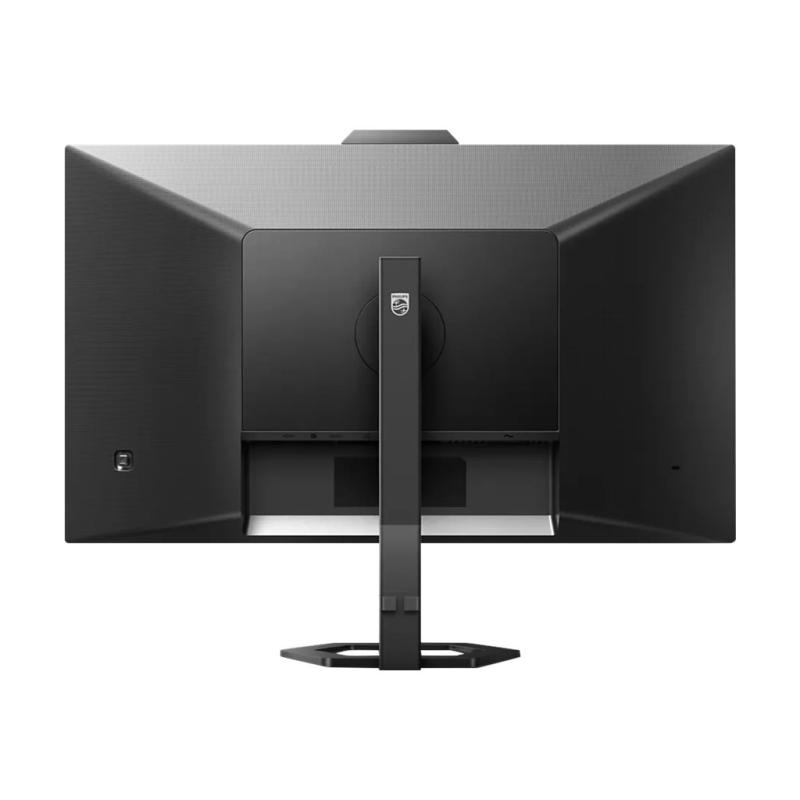
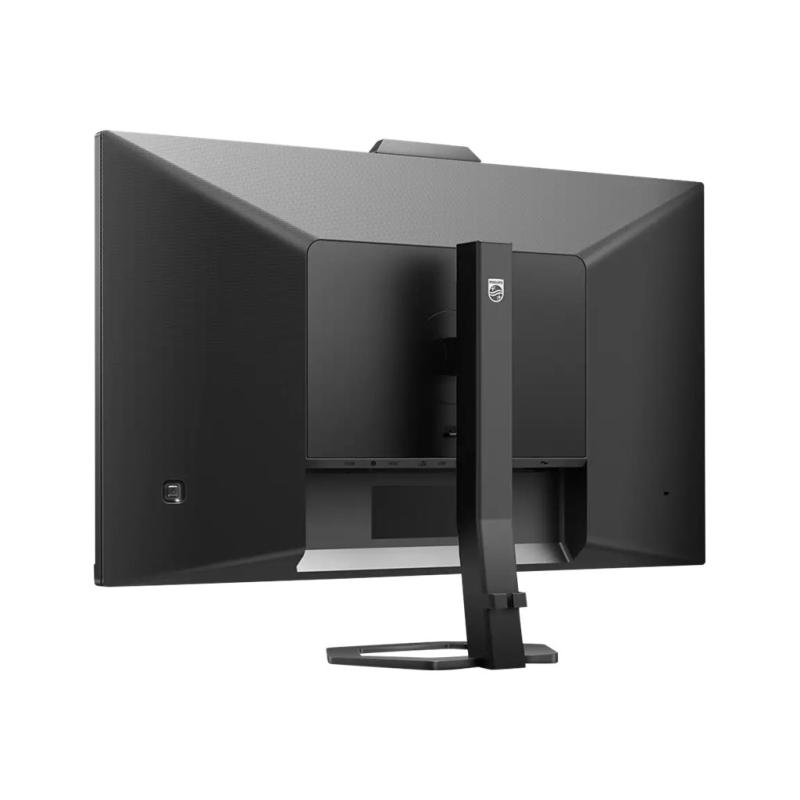
The discreetly placed EasySelect menu toggle key allows you to make quick and easy adjustments to monitor settings in the on-screen display menu. - Cable management reduces cable clutter for a neat workspace
Cable management is an intimate design that maintains a tidy workspace by organizing the cables and wires required for the operation of a display device.
Address
Email
Unternehmenskommunikation@philips.com
Website
https://www.philips.de/
Telephone
+49 (0)40 - 28 99 0
 English
 Deutsch