English
 Deutsch
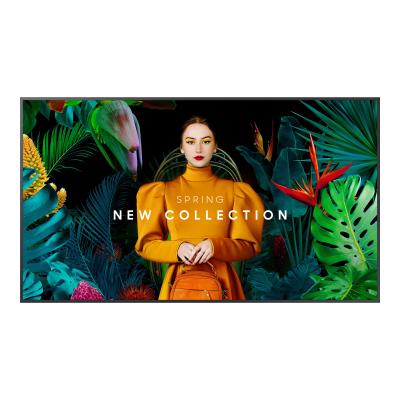
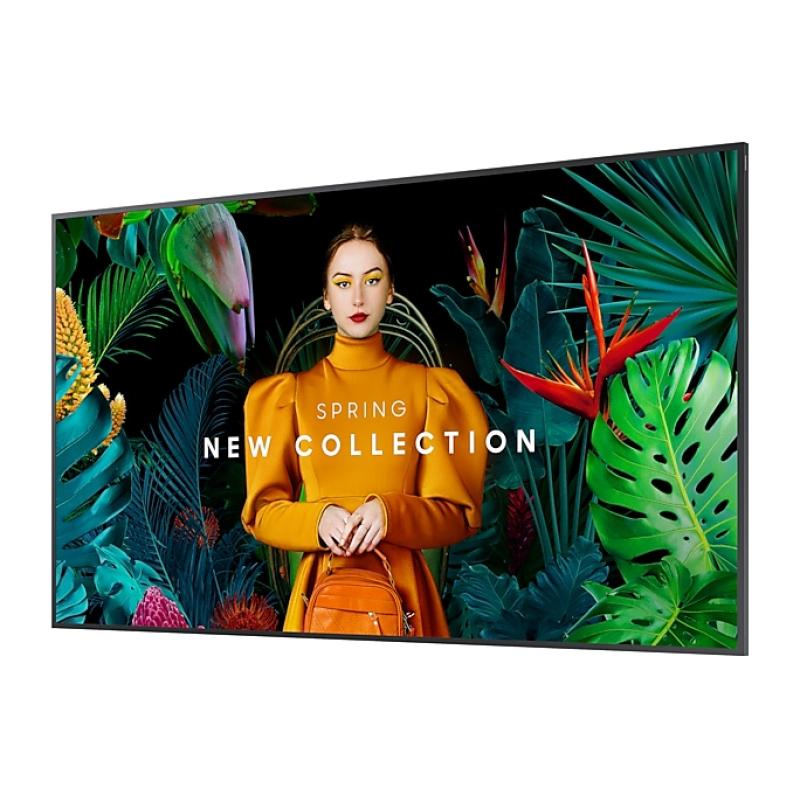
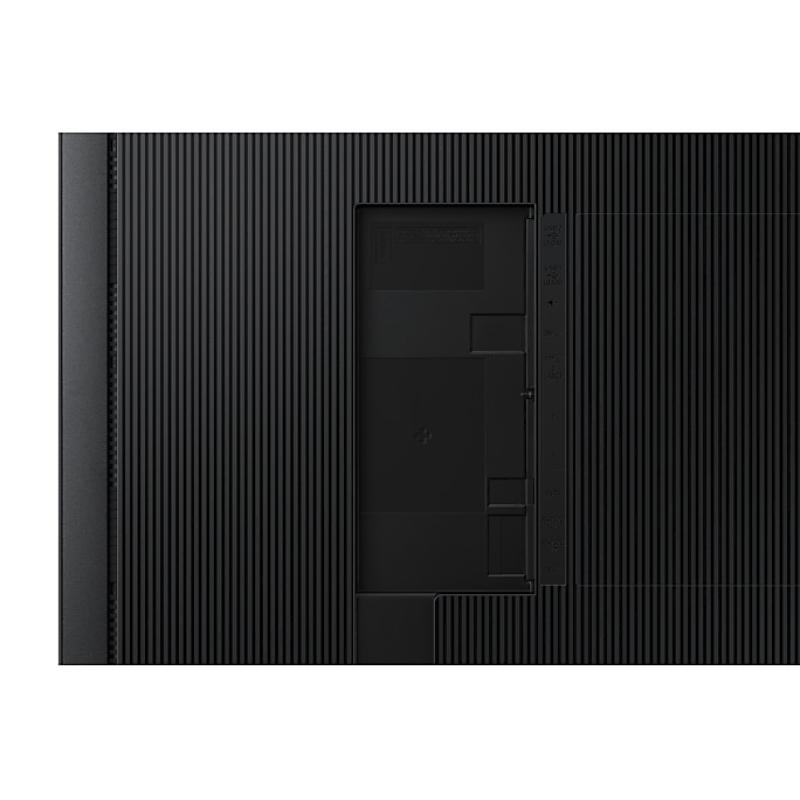
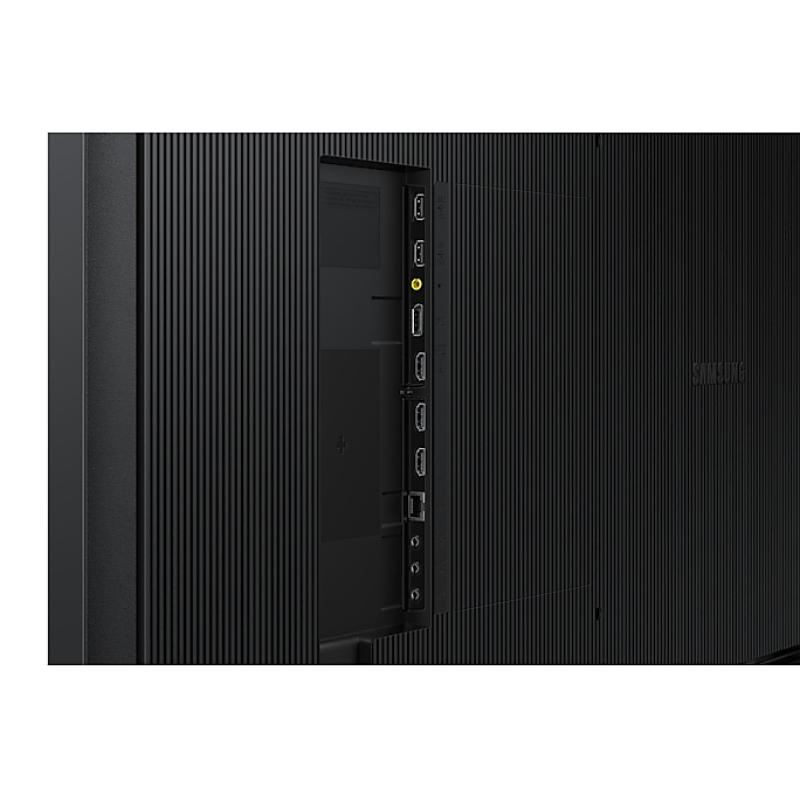
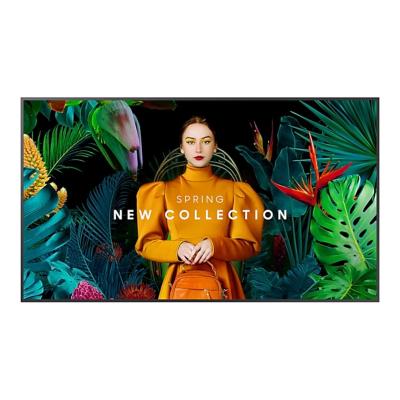
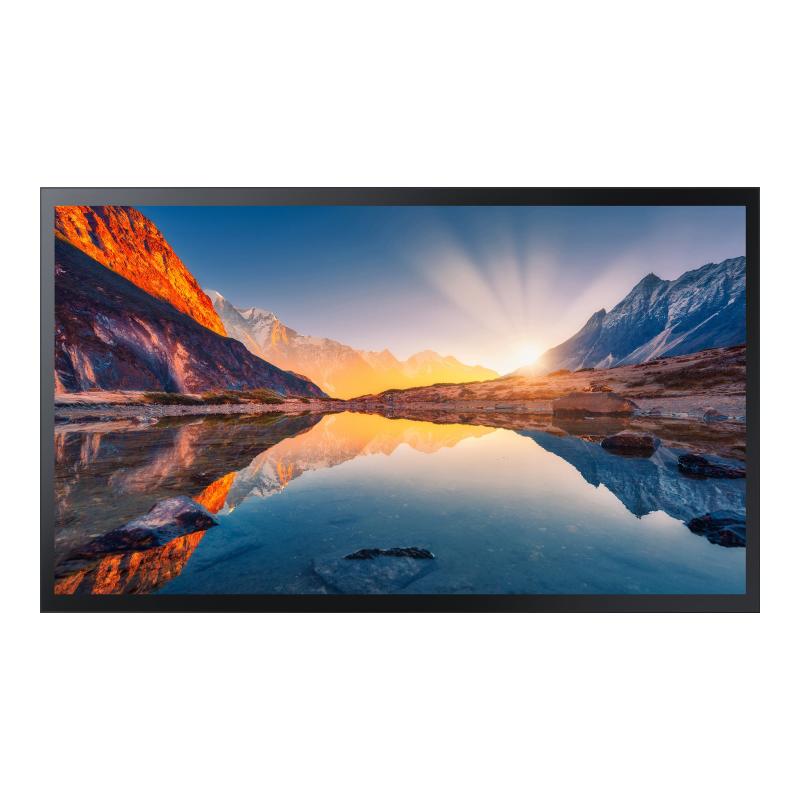
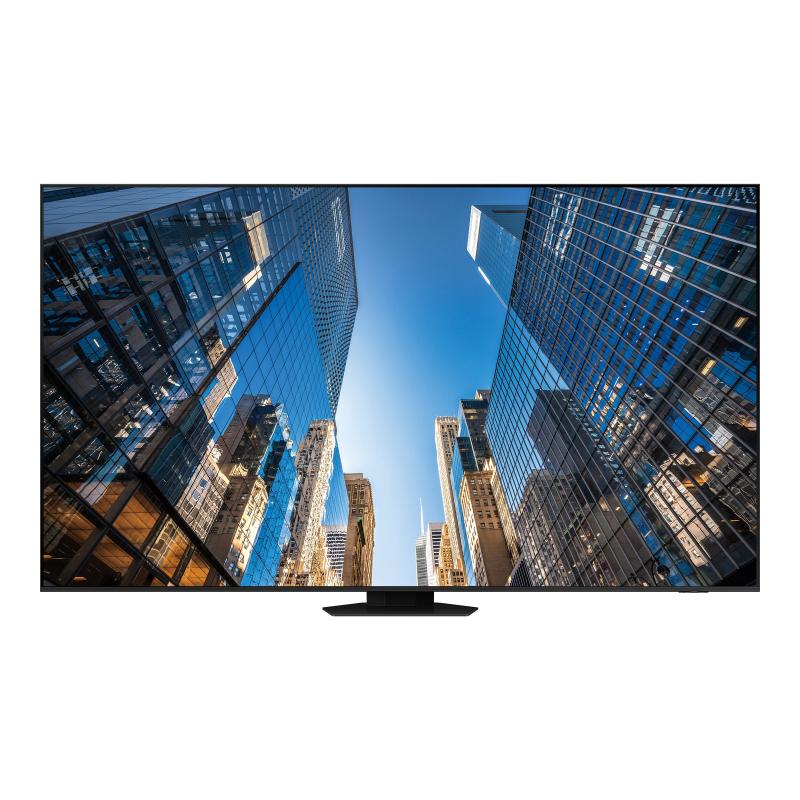
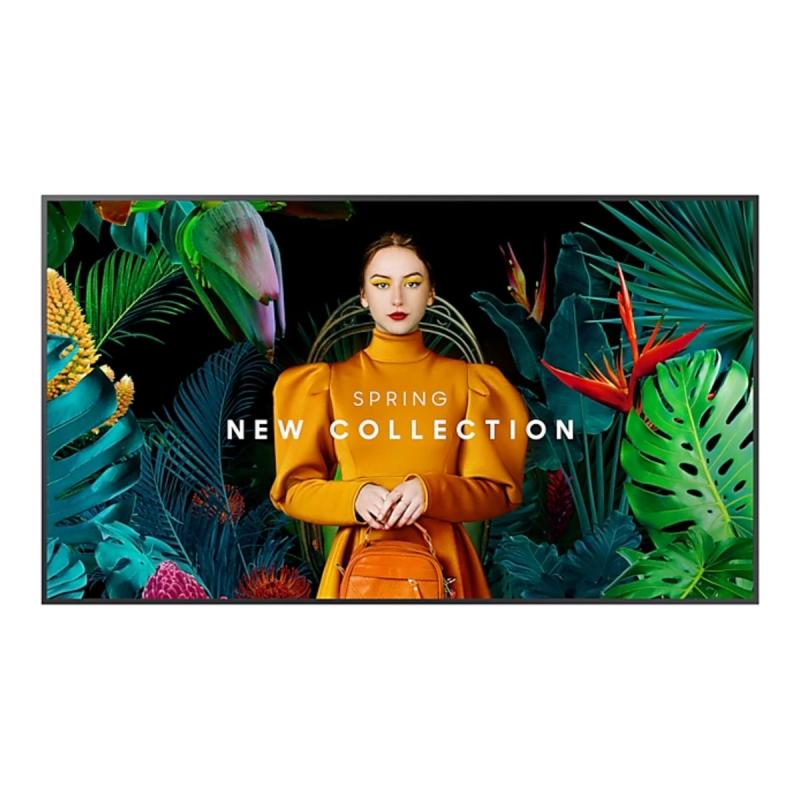
Samsung QM43C - 43" Diagonal Class QMC Series LED-backlit LCD display - Crystal UHD - digital signage - Tizen OS - 4K UHD (2160p) 3840 x 2160
Maximum impact in minimum space
Ultra Slim Depth
The QMC's unparalleled ultra-slim thickness of 28.5mm makes it the thinnest option in Samsung’s UHD series. It comes with the Slim Fit Wall Mount, which allows you to install it neatly and easily in any environment. QMC optimizes space with its sleek design that blends seamlessly into your business.
Clean visuals in landscape or portrait mode
Even Bezel
The bezels are consistent and even on all four sides of the display, with the same thickness and dimensions. The new even bezel design prevents any visual issues from arising when the display is adjusted to portrait mode.
Secure and even mounting
Centered VESA Holes
The central positioning of the VESA holes on the back of the display evenly distribute its weight for secure mounting. With the VESA holes now shifted to the center, users can adjust the display to portrait mode without the display tilting unintentionally.
Lifelike colour, born in a pure state with fine crystal
Dynamic Crystal Colour
Every picture is more immersive with one billion shades of colour. Dynamic Crystal Colour delivers true-to-life variations, allowing customers to see every subtlety.
View lifelike shades of colour in powerful 4K
Quantum Processor Lite 4K
Samsung’s industry-leading video processing technology enhances every piece of content for clarity and consistency. Intelligent UHD upscaling technology, powered by Samsung’s Quantum Processor Lite 4K, elevates lower-resolution video to UHD, providing a professional picture quality.
Ensure critical information is always visible
Non-glare
QMC displays feature reliable, non-glare panels that provide better visibility from all angles, any time of day. The non-glare display enables businesses to deliver accurate information in critical locations, like airports and train stations.
Connect with convenience
Home UI
QMC boasts greater usability with an upgraded home screen UI. Popular categories like Favorites, Sources and Settings are displayed on the same screen for convenient availability. The Favorites folder grants users quick, easy access to frequently used features in a single click.
Collaborate between screens with wire-free speed
Smartview+
SmartView+ enables wireless screen sharing without cable connections, ensuring easy collaboration. Users can now enable the screen sharing function at the start of a meeting, allowing the meeting admin to quickly switch between screens with one click.
Simplified calibration between screens with mobile app
Smart Calibration
Guarantee complete brand consistency across every display in every location. Using the Samsung mobile app, Smart Calibration ensures every display is calibrated correctly, showcasing brand logos and other collateral in the exact colours required.
Enhance professional environments with expert tools
Professional Modes
Built-in professional modes enable more possibilities in specific verticals. Director Mode minimizes post-processing, aligning content to the director’s original intention. Medical teams can simulate medical images such as X-rays with DICOM Simulation Mode, meeting DICOM's full grayscale standards
Change the way to manage your display
Samsung VXT
Samsung VXT CMS is a cloud-based solution that brings together content management and remote device management capabilities, allowing users to remotely manage hardware settings and troubleshoot issues while effortlessly creating and deploying content with no previous training needed.
Everyday Sustainability
Energy Star / EPEAT* / TÜV Rheinland Carbon Footprint*
Samsung is making diverse efforts to reduce our environmental impact in smart signage, and encouraging users to pursue a more sustainable life.