Samsung Monitor Serie 8 68 0cm Samsung0cm Samsung 0cm S27B800TGU 16 9 27" schwarz (LS27B800TGUXEN)

Samsung Monitor Serie 8 68 0cm Samsung0cm Samsung 0cm S27B800TGU 16 9 27" schwarz (LS27B800TGUXEN)

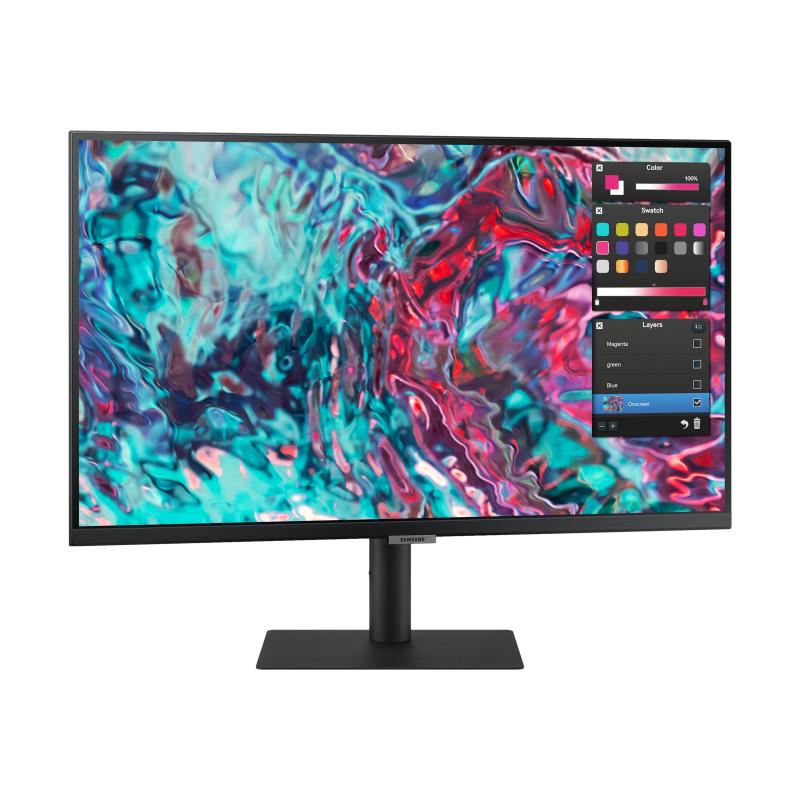
Samsung ViewFinity S8 S27B800TGU - S80TB Series - LED monitor - 27" - 3840 x 2160 4K UHD (2160p) @ 60 Hz - IPS - 350 cd/m² - 1000:1 - HDR10 - 5 ms - HDMI, 2xThunderbolt 4 - black

Qty:

Category (TFTs)
Displays & Projectors
Flat Screens
OEM
LS27B800TGUXEN
EAN
8806094522631
SKU
139775 (139775)
Manufacturer
Samsung
Master carton
0.0000
Type
Flat Screen
Color
Black
UNSPSC
43211902
eClass
19-02-01-02
eClass V7
19-14-03-02
Energy efficiency class
F
Dimensions (Girth)
680 x 440 x 160 (1880)
Picture diagonal (inch)
27 " - 28 "

  • Deeper details for creative clarity
    Uncover every detail with maximum clarity. With 4x the pixels of Full HD, every detail is viewed in enhanced depth, while more screen real estate provides space to view multiple tools, applications and programs. Plus, IPS panel delivers crystal clear color quality and a wide viewing angle of 178°.
  • Full-range color spectrum
    Showcase more colors for greater impact. S8 features an extended color range supporting up to 98% of DCI-P3, creating richer and more vibrant colors in every project. With pro-level precision, graphic designers and other creatives can deliver full accuracy without compromise.
  • Pure colors backed by experts
    View every hue with true-to-life accuracy. Backed by the world leader in color development, S8 is Pantone Validated, confirming the authentic reproduction of more than 2,000 Pantone colors and 110 Pantone SkinTone shades on screen. Now your work looks as good on your monitor as in the real world.
  • Realize richer, more refined shades
    Show more with every shade. HDR support brings a true high dynamic range of luminous blacks and whites to the screen. Dark areas are richer and more profound, while bright parts are even more dazzling and intense, delivering clear and detailed resolution for an outstanding viewing experience.
  • Clear even during the day
    Edit and review content clearly even in bright daylight. With the glare-free monitor certified by UL, the Matte Display technology enables professionals to review and edit with consistent levels of brightness and colors even without a monitor hood.
  • An ultimate hub for versatile use
    Ditch the clutter and keep connected. Power your laptop and transmit data with just one USB Type-C cable with 90 W charging for a tidier workspace. The additional LAN port allows a laptop to simply connect to the monitor for Ethernet use.
  • Relieve your eyes from strain
    Keep your eyes fresh and strain-free. For those late-night projects, brightness and color temperature adjust automatically for optimization in any environment. TUV-certified for intelligent eye care, protecting your eyes against excessive blue light with eye saver mode and the flicker free feature.
  • Make room for more tasks
    Double up on the ways you work, chat and play. With PBP, view input from two simultaneous sources at native resolution, allowing you to review two projects or run two programs. Use PIP to resize a second source to up to 25% of the screen, allowing you to work on one task while monitoring another.
  • Maximize comfort, minimize distractions
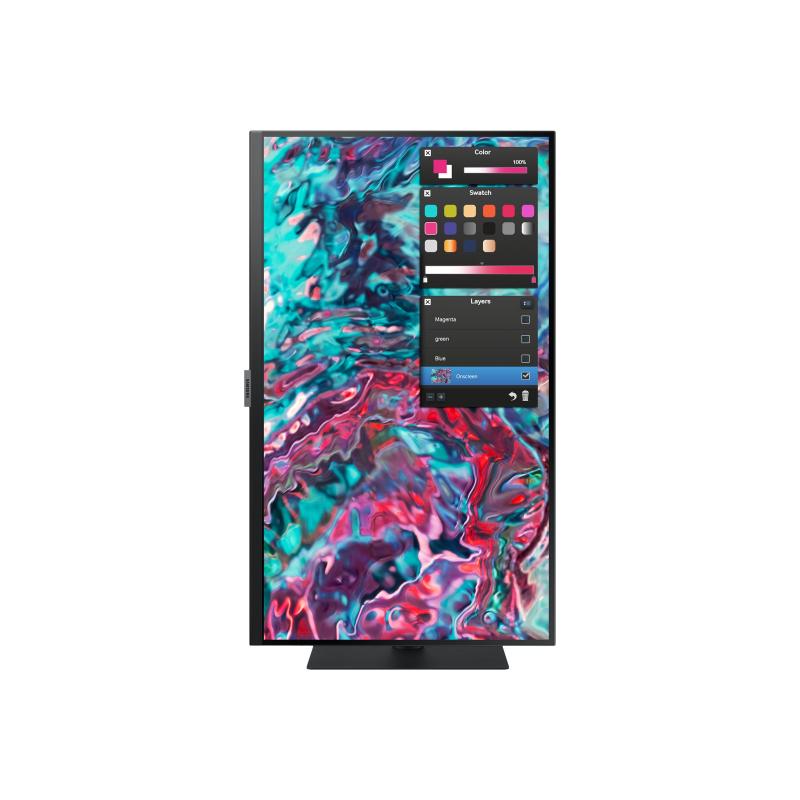
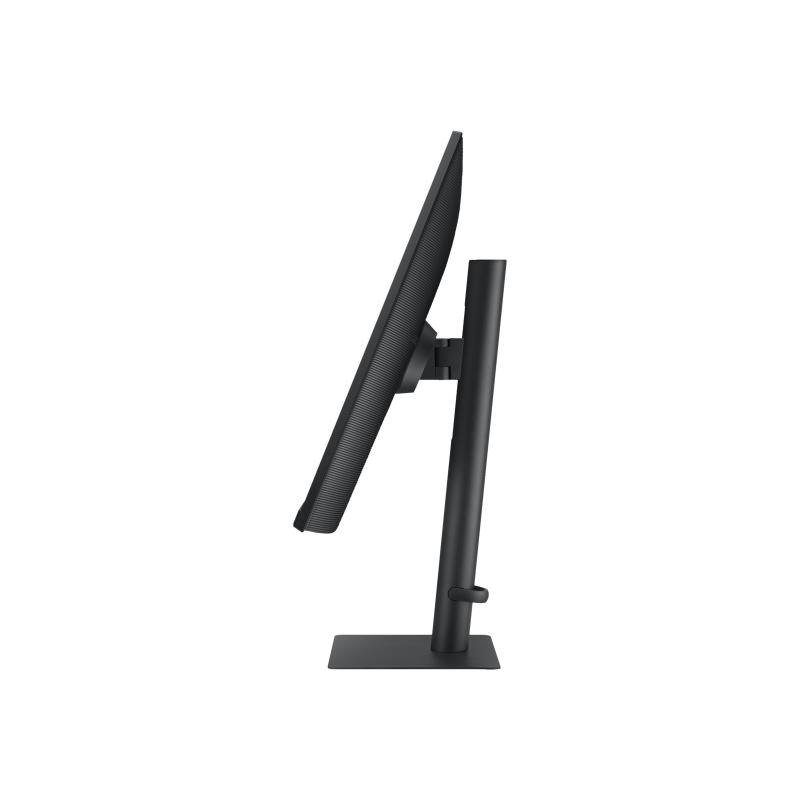
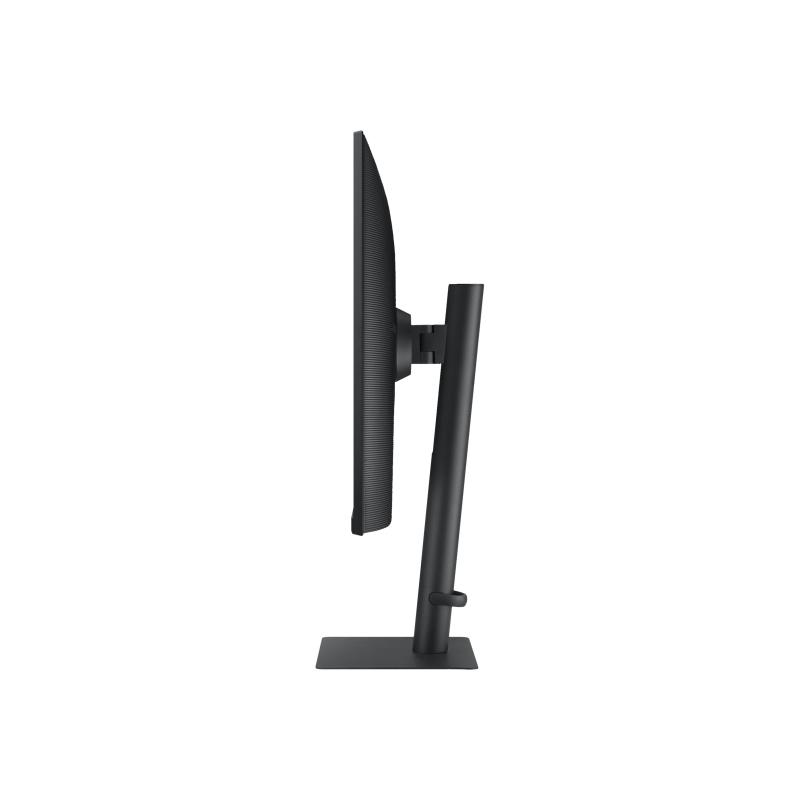
    Find a monitor position that maximizes your comfort. Pivot the screen from portrait to landscape or adjust up and down for the perfect height. Tilt and swivel to capture the best viewing angle. The slim metal stand with narrow depth takes up less desk space for a clean, seamless work setup.

Address
Name
Samsung
Email
kundenbetreuung@samsung.de
Website
https://www.samsung.com/
Telephone
00496196-7755577
Street
Frankfurter Straße 2
Postcode
65760
City
Eschborn
Country
DE