TP-LINK TPLINK Access Point Omada EAP115-WALL EAP115WALL (EAP115-WALL)

TP-LINK TPLINK Access Point Omada EAP115-WALL EAP115WALL (EAP115-WALL)

TP-Link Omada EAP115-Wall - Radio access point - 100Mb LAN - Wi-Fi - wall mountable

Qty:

Category (Netzwerktechnik)
Network Equipment
Network Equipment
OEM
EAP115-WALL
EAN
6935364093457
SKU
tplne000023 (114696)
Manufacturer
TP-Link
Master carton
36.0000
Type
Access Point; Load Balancer
Model
Auranet EAP115-WALL Wireless N Wall-Plate Access Point
Customs tariff number
85176200
UNSPSC
43000000
eClass
19-03-01-12
eClass V7
19-17-02-01
Dimensions (Girth)
47 x 130 x 118 (543)
Type
Access Point
Amount of ports
Other Amount of ports
Transmission rate
300Mbps

Installation Made Easy
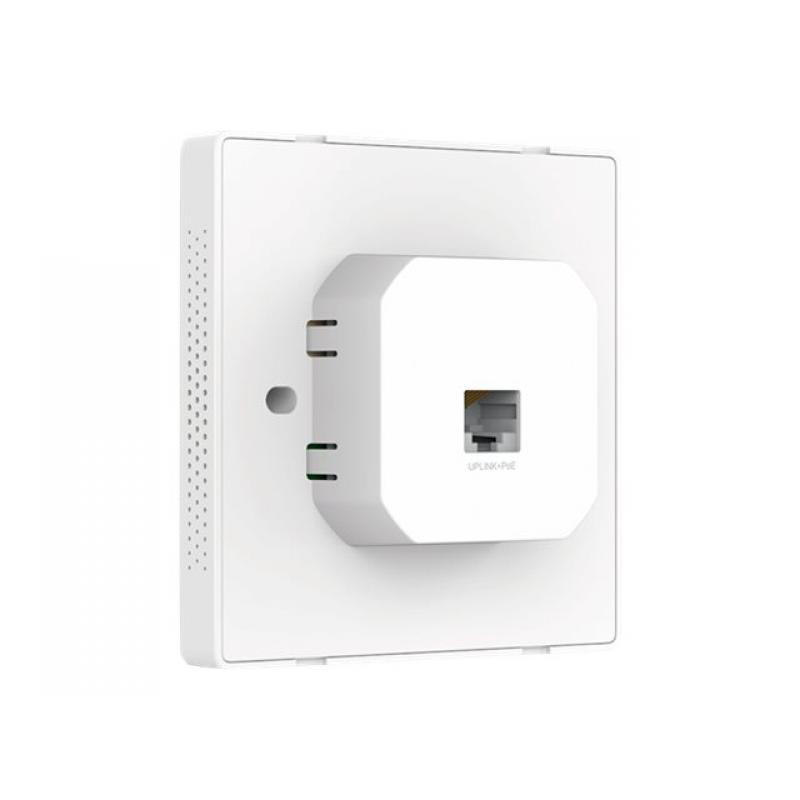
- Detach the faceplate of the junction box* with a screwdriver.
- Remove the faceplate of the EAP.
- Connect an in-wall Ethernet cable to the Uplink+POE port.
- Secure the access point to the wall using the nails provided.
- Press the faceplate back into position.

Perfectly Formed
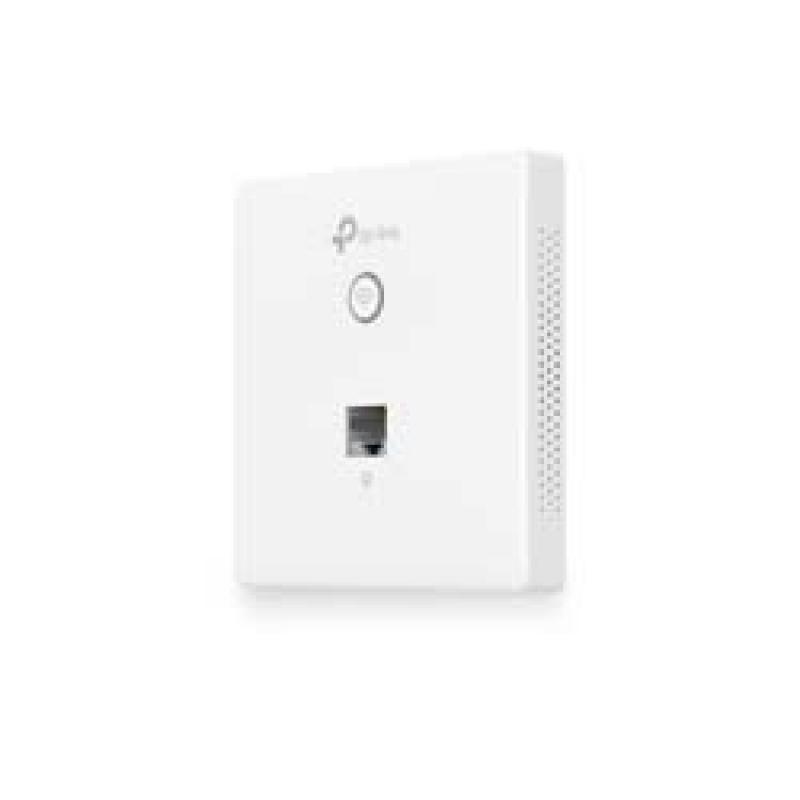
The EAP115-Wall would blend seamlessly into any business setting with a refined, minimalist appearance. A slimline design includes casing that’s just 11 mm in thickness.

Effortless Deployment
With 802.3af Power over Ethernet supported there’s no need for additional wiring. Simply plug in existing Ethernet cables and you’re ready to go.

Complete Wireless Coverage
An EAP in each room guarantees a strong wireless signal and allows guests to enjoy their own private Wi-Fi network.

Cloud Centralized Management
- Anytime, Anywhere

Omada Cloud Controller OC200 and Omada Software Controller make it easy to manage and monitor the whole Omada network in real-time, while cloud service enables remote and secure access no matter where you find yourself.

Easy Management with the Omada App
Follow configuration instructions on the free Omada app to get set up in minutes. Omada lets you configure settings, monitor the network status and manage clients, all from the convenience of a smart phone or tablet.

  • Reliable connectivity
    With a data transfer rate of 300 Mbps, the TP-Link Omada EAP115-Wall ensures a stable and efficient wireless connection for various devices, enhancing performance in home and office environments.
  • Versatile installation options
    The wall-mountable form factor allows for flexible installation, making it suitable for different locations while maintaining an organized setup.
  • Enhanced security measures
    Equipped with multiple encryption algorithms such as WPA2-Enterprise and WPA2-PSK, this access point ensures secure connections to keep your network protected from unauthorized access.
  • Power over Ethernet functionality
    The PoE capability simplifies deployment by allowing power and data to be transmitted over the same Ethernet cable, reducing the need for additional wiring and maintaining a neat appearance.
  • Advanced networking features
    Features like load balancing, multiple SSID support, and Quality of Service (QoS) enable better resource management and improved user experience across the network.

Address
Name
TP-Link
Email
info.de@tp-link.com
Website
https://www.tp-link.com/
Telephone
+49 (0)211 8755 100
Fax
+49 (0)211 87551 041
Street
Am Trippelsberg 100
Postcode
40589
City
Düsseldorf
Country
DE