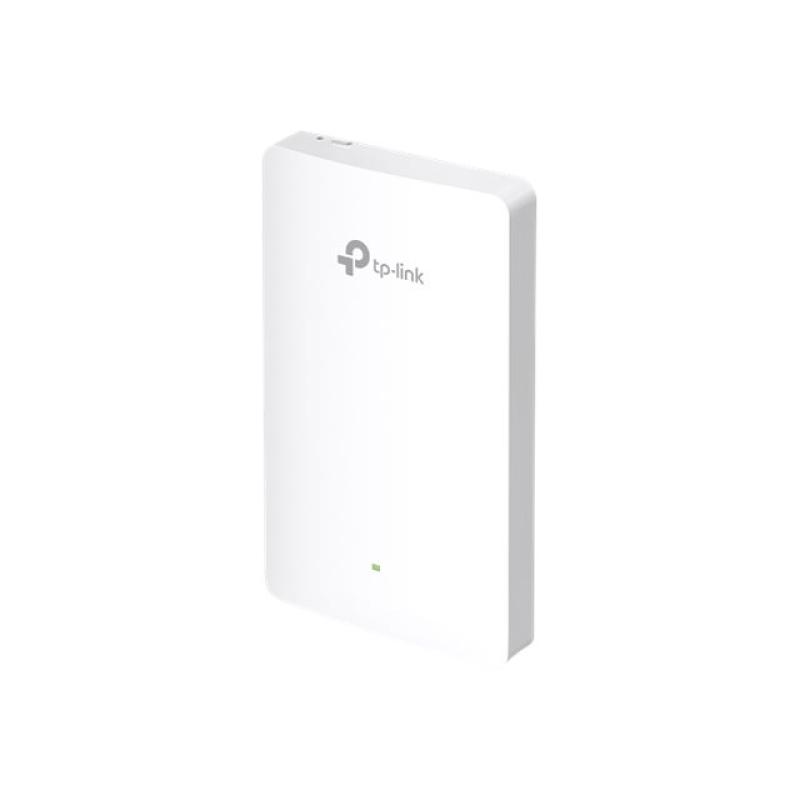
TP-LINK TPLINK Access Point Omada EAP235-WALL EAP235WALL (EAP235-WALL)

TP-LINK TPLINK Access Point Omada EAP235-WALL EAP235WALL (EAP235-WALL)

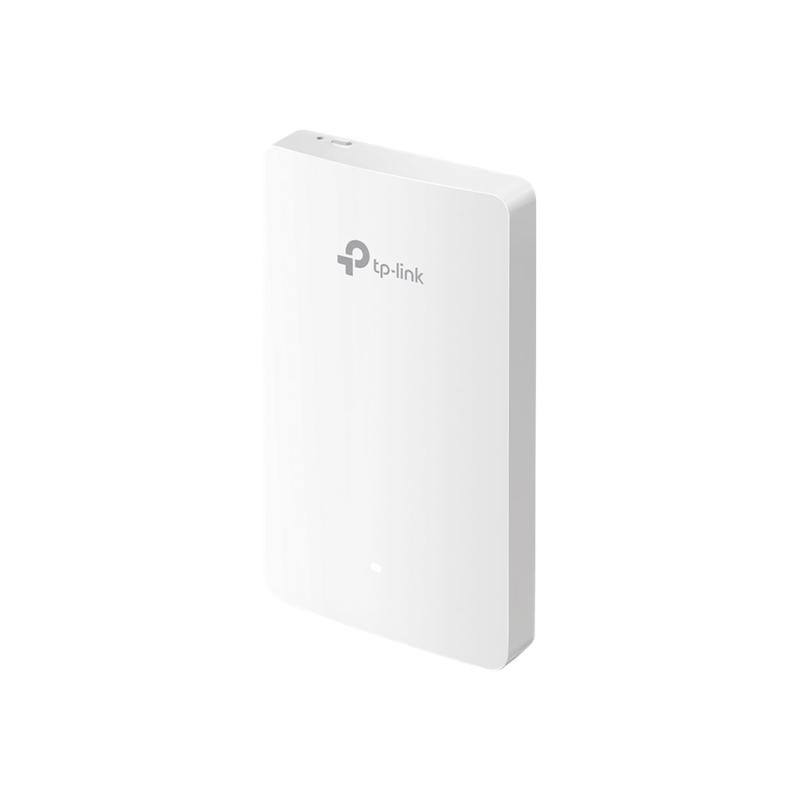
TP-Link Omada EAP235-Wall - Radio access point - Wi-Fi 5 - 2.4 GHz, 5 GHz - wall mountable

Qty:

Category (Netzwerktechnik)
Network Equipment
Network Equipment
OEM
EAP235-WALL
EAN
6935364088972
SKU
130585 (130585)
Manufacturer
TP-Link
Master carton
40.0000
Type
Access Point
Line
3rd Party TP-LINK kompatibel
Customs tariff number
85176200
UNSPSC
43222631
eClass
19-03-01-12
eClass V7
19-17-01-10
Dimensions (Girth)
180 x 120 x 35 (490)
Type
Access Point
Amount of ports
Other Amount of ports
Transmission rate
1Gbps

Dedicated Complete, Private Wi-Fi Network in Each Room
An EAP in each room allows guests to enjoy their own private Wi-Fi network that’s fast, delivering a strong signal, and providing corner to corner coverage.

MU-MIMO + Dual-Band: Connect Faster and More
802.11ac wave 2 MU-MIMO technology enables multiple users to access the Internet simultaneously, which largely boosts up your network speed of up to 1,200 Mbps. Capable of transmitting in both 2.4 GHz and 5 GHz wireless band, it provides greater compatibility to connect varieties of devices.

Absolute Thinnest, Inconspicuous Design
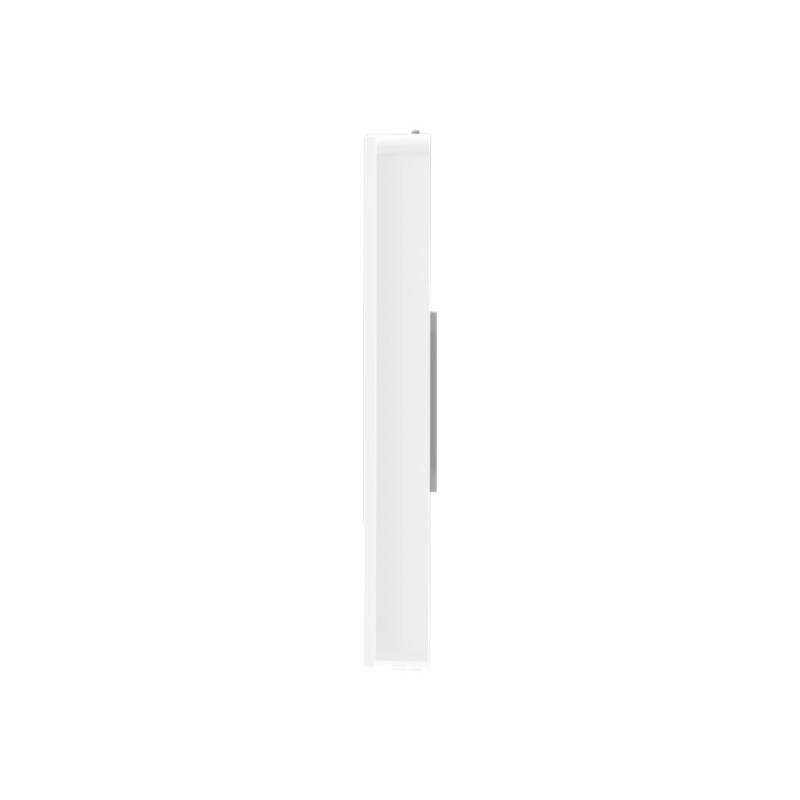
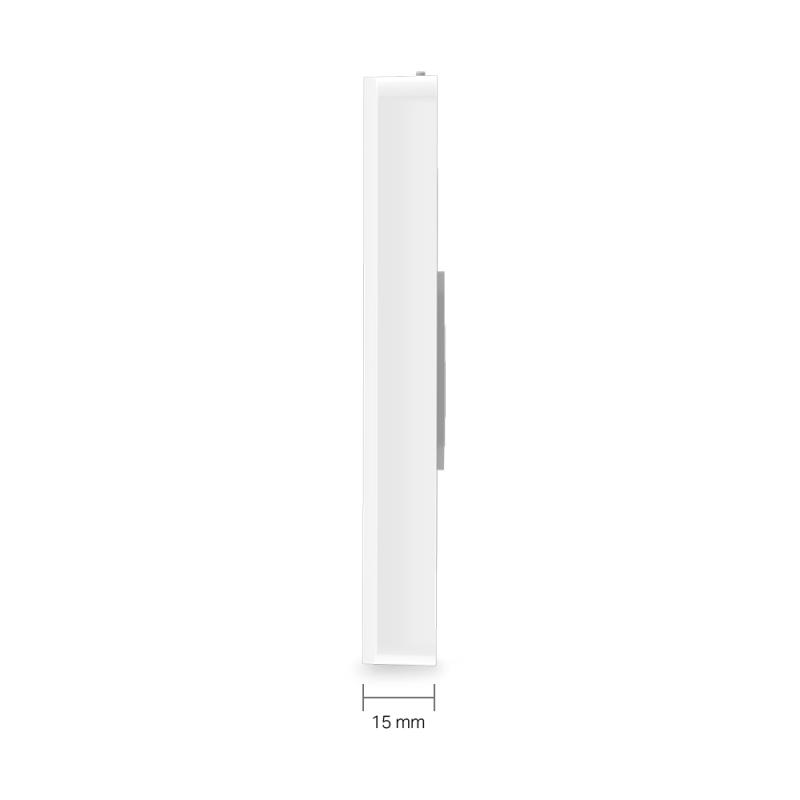
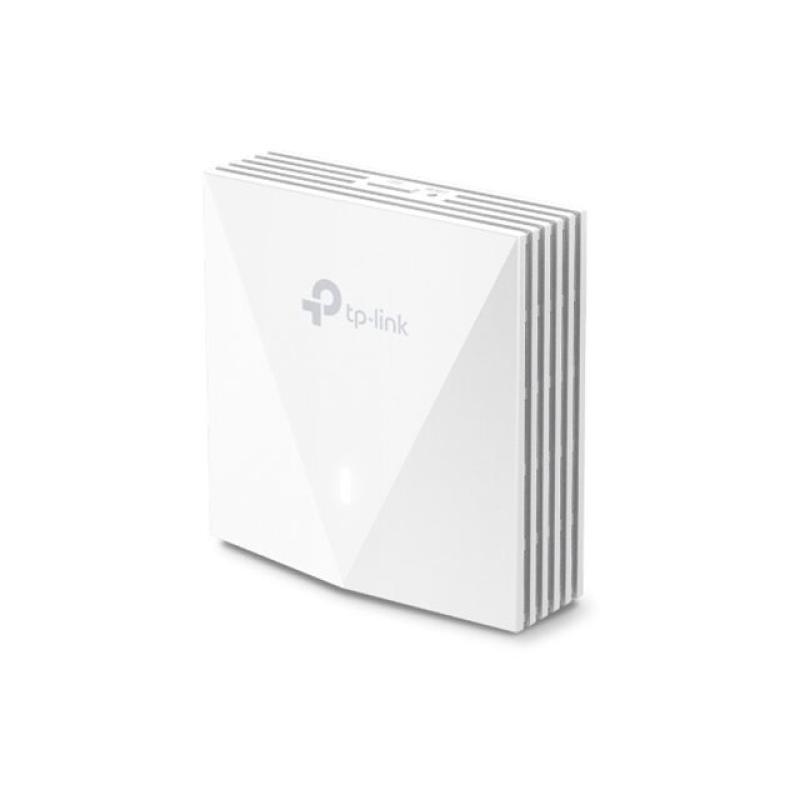
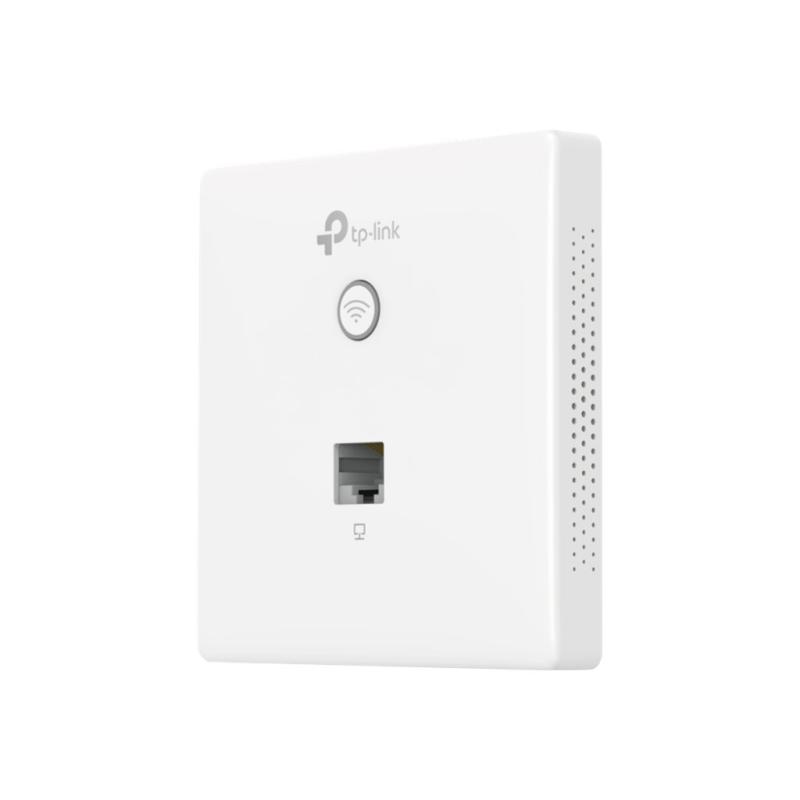
The thinnest wall plate AP available—only 15 mm—featuring a sleek, minimalist appearance. Designed to blend in with the décor of hotel rooms, hospitals, offices and school dormitories, to deliver powerful Wi-Fi without clashing with the room.

Effortless Deployment with PoE Powered
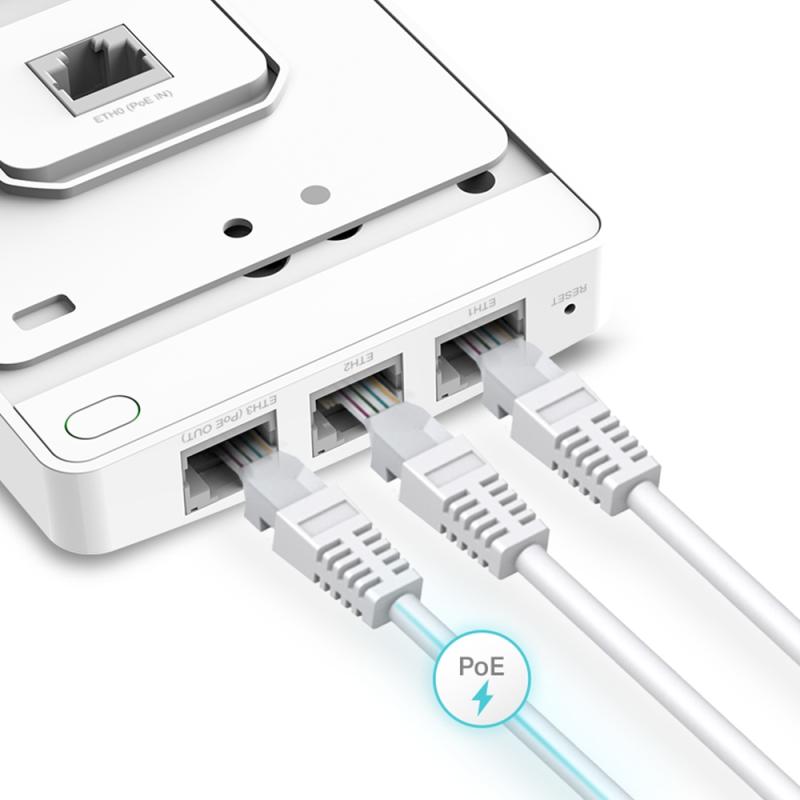
With 802.3af/802.3at Power over Ethernet supported there’s no need to install additional wiring in the building. Simply plug in existing Ethernet cables and you’re ready to go.

Quick, Simplified Installation
EAP235-Wall is easy to install, so extra cost, time, or professional knowledge are completely unnecessary.

Full Gigabit Ports to Bridge Network
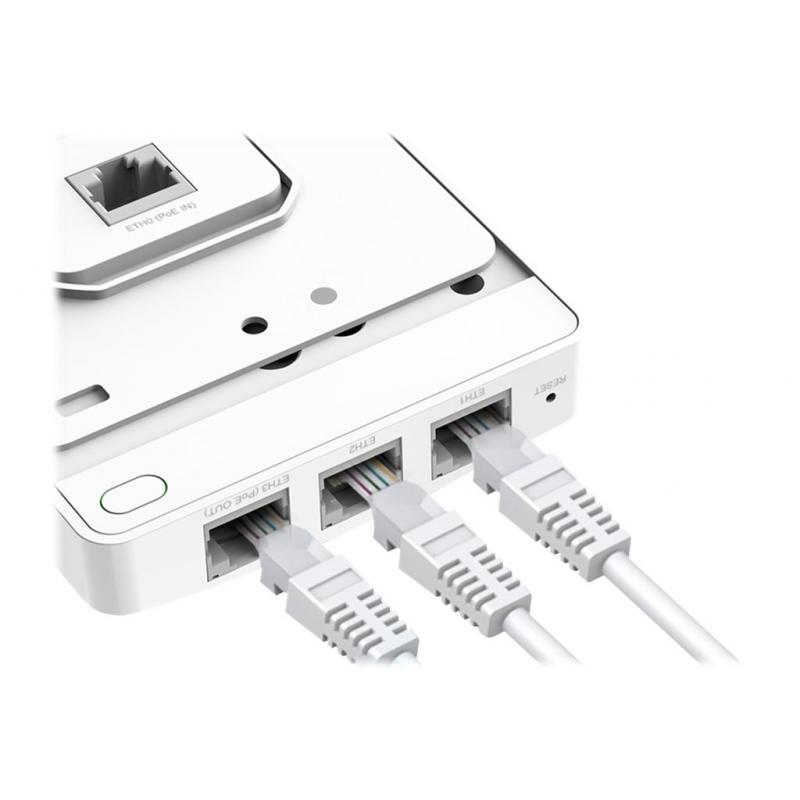
Equipped with four Gigabit data ports (1 uplink + 3 downlink), one downlink port offering PoE pass-through, to connect multiple devices to your gigabit network. Wired devices like VoIP phones can be powered with no need for extra electrical cables.

Cloud Centralized Management Anytime, Anywhere
Omada Cloud Controller OC200 and Omada Software Controller make it easy to manage and monitor the whole Omada network in real-time, while cloud service enables remote and secure access no matter where you find yourself.

Easy Management with the Omada App
Follow configuration instructions on the Omada app to get set up in minutes. Omada lets you configure settings, monitor the network status and manage clients, all from the convenience of a smart phone or tablet.
  • Connect faster and more
    802.11ac wave 2 MU-MIMO technology enables multiple users to access the Internet simultaneously, which largely boosts up your network speed of up to 1,200 Mbps. Capable of transmitting in both 2.4 GHz and 5 GHz wireless band, it provides greater compatibility to connect varieties of devices.
  • Effortless deployment with PoE-powered
    With 802.3af/802.3at Power over Ethernet supported there's no need to install additional wiring in the building. Simply plug in existing Ethernet cables and you're ready to go.
  • Quick, simplified installation
    EAP235-Wall is easy to install, so extra cost, time, or professional knowledge are completely unnecessary.
  • Full Gigabit ports to bridge network
    Equipped with four Gigabit data ports, one downlink port offering PoE passthrough, to connect multiple devices to your Gigabit network. Wired devices like VoIP phones can be powered with no need for extra electrical cables.

Address
Name
TP-Link
Email
info.de@tp-link.com
Website
https://www.tp-link.com/
Telephone
+49 (0)211 8755 100
Fax
+49 (0)211 87551 041
Street
Am Trippelsberg 100
Postcode
40589
City
Düsseldorf
Country
DE