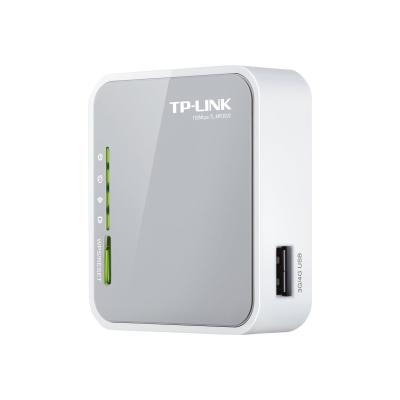
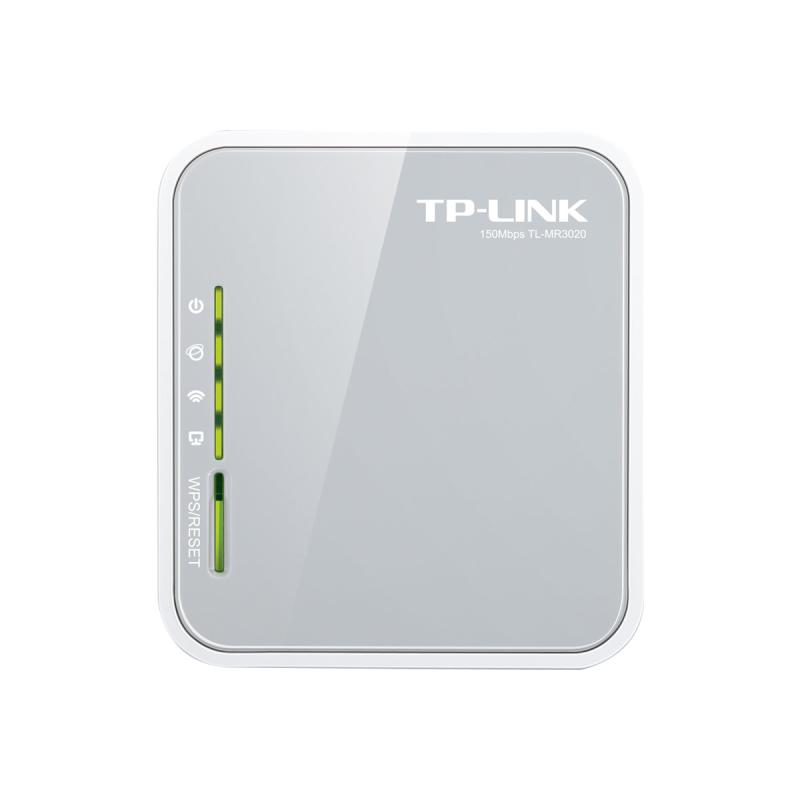
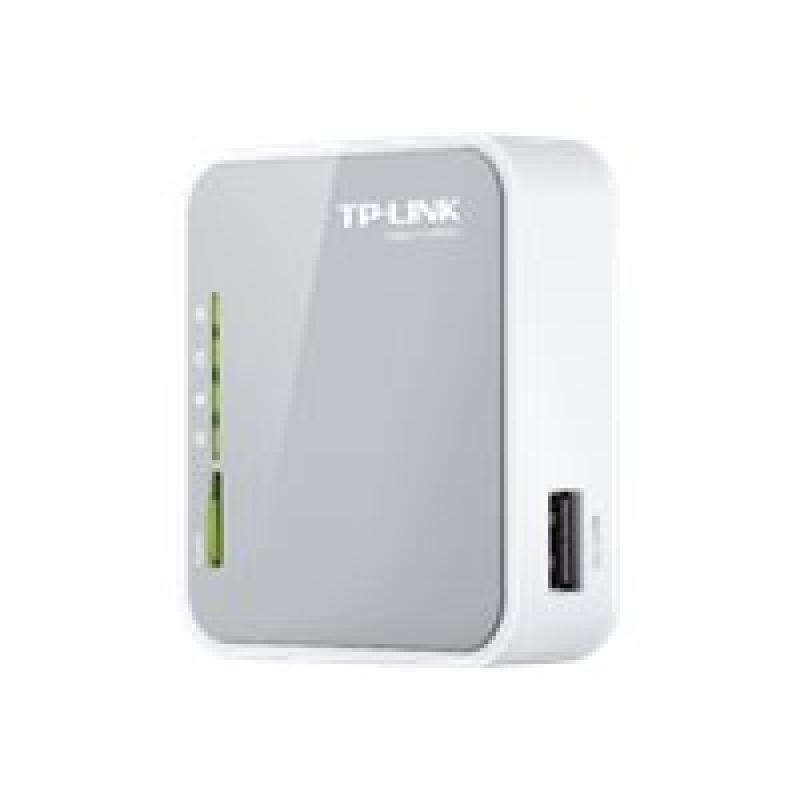
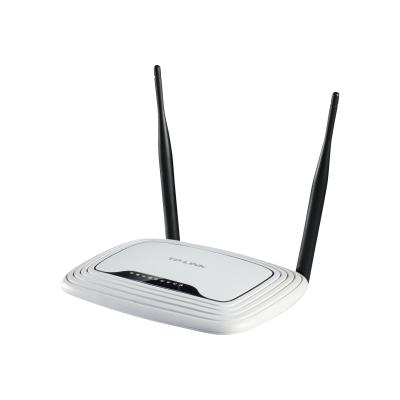
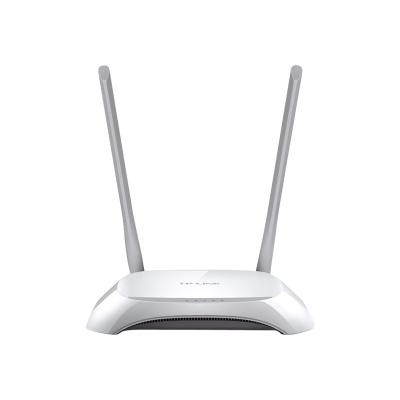
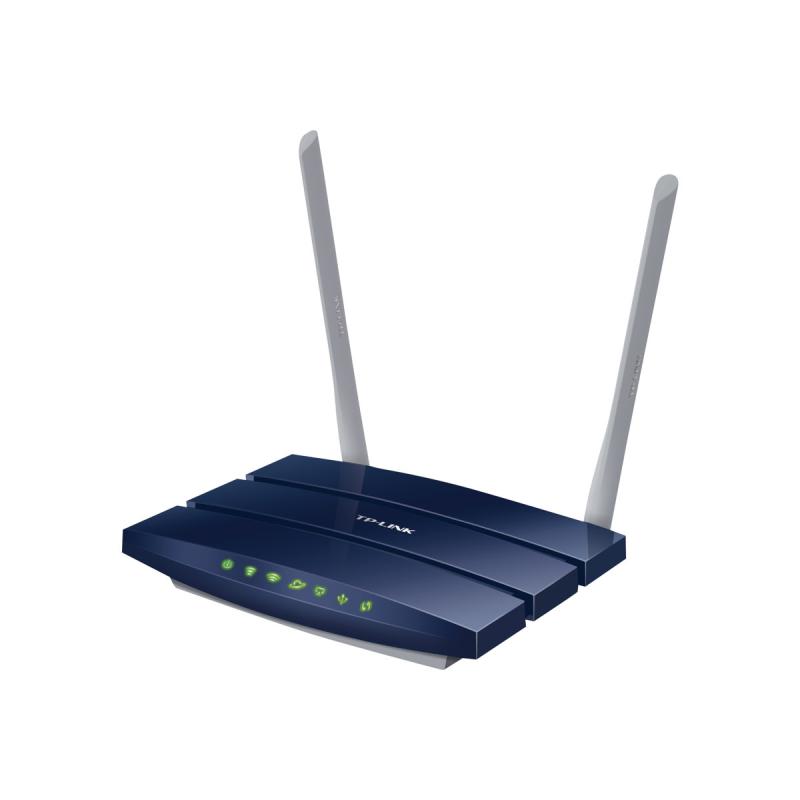
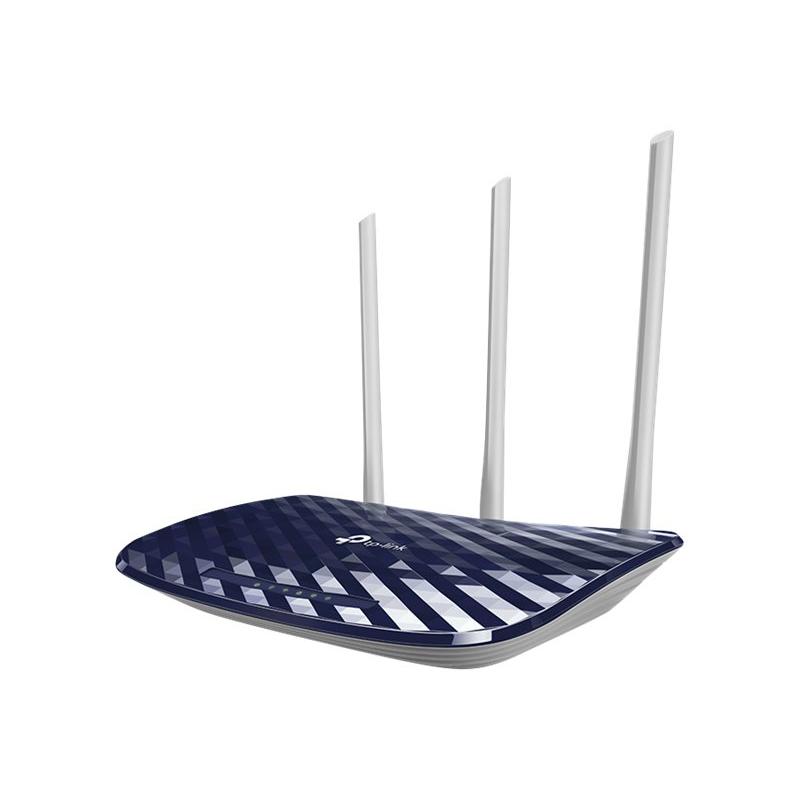
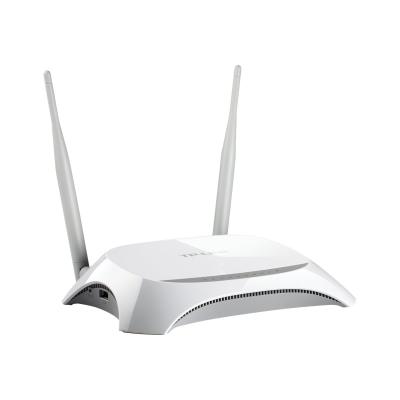
With a travel-sized design, a mini USB port, Wireless N speeds up to 150 Mbps and a high compatibility with 3G modems, TP-LINK’s new Portable 3G/3.75G Wireless N Router,
TL-MR3020 is the ideal device to provide wireless cloud for iPads, iTouches, Android Phones, Kindles and the vast majority of other portable Wi-Fi enabled devices.
Travel-sized Design
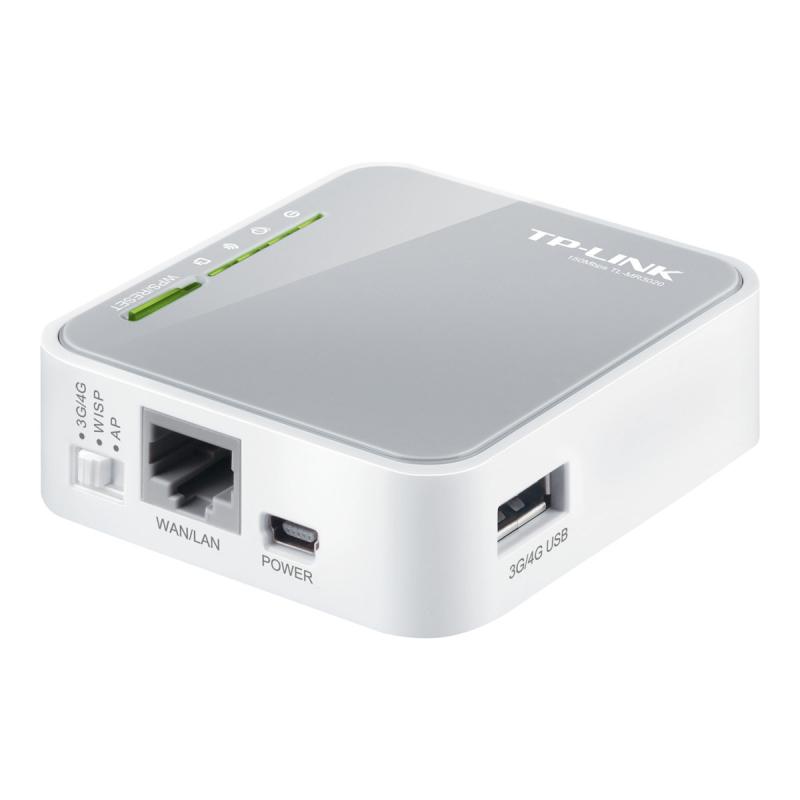
With the travel-sized and compact design, TL-MR3020 is small enough to take on the road and make sure that you can share a 3G internet connection wherever wireless 3G coverage is available.
Travel Router with 3G/4G Function
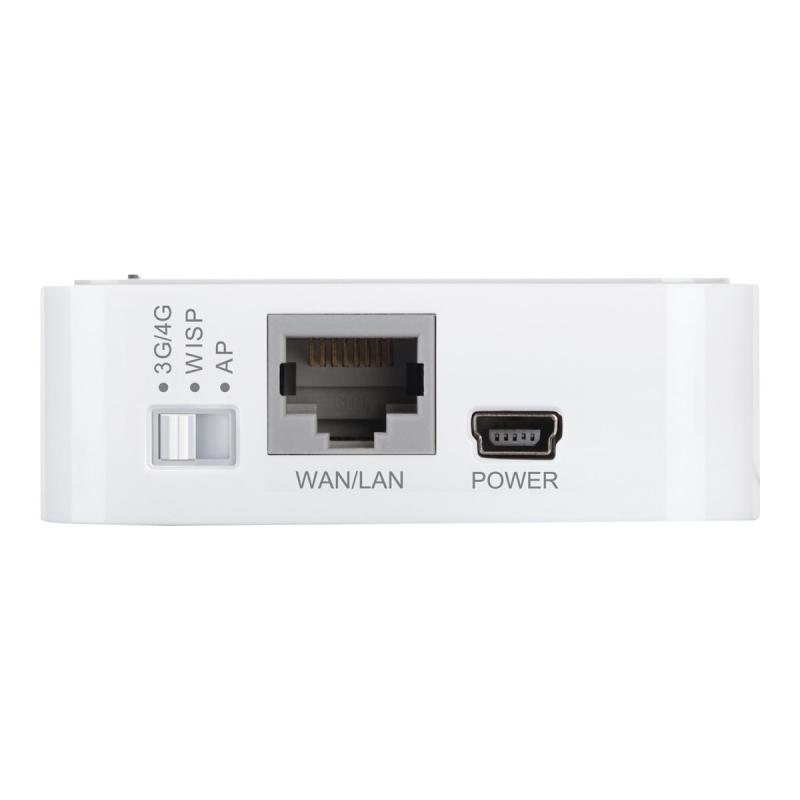
TL-MR3020 is the ideal travel partner for people on the go. 3G Router Mode enables you to plug in a 3G USB modem and share it wirelessly. Its Travel Router Mode (AP Mode) allows you to conveniently setup an internet connection utilizing a hotel WAN cable. Meanwhile, you can also use the switch on the side of the router to choose between Travel Router Mode, 3G Router Mode and WISP Client Router Mode based on your different requirements.
Power Supply
TL-MR3020 provides you a mini USB port to be connected to your laptop or power adapter for power supply.
- High compatibility-tested in field
Compatibility is the most important aspect to consider when you're selecting a 3G router. TP-LINK has made certain that 3G routers are compatible with the ISPs in the regions in which they are sold. - One button security setup
With one button security setup, the TL-MR3020 allows users to instantly setup their security simply by pressing the WPS button on the router and automatically establishing a WPA2 secure connection, which is more secure when compared with WEP encryptions. Not only is this faster and safer than normal security setups but more convenient in that users needn't remember a password! - IP QoS - control your bandwidth
Bandwidth of mobile broadband is limited. With the router's IP QoS function, the TL-MR3020 allows optimum utilization of bandwidth and offers bandwidth control over congestion, preventing bandwidth abuse. When sharing your mobile broadband with others, you can decide how the bandwidth is shared based on your requirements. - Easy to use
The TL-MR3020 can be installed quickly and easily almost anywhere. All you need to do is insert the USB modem into the router, search for its wireless SSID on your computer and connect to it. Users can be online and surfing the Internet in no time, with the user guide on provided CD, even novice users can easily set up their wireless Internet connections.
Address
Email
info.de@tp-link.com
Website
https://www.tp-link.com/
Telephone
+49 (0)211 8755 100
Street
Am Trippelsberg 100
 English
 Deutsch