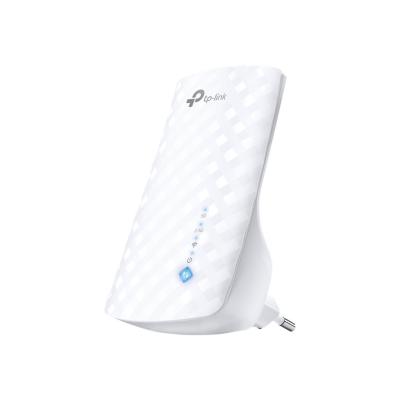
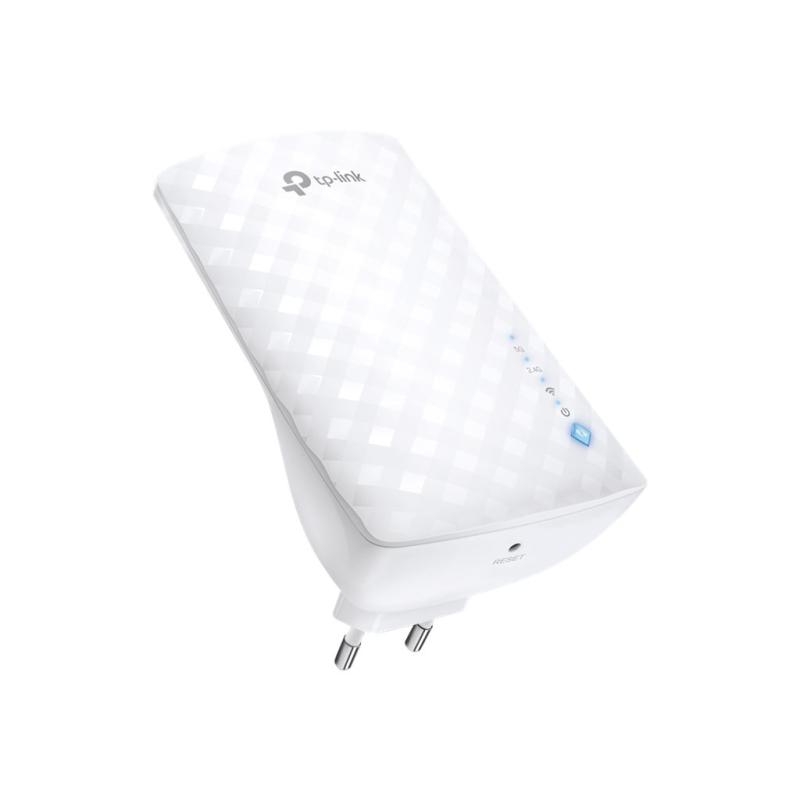
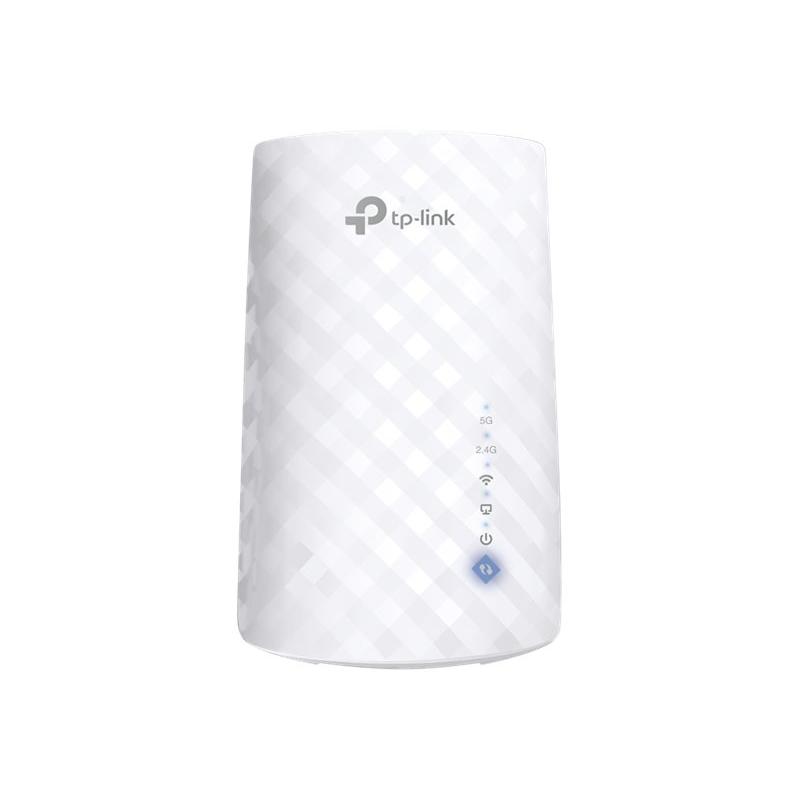
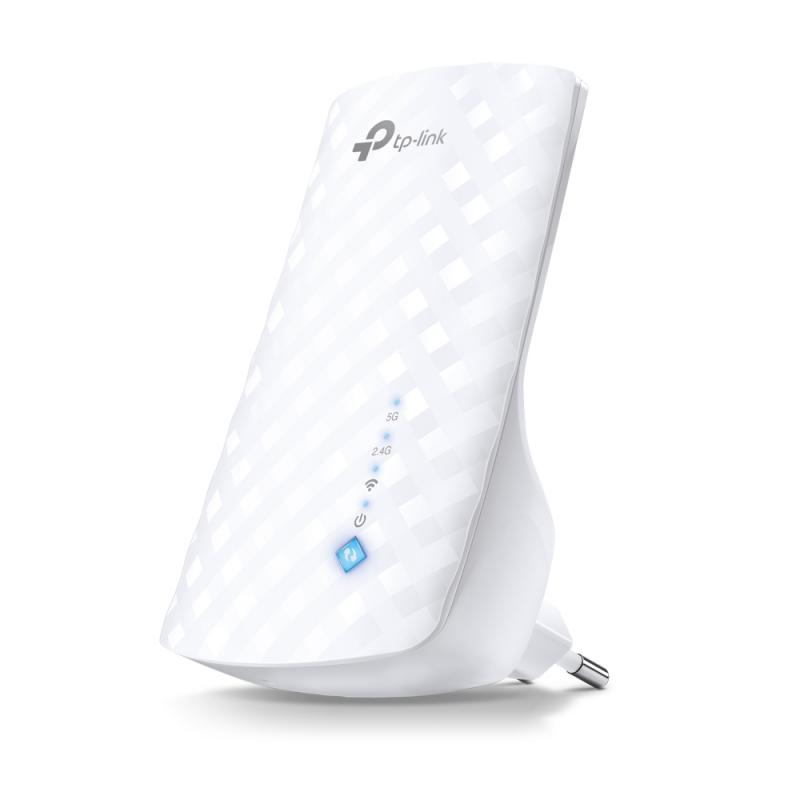
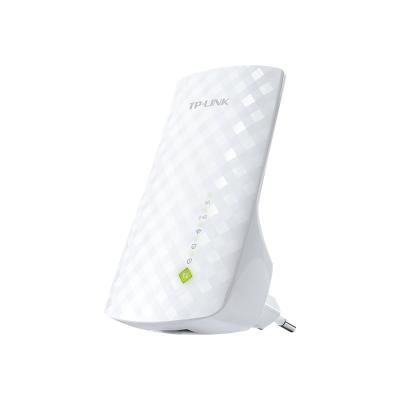
TP-LINK TPLINK Repeater (RE190)

TP-LINK TPLINK Repeater (RE190)

TP-Link RE190 - Wi-Fi range extender - Wi-Fi 5 - 2.4 GHz, 5 GHz

Qty:

Category (Netzwerktechnik)
Network Equipment
Network Equipment
OEM
RE190
EAN
6935364089665
SKU
tplne000196 (114775)
Manufacturer
TP-Link
Master carton
24.0000
Type
Repeater
Customs tariff number
85176200
UNSPSC
43222817
eClass
19-03-01-18
eClass V7
19-17-02-06
Dimensions (Girth)
155 x 110 x 90 (555)
Type
Repeater
Amount of ports
Other Amount of ports
Transmission rate
1Gbps

Boost Your Wi-Fi Network to Cover hard-to-reach Areas
Place the RE190 between your wireless router and wireless devices, expanding Wi-Fi coverage while eliminating Wi-Fi dead zones. Enjoy a seamless wireless network throughout your home or office. The dual bands Wi-Fi up to 750Mbps not only help extend to 2,000 sq.ft. (185 m2), but also make good use of your high ISP speed — ideal for HD video streaming, online gaming and other bandwidth-intensive tasks.

AC750 Wi-Fi for Compatible Connections
The RE190’s Wireless AC technology create stronger Wi-Fi
connections across your home. Work with any standard
router or access point, making it convenient to provide wide, non-dropping Dual Band Wi-Fi to multiple devices.

One Key Connection
Press the WPS button on your router and RE button on your RE190 within 2 minutes to easily connect to the network. Once connected with an existing router, you can simply relocate the RE190 at any location for the best signal strength.

Smart Signal Indicator
Smart signal lights indicate the signal strength received from the existing router. Read the lights to find the best location for your RE190.
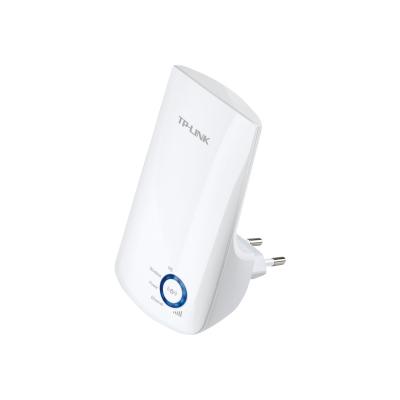
  • AC750 Wi-Fi for compatible connections
    The RE190's Wireless AC technology create stronger Wi-Fi connections across your home. Work with any standard router or access point, making it convenient to provide wide, non-dropping Dual Band Wi-Fi to multiple devices.
  • One key connection
    Press the WPS button on your router and RE button on your RE190 within 2 minutes to easily connect to the network. Once connected with an existing router, you can simply relocate the RE190 at any location for the best signal strength.
  • Smart signal indicator
    Smart signal lights indicate the signal strength received from the existing router. Read the lights to find the best location for your RE190.
Address
Name
TP-Link
Email
info.de@tp-link.com
Website
https://www.tp-link.com/
Telephone
+49 (0)211 8755 100
Fax
+49 (0)211 87551 041
Street
Am Trippelsberg 100
Postcode
40589
City
Düsseldorf
Country
DE