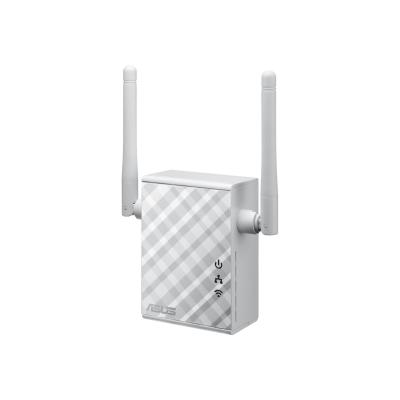
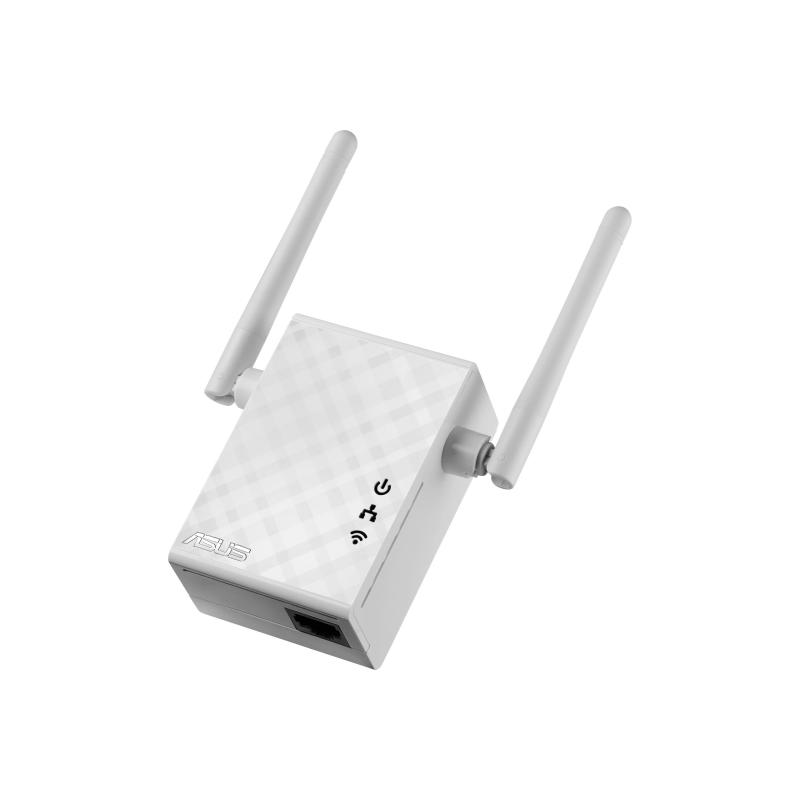
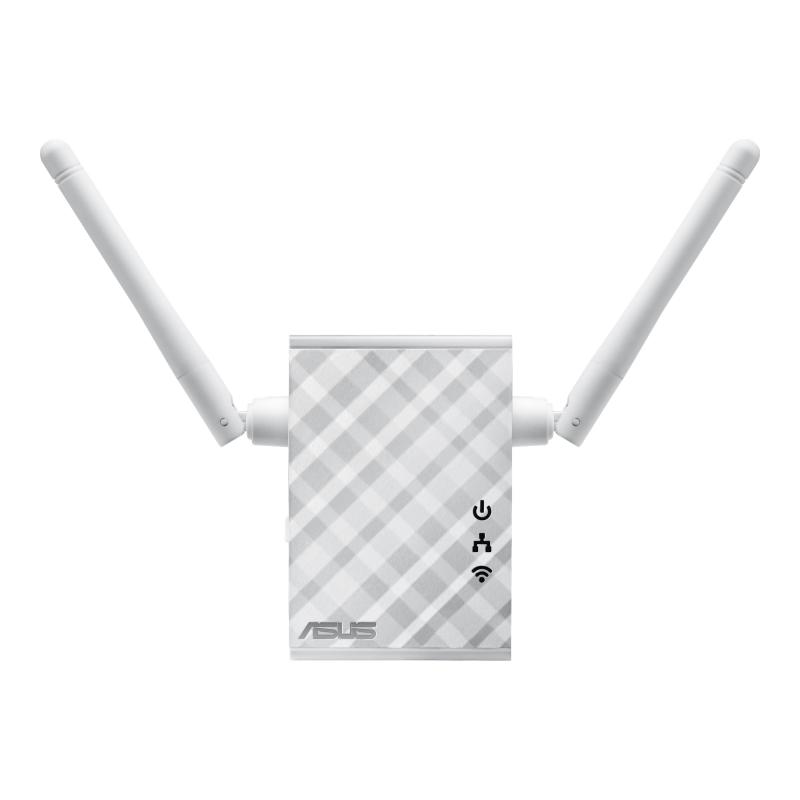
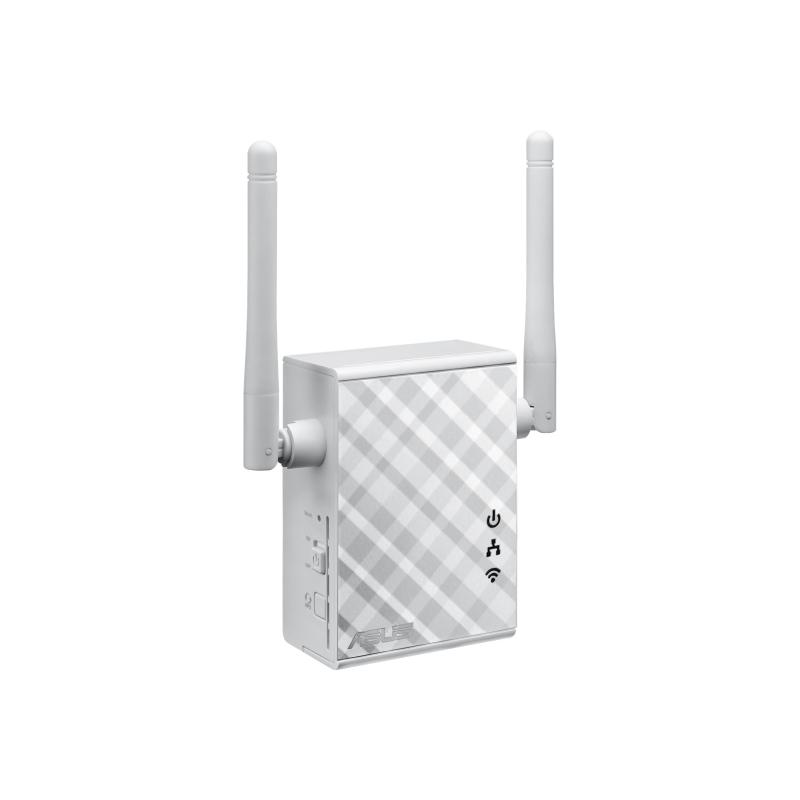
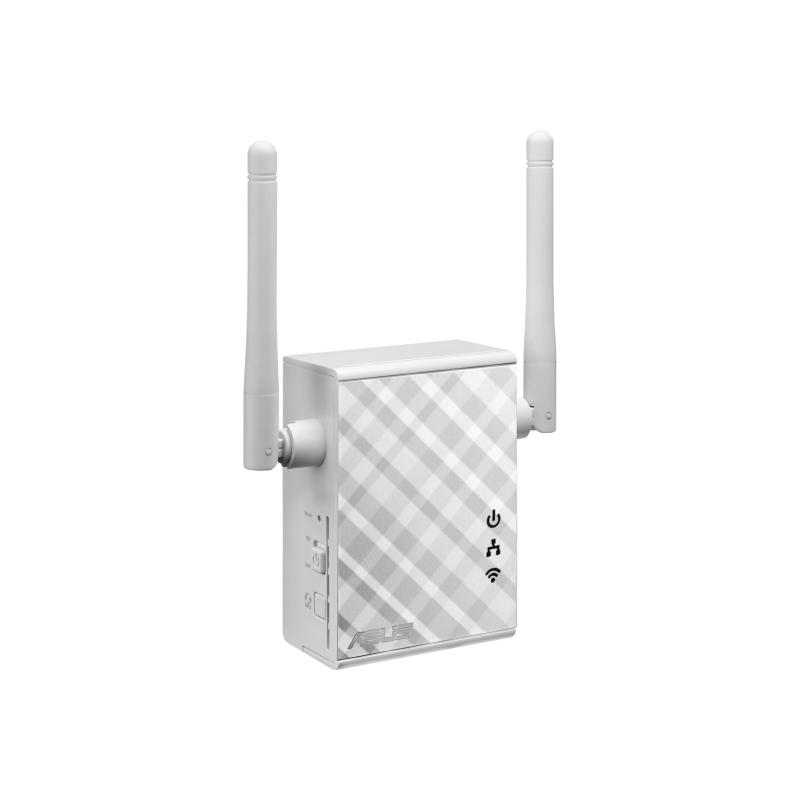
ASUS Repeater RP-N12 RPN12 (90IG01X0-BO2100) (90IG01X0BO2100)

ASUS Repeater RP-N12 RPN12 (90IG01X0-BO2100) (90IG01X0BO2100)

ASUS RP-N12 - Wi-Fi range extender - Wi-Fi - 2.4 GHz - in wall

Qty:

Category (Netzwerktechnik)
Network Equipment
Network Equipment
OEM
90IG01X0-BO2100
EAN
4716659987468
SKU
asune000020 (100449)
Manufacturer
Asus
Master carton
20.0000
Type
Repeater
Model
RP-N12
UNSPSC
43222817
eClass
19-03-01-18
eClass V7
19-17-02-06
Dimensions (Girth)
140 x 190 x 80 (680)
Type
Repeater
Amount of ports
Other Amount of ports
Transmission rate
100Mbps

Wireless-N300 Range Extender / Access Point / Media Bridge
- External antenna enhances Wi-Fi signal coverage and boosts your Wi-Fi everywhere;
- Quick and secure setup via a press of the WPS button;
- Smart LED signal indicator helps you find the best location for optimum Wi-Fi performance;
- Roaming Assist helps you to get a stable connection everywhere in the home or office.

Fill Your Home with Wi-Fi
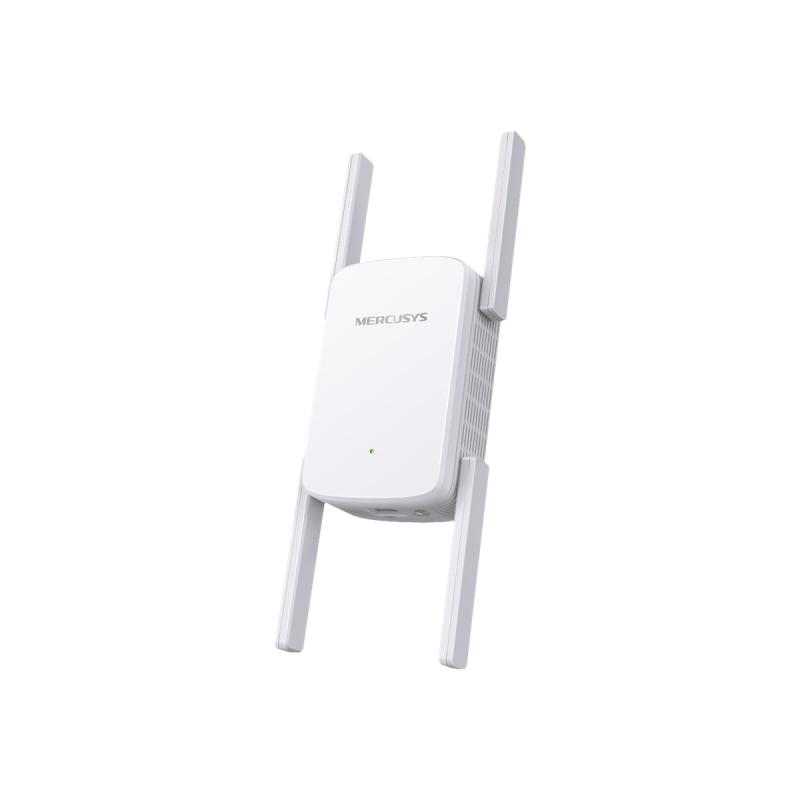
The RP-N12 wireless range extender has powerful external MIMO antennas that help to eliminate signal dead zones and improve the coverage of any existing wireless router. It works as a repeater, which means it can extend wireless networking to every corner of the home — even to those difficult, hard-to-reach spots. This ensures reliable high-speed internet coverage everywhere for devices such as notebooks, tablets, smartphones, game consoles and smart TVs.

One-press setup and worry-free connectivity
RP-N12 wireless range extender installation doesn’t require a CD or even a mouse and keyboard. Simply press the WPS button and setup is complete. Optimized performance is assured for a seamless and smooth internet experience. For advanced settings, you can connect RP-N12 to a PC via an Ethernet cable and access the web-based configuration menu directly, with no disc or app needed. You can even set it up wirelessly from a tablet or smartphone.

Find the best location for RP-N12 with the signal indicator
For best results, RP-N12 needs to be within range of a stable router signal, and should be placed between the router and the location where you need better wireless coverage. RP-N12 works best when it is receiving a strong wireless signal from the router — you can check this by using the signal strength indicator on the front panel.

3-in-1 range extender, access point and media bridge modes
RP-N12 has two more convenient modes to make it even more flexible. As well as a range extender, it can also work as a wireless access point (AP) or as a media bridge. In AP mode, it can be connected to any wired LAN — for example, a hotel’s internet connection — to create a personal Wi-Fi hotspot, allowing the internet connection to be accessed from laptops, phones or other Wi-Fi devices. In media bridge mode, it can be connected to any Ethernet-compatible device — such as a smart TV, multimedia player, game console or PC — to give it Wi-Fi capability. A great way to reduce cable mess!

Roaming Assist-always get the most stable connection
With our hassle-free Roaming Assist technology, you never have to switch connections manually between RP-N12 and your ASUS router as you move around the home. Once you enable this function, your device will connect automatically to the strongest Wi-Fi signal, whether it’s from the router or the range extender. This ensures that you always get the most reliable connection wherever you are in the house.
  • Fill Your Home with Wi-Fi
    The RP-N12 wireless repeater has powerful external MIMO antennas that help to eliminate signal dead zones and improve the coverage of any existing wireless router. It works as a repeater, which means it can extend wireless networking to every corner of the home - even to those difficult, hard-to-reach spots. This ensures reliable high-speed Internet coverage everywhere for devices such as notebooks, tablets, smartphones, game consoles and smart TVs.
  • One-press setup and worry-free connectivity
    RP-N12 wireless repeater installation doesn't require a CD or even a mouse and keyboard. Simply press the WPS button and setup is complete. Optimized performance is assured for a seamless and smooth Internet experience. For advanced settings, you can connect RP-N12 to a PC via an Ethernet cable and access the web-based configuration menu directly, with no disc or app needed. You can even set it up wirelessly from a tablet or smartphone.
  • Find the optimal location for RP-N12 with the signal indicator
    For best results, RP-N12 needs to be within range of a stable router signal, and should be placed between the router and the location where you need better wireless coverage. RP-N12 works well when it is receiving a strong wireless signal from the router - you can check this by using the signal strength indicator on the front panel.
  • 3-in-1 repeater, access point and media bridge modes
    RP-N12 has two more convenient modes to make it even more flexible. As well as a repeater, it can also work as a wireless access point (AP) or as a media bridge. In AP mode, it can be connected to any wired LAN - for example, a hotel's Internet connection - to create a personal Wi-Fi hotspot, allowing the Internet connection to be accessed from laptops, phones or other Wi-Fi devices. In media bridge mode, it can be connected to any Ethernet-compatible device - such as a smart TV, multimedia player, game console or PC - to give it Wi-Fi capability. A great way to reduce cable mess!
  • Roaming Assist for stable connections, everywhere!
    With the hassle-free Roaming Assist technology, you never have to switch connections manually between RP-N12 and your ASUS router as you move around the home. Once you enable this function, your device will connect automatically to the strongest Wi-Fi signal, whether it's from the router or the repeater. This ensures that you always get a reliable connection wherever you are in the house.

Address
Name
Asus
Email
info@asus.com
Website
https://www.asus.com/de/
Street
Harkortstraße 21-23
Postcode
40880
City
Ratingen
Country
DE