D-LINK DLINK Medienkonverter DUB-M420 DUBM420 (DUB-M420)

D-LINK DLINK Medienkonverter DUB-M420 DUBM420 (DUB-M420)

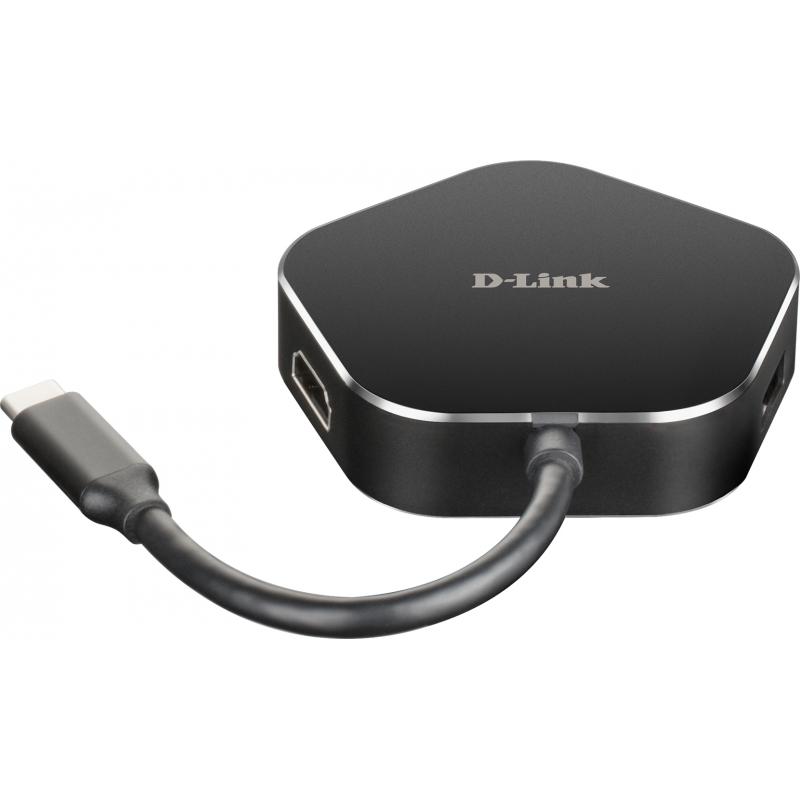
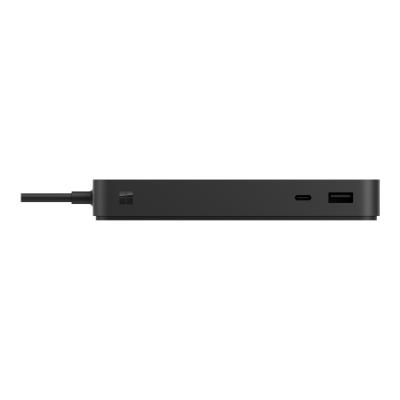
D-Link DUB-M420 - Docking station - USB-C / Thunderbolt 3 - HDMI

Qty:

Category (Netzwerktechnik)
PC Systems
Notebook Accessories
OEM
DUB-M420
EAN
0790069447761
SKU
dline000161 (103679)
Manufacturer
D-Link
Master carton
0.0000
Type
Charging / Docking station
Color
Black
Customs tariff number
84718000
UNSPSC
43211602
eClass
19-01-92-01
eClass V7
19-01-92-01
Dimensions (Girth)
200 x 135 x 35 (540)
Type
Charging / Docking station

Add a second screen at up to 4K resolutions

Connect a second display to the 4K HDMI port for video up to 4K resolution with no lag

SuperSpeed USB 3.0

Transfer data at 5 Gbps. Ideal for transferring from USB drives, phones, tablets, cameras, and other peripherals.

Plug and Play

Add more available ports simply by plugging the hub into a USB-C port. No additional software required.

Power Delivery

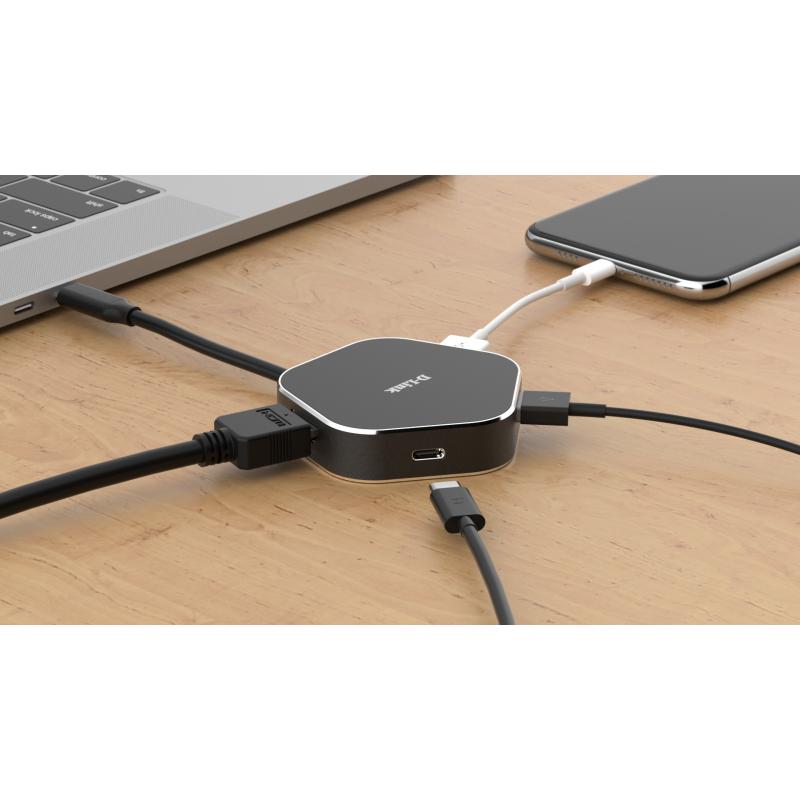
Deliver up to 60W of power through the hub to your laptop by connecting your USB-C charger to the USB-C port.

Thunderbolt 3

Use the Thunderbolt 3 port to transfer data, deliver power, or extend your display in seconds.

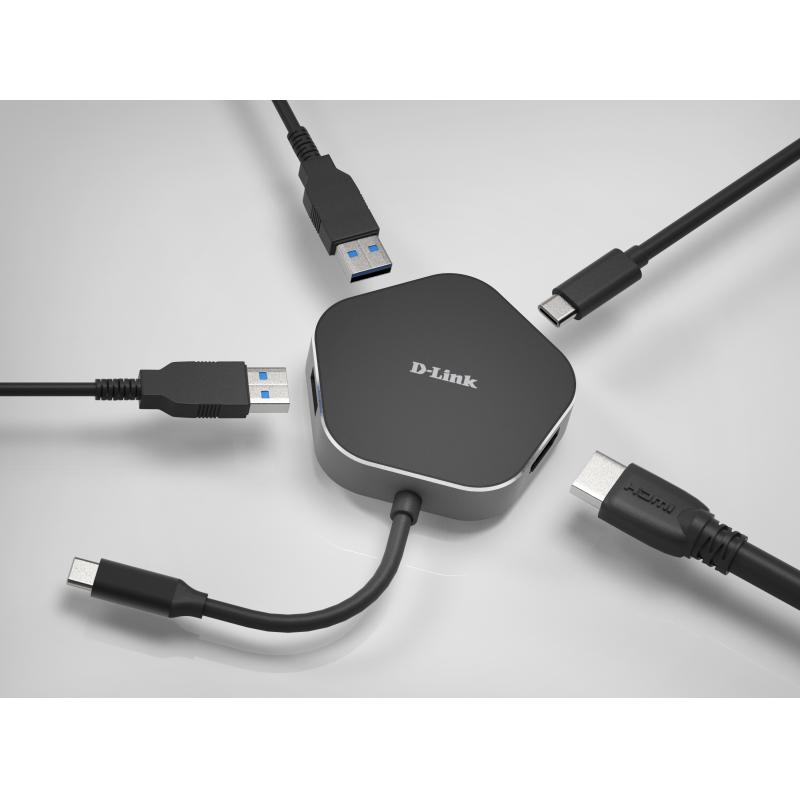
Turn one port into four new ports.

Instantly add an HDMI port for a second display, two USB 3.0 ports, while keeping a USB-C port free for your laptop simply by plugging the hub into a USB-C port.

Transfer Large Files in Seconds

Use the hub to quickly transfer files to your USB devices like phones, tablets, external hard drives, and flash drives, to your computer. It has the latest USB 3.0 technology built in to make transfers of music, HD videos, entire photo albums, backups and other large files up to x10 faster than USB 2.0. You can connect older USB 2.0/1.1/1.0 devices as well as ones using the latest USB 3.0 technology.

Easy to take with you everywhere.

The hub’s compact design makes it convenient to carry with you anywhere and it fits into any laptop bag. When you need it, simply plug the hub into any Mac, Windows or Linux computer with a USB-C port. It’s that easy. No drivers needed, and no complex software installation required.

Extend your screen to a vivid 4K monitor.

Plug into the hub’s HDMI port to instantly mirror or extend your display to a second monitor with vibrant 4K resolution. And full backwards compatibility means you can connect to a 720p or 1080p monitor.

Deliver power through the hub.

With the Power Delivery feature, you can charge your laptop at the same time as connecting to your USB peripheral devices. Simply connect your USB-C charger to the hub’s USB-C port to provide up to 60W of power to your laptop.
  • Add a second screen at high resolutions
    Connect a second display to the HDMI port for high-resolution video with no lag.
  • SuperSpeed USB 3.0
    Ideal for transferring from USB drives, phones, tablets, cameras, and other peripherals.
  • Plug and play
    Add more available ports simply by plugging the hub into a USB-C port. No additional software required.
  • Thunderbolt 3 compliant
    Use the Thunderbolt 3 port to transfer data, deliver power, or extend your display in seconds.
  • Turn one port into four ports
    Instantly add an HDMI port for a second display, two USB 3.0 ports, while keeping a USB-C port free for your laptop simply by plugging the hub into a USB-C port.
  • Transfer large files in seconds
    Use the hub to quickly transfer files to your USB devices like phones, tablets, external hard drives, and flash drives, to your computer. It has the USB 3.0 technology to make transfers of music, HD videos, entire photo albums, backups and other large files much faster than USB 2.0.
  • Easy to take with you everywhere
    The hub’s compact design makes it convenient to carry with you anywhere and it fits into any laptop bag. When you need it, simply plug the hub into any computer with a USB-C port. It’s that easy. No drivers needed, and no complex software installation required.
  • Extend your screen to a vivid monitor
    Plug into the hub’s HDMI port to instantly mirror or extend your display to a second monitor with vibrant resolution. And full backwards compatibility means you can connect to a 720p or 1080p monitor.
  • Deliver power through the hub
    With the Power Delivery feature, you can charge your laptop at the same time as connecting to your USB peripheral devices. Simply connect your USB-C charger to the hub’s USB-C port to provide up to 60W of power to your laptop.

Address
Name
D-Link
Email
dce-vertriebsanfrage@dlink.com
Website
https://www.dlink.com/
Telephone
+49 (0)6196 /77 99-0
Fax
+ 49 (0)6196 /77 99-300
Street
Schwalbacher Str. 74
Postcode
65760
City
Eschborn
Country
DE